Minimalist Line Portrait Style Icon Maker
Create Minimalist Line Portrait Style icons with AI — describe anything and get a perfectly square icon in seconds.
Rendered in Minimalist Line Portrait at 1024×1024 — learn about this style
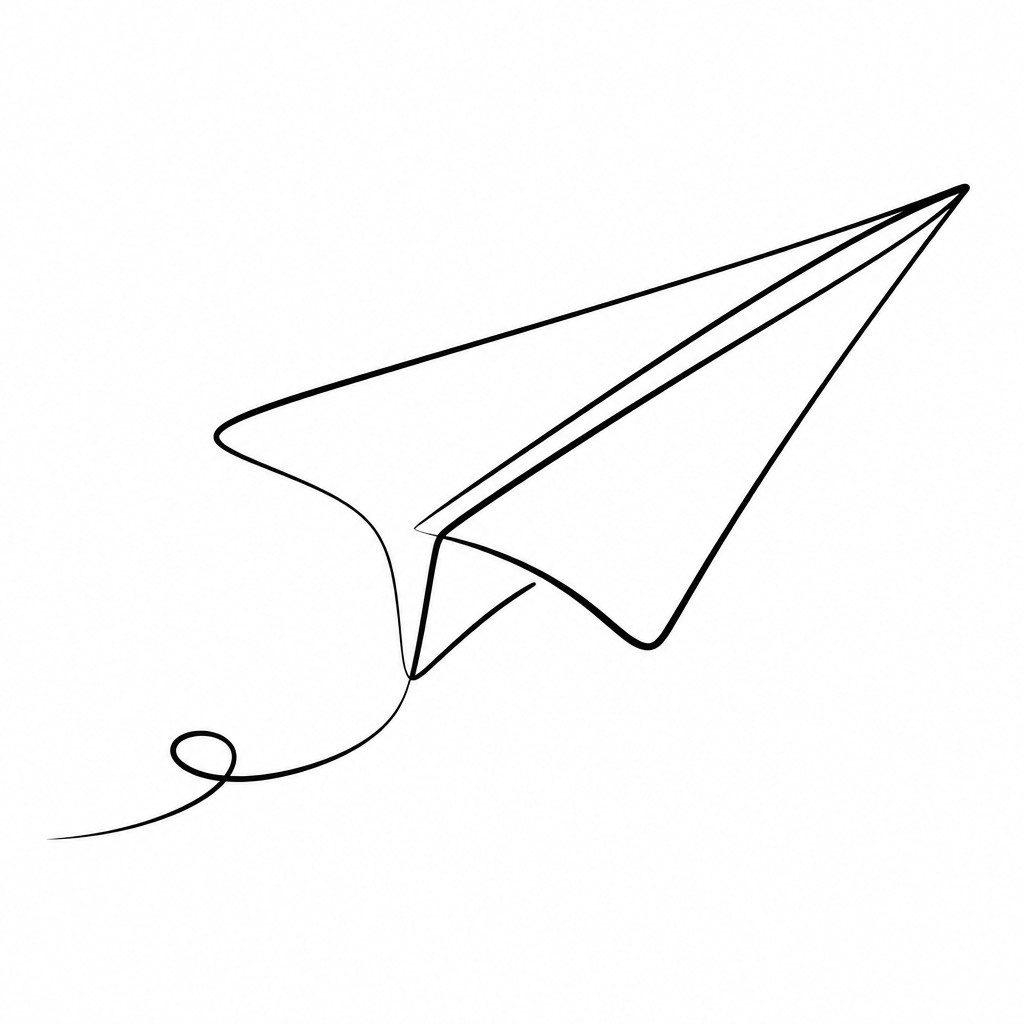
Why Minimalist Line Portrait Style Works for Icons
Minimalist line portrait style: elegant single-line portraits with sparse marks, strong contour, and expressive economy.
- ✦Single continuous contour: Many works are built from one unbroken line that traces the essential anatomy of the face or figure. The continuity of the line creates a sense of flow and unity, even when the subject is highly simplified.
- ✦Selective detail: Only the most necessary features are included, such as the bridge of the nose, eyelids, lips, or hairline. Omitted information is not a flaw but a design choice that invites the viewer to complete the image mentally.
- ✦Strong use of negative space: Empty white space is as important as the drawn line. The surrounding blank field isolates the portrait and gives it clarity, calm, and a gallery-like openness.
Those qualities translate directly into icons: the style stays readable at avatar and thumbnail sizes, and every generation is unique to your prompt. Want the full picture? Explore the Minimalist Line Portrait Style guide →
How It Works
Describe it
Type what you want your icon to show.
Generate
The AI renders it in Minimalist Line Portrait Style at 1024×1024 — regenerate and refine as much as you like.
Download & use
Save your icon and use it anywhere.
Frequently Asked Questions
How do I make a Minimalist Line Portrait Style icon?
Type what you want into the generator (or upload a photo), and it renders your icon in Minimalist Line Portrait Style at 1024×1024 — sized and framed for icons. You can iterate as many times as you like until it's right.
Is the Minimalist Line Portrait Style icon maker free?
You can try it free — every new account gets credits to generate. No design skills or software needed.
Can I use my own photo?
Yes — switch to Image to Image mode, upload a photo, and it will be transformed into Minimalist Line Portrait Style while keeping your subject and composition.
What size is the icon?
Icons generate at 1024×1024 pixels (1:1), and you can upscale or re-generate at other sizes in the generator.











