Manga Comic Art Icon Maker
Create Manga Comic Art icons with AI — describe anything and get a perfectly square icon in seconds.
Rendered in Manga Comic at 1024×1024 — learn about this style
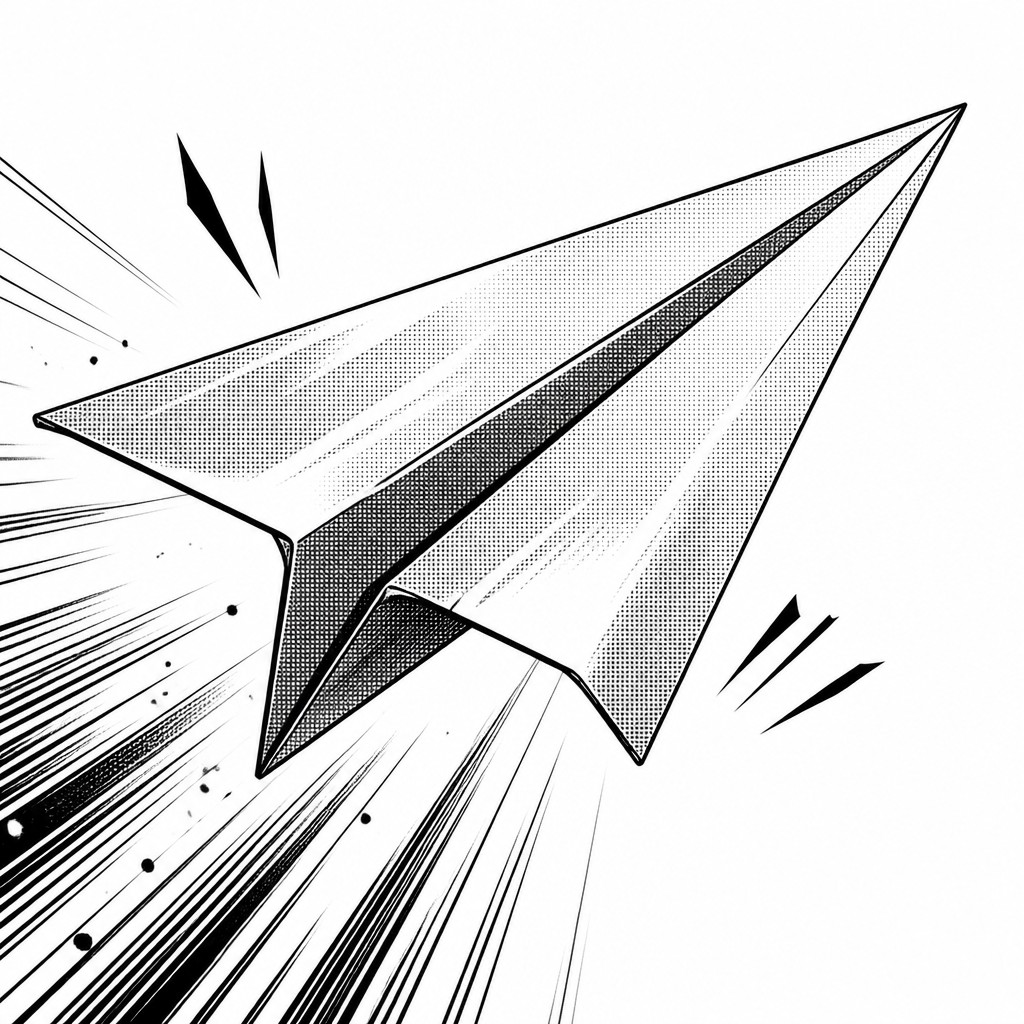
Why Manga Comic Art Works for Icons
Japanese comic style with expressive faces, speed lines, screentones, bold inks, and dramatic black-and-white storytelling.
- ✦Expressive character design: Faces are built around clear emotional signals: large eyes, sharply shaped brows, simplified noses and mouths, and exaggerated reactions. This makes feelings easy to read instantly, even in crowded panels or fast action scenes.
- ✦Ink-first linework: The style relies on clean, confident contour lines with strong hierarchy between thin and thick marks. Line weight separates foreground from background and gives figures a crisp, printed clarity.
- ✦Screentone and halftone shading: Shadows are often built with dot patterns, gradients, or layered tone sheets rather than painterly blending. These textures create depth while preserving the graphic contrast of black-and-white printing.
Those qualities translate directly into icons: the style stays readable at avatar and thumbnail sizes, and every generation is unique to your prompt. Want the full picture? Explore the Manga Comic Art guide →
How It Works
Describe it
Type what you want your icon to show.
Generate
The AI renders it in Manga Comic Art at 1024×1024 — regenerate and refine as much as you like.
Download & use
Save your icon and use it anywhere.
Frequently Asked Questions
How do I make a Manga Comic Art icon?
Type what you want into the generator (or upload a photo), and it renders your icon in Manga Comic Art at 1024×1024 — sized and framed for icons. You can iterate as many times as you like until it's right.
Is the Manga Comic Art icon maker free?
You can try it free — every new account gets credits to generate. No design skills or software needed.
Can I use my own photo?
Yes — switch to Image to Image mode, upload a photo, and it will be transformed into Manga Comic Art while keeping your subject and composition.
What size is the icon?
Icons generate at 1024×1024 pixels (1:1), and you can upscale or re-generate at other sizes in the generator.











