Majolica Ceramic Art Style Icon Maker
Create Majolica Ceramic Art Style icons with AI — describe anything and get a perfectly square icon in seconds.
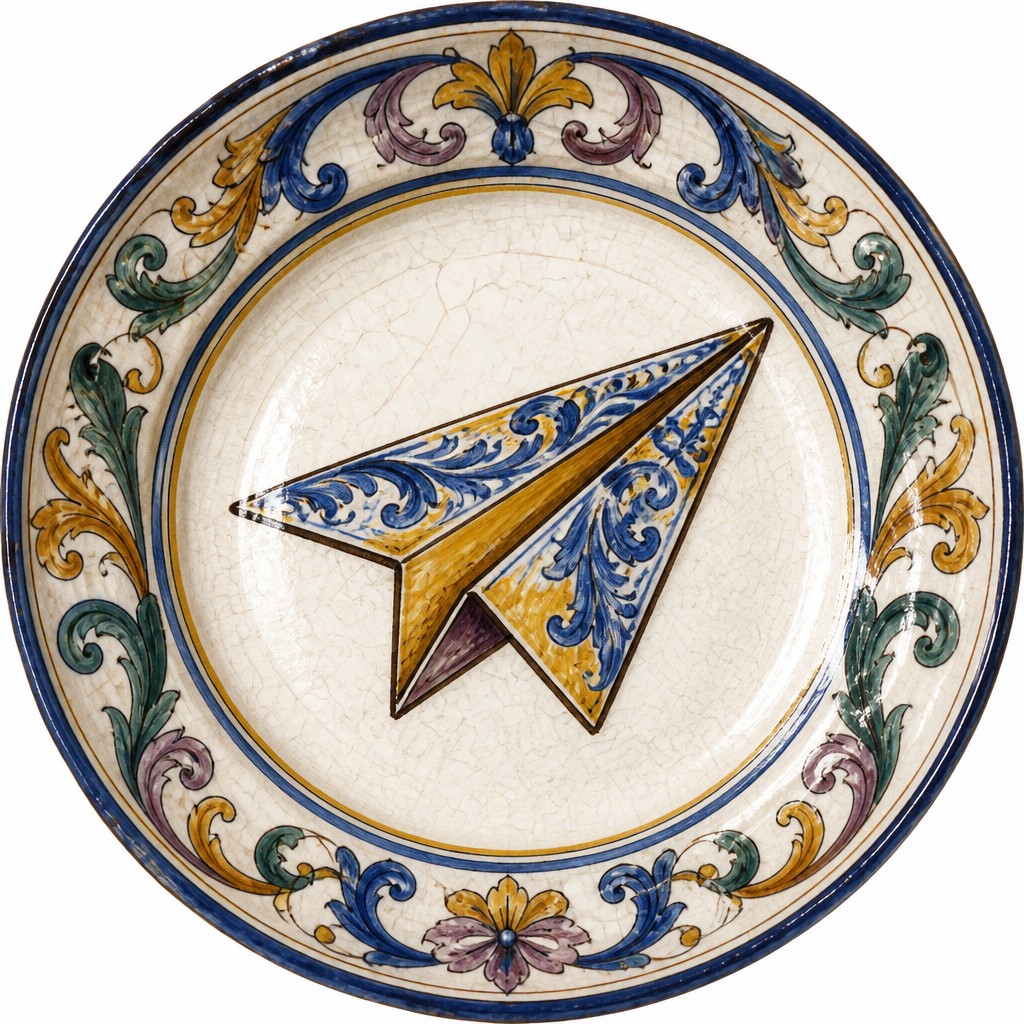
Rendered in Majolica Ceramic at 1024×1024 — learn about this style
Why Majolica Ceramic Art Style Works for Icons
Majolica ceramic art: vivid painted scenes on white tin glaze, with glossy surfaces, cobalt, ochre, green and purple ornament.
- ✦White tin-glaze ground: A bright opaque white surface is the foundation of the style. It creates contrast for painted imagery and gives the ceramic the look of a prepared canvas.
- ✦Hand-painted color palette: Cobalt blue, ochre yellow, copper green, manganese purple, and brick red are common historical colors. The palette usually feels rich but slightly softened by the glaze.
- ✦Delicate dark outlines: Fine dark line work often defines figures, leaves, scrolls, and contours. These outlines give the painted forms clarity on the glossy ground.
Those qualities translate directly into icons: the style stays readable at avatar and thumbnail sizes, and every generation is unique to your prompt. Want the full picture? Explore the Majolica Ceramic Art Style guide →
How It Works
Describe it
Type what you want your icon to show.
Generate
The AI renders it in Majolica Ceramic Art Style at 1024×1024 — regenerate and refine as much as you like.
Download & use
Save your icon and use it anywhere.
Frequently Asked Questions
How do I make a Majolica Ceramic Art Style icon?
Type what you want into the generator (or upload a photo), and it renders your icon in Majolica Ceramic Art Style at 1024×1024 — sized and framed for icons. You can iterate as many times as you like until it's right.
Is the Majolica Ceramic Art Style icon maker free?
You can try it free — every new account gets credits to generate. No design skills or software needed.
Can I use my own photo?
Yes — switch to Image to Image mode, upload a photo, and it will be transformed into Majolica Ceramic Art Style while keeping your subject and composition.
What size is the icon?
Icons generate at 1024×1024 pixels (1:1), and you can upscale or re-generate at other sizes in the generator.











