Digital Pop Art Style Icon Maker
Create Digital Pop Art Style icons with AI — describe anything and get a perfectly square icon in seconds.
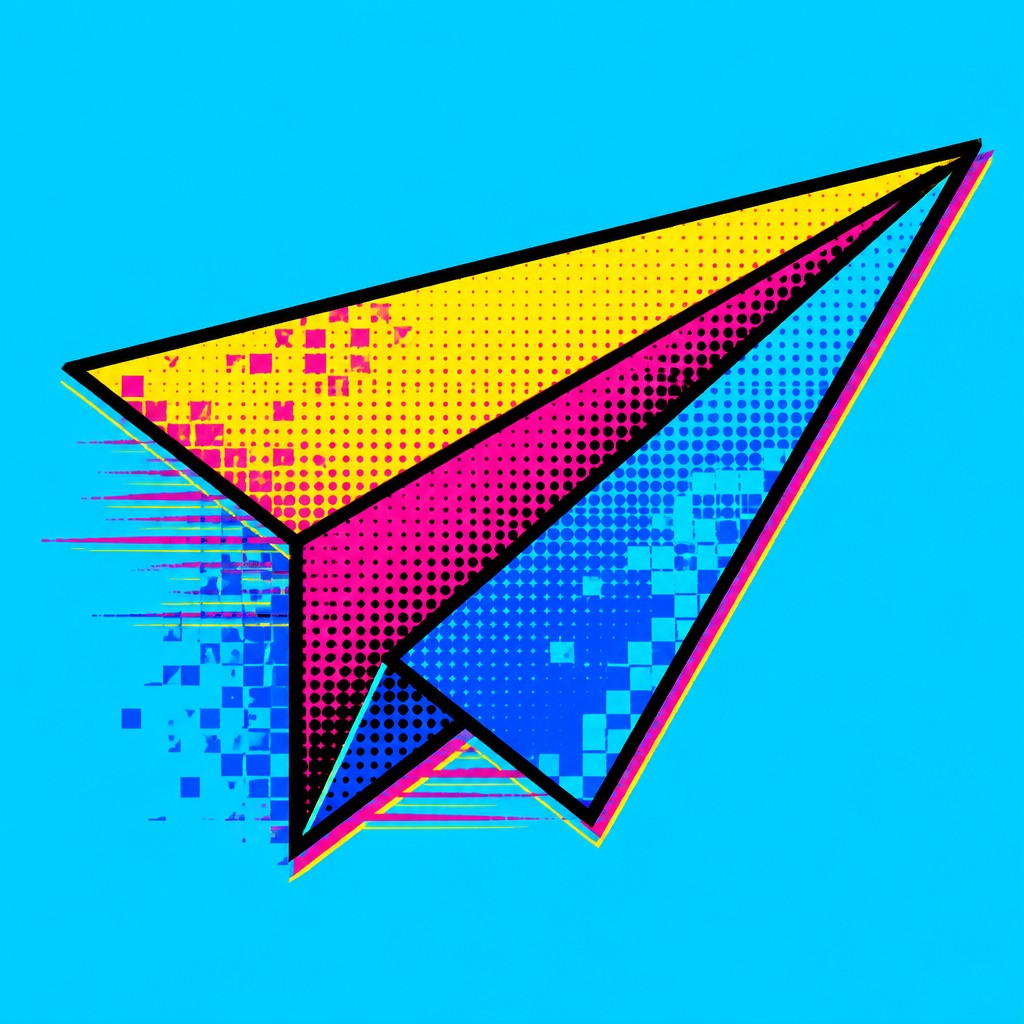
Rendered in Digital Pop at 1024×1024 — learn about this style
Why Digital Pop Art Style Works for Icons
Bold pop-art visuals fused with pixels, emoji, glitch textures, and internet-age color for contemporary digital culture.
- ✦Flat, high-impact color: The palette is typically saturated and synthetic, with cyan, magenta, yellow, electric blue, and sharp black defining the image. Colors are applied in clean blocks that emphasize clarity over tonal modeling.
- ✦Thick black contour lines: Objects are usually outlined with bold, decisive lines that echo comic art and screen-print poster design. These outlines separate forms cleanly and help the image read instantly at a glance.
- ✦Halftone and pixel fusion: Classic Ben-Day or halftone dots are often mixed with pixel blocks, dithering, or low-resolution textures. This fusion creates a bridge between print culture and digital display aesthetics.
Those qualities translate directly into icons: the style stays readable at avatar and thumbnail sizes, and every generation is unique to your prompt. Want the full picture? Explore the Digital Pop Art Style guide →
How It Works
Describe it
Type what you want your icon to show.
Generate
The AI renders it in Digital Pop Art Style at 1024×1024 — regenerate and refine as much as you like.
Download & use
Save your icon and use it anywhere.
Frequently Asked Questions
How do I make a Digital Pop Art Style icon?
Type what you want into the generator (or upload a photo), and it renders your icon in Digital Pop Art Style at 1024×1024 — sized and framed for icons. You can iterate as many times as you like until it's right.
Is the Digital Pop Art Style icon maker free?
You can try it free — every new account gets credits to generate. No design skills or software needed.
Can I use my own photo?
Yes — switch to Image to Image mode, upload a photo, and it will be transformed into Digital Pop Art Style while keeping your subject and composition.
What size is the icon?
Icons generate at 1024×1024 pixels (1:1), and you can upscale or re-generate at other sizes in the generator.











