Conceptual Modern Art Style Icon Maker
Create Conceptual Modern Art Style icons with AI — describe anything and get a perfectly square icon in seconds.
Rendered in Conceptual Modern at 1024×1024 — learn about this style
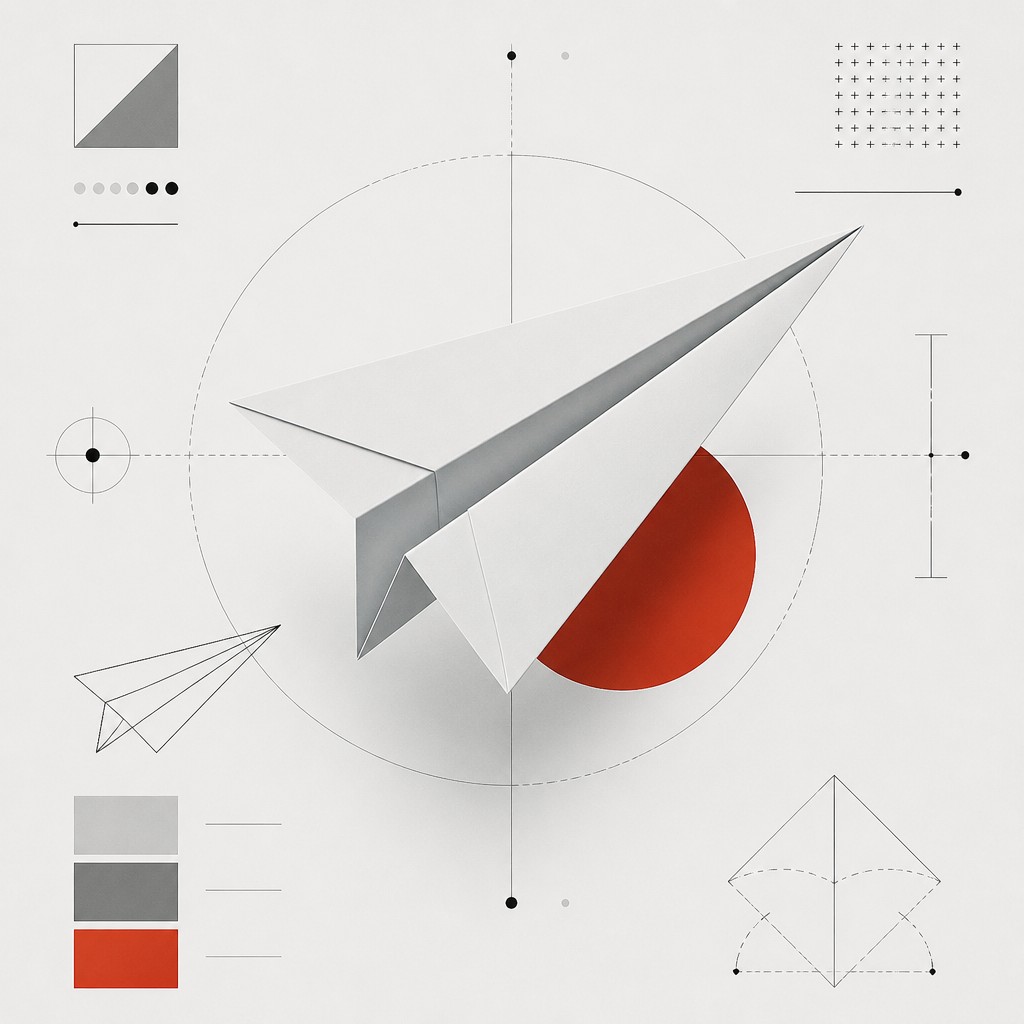
Why Conceptual Modern Art Style Works for Icons
Minimal, idea-driven art with text, diagrams, and restrained forms that turn the concept itself into the artwork.
- ✦Idea-first composition: The concept leads the image, so the visual field is often sparse and organized to communicate a proposition, rule, or system. Objects and figures may be reduced to signs rather than depicted naturalistically.
- ✦Text as image: Typography is not merely captioning; it is part of the composition and often carries the main meaning. Labels, statements, definitions, lists, and coordinates commonly replace conventional imagery.
- ✦Geometric reduction: Forms are simplified into rectangles, lines, modules, arrows, and measured alignments. This reduction creates a calm, analytical appearance and prevents any one element from becoming overly expressive.
Those qualities translate directly into icons: the style stays readable at avatar and thumbnail sizes, and every generation is unique to your prompt. Want the full picture? Explore the Conceptual Modern Art Style guide →
How It Works
Describe it
Type what you want your icon to show.
Generate
The AI renders it in Conceptual Modern Art Style at 1024×1024 — regenerate and refine as much as you like.
Download & use
Save your icon and use it anywhere.
Frequently Asked Questions
How do I make a Conceptual Modern Art Style icon?
Type what you want into the generator (or upload a photo), and it renders your icon in Conceptual Modern Art Style at 1024×1024 — sized and framed for icons. You can iterate as many times as you like until it's right.
Is the Conceptual Modern Art Style icon maker free?
You can try it free — every new account gets credits to generate. No design skills or software needed.
Can I use my own photo?
Yes — switch to Image to Image mode, upload a photo, and it will be transformed into Conceptual Modern Art Style while keeping your subject and composition.
What size is the icon?
Icons generate at 1024×1024 pixels (1:1), and you can upscale or re-generate at other sizes in the generator.











