Bohemian Jewelry Design Icon Maker
Create Bohemian Jewelry Design icons with AI — describe anything and get a perfectly square icon in seconds.
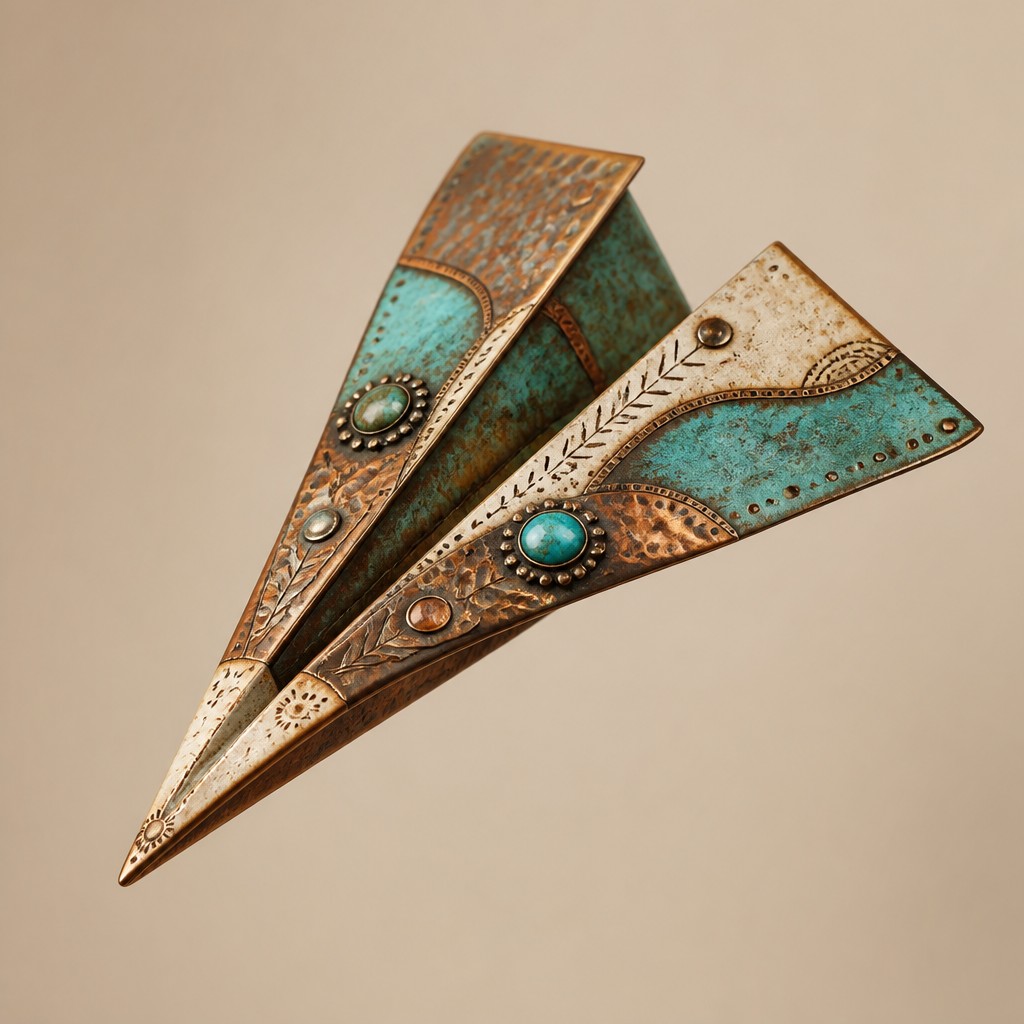
Rendered in Bohemian Jewelry Design at 1024×1024 — learn about this style
Why Bohemian Jewelry Design Works for Icons
Earthy, layered jewelry design with turquoise, copper, bone, and handcrafted patina inspired by bohemian artisan traditions.
- ✦Earthy, mineral palette: The style typically uses warm amber, turquoise, terracotta, brass, copper, bone white, and muted greens. These colors evoke earth, stone, sun-faded textiles, and weathered metal rather than bright synthetic finishes.
- ✦Layered ornament: Pieces often combine multiple strands, pendants, charms, and bead sizes to create visual density. The accumulation of elements gives the work a collected, travel-worn feeling.
- ✦Handcrafted textures: Hammering, etching, filigree, wire-wrapping, and patina are central surface qualities. Visible tool marks and irregular finishes are valued because they signal handmaking and age.
Those qualities translate directly into icons: the style stays readable at avatar and thumbnail sizes, and every generation is unique to your prompt. Want the full picture? Explore the Bohemian Jewelry Design guide →
How It Works
Describe it
Type what you want your icon to show.
Generate
The AI renders it in Bohemian Jewelry Design at 1024×1024 — regenerate and refine as much as you like.
Download & use
Save your icon and use it anywhere.
Frequently Asked Questions
How do I make a Bohemian Jewelry Design icon?
Type what you want into the generator (or upload a photo), and it renders your icon in Bohemian Jewelry Design at 1024×1024 — sized and framed for icons. You can iterate as many times as you like until it's right.
Is the Bohemian Jewelry Design icon maker free?
You can try it free — every new account gets credits to generate. No design skills or software needed.
Can I use my own photo?
Yes — switch to Image to Image mode, upload a photo, and it will be transformed into Bohemian Jewelry Design while keeping your subject and composition.
What size is the icon?
Icons generate at 1024×1024 pixels (1:1), and you can upscale or re-generate at other sizes in the generator.











