Blocky Art Style Icon Maker
Create Blocky Art Style icons with AI — describe anything and get a perfectly square icon in seconds.
Rendered in Blocky at 1024×1024 — learn about this style
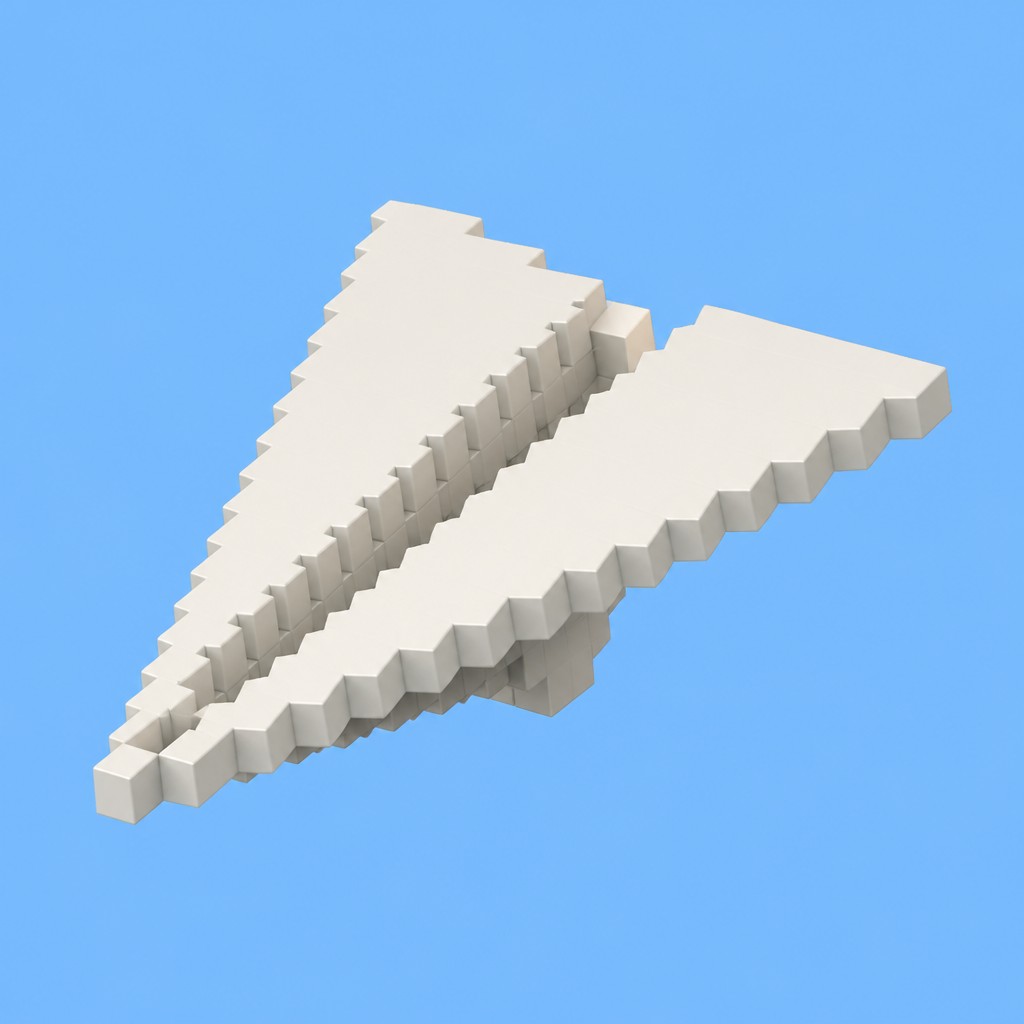
Why Blocky Art Style Works for Icons
Cubic 3D aesthetic built from uniform blocks and voxels, with flat shading, sharp angles, and a retro pixelated feel.
- ✦Uniform voxel construction: Objects, characters, and environments are composed of equal-sized cubic units or visibly blocky segments. This creates a modular look in which the whole image feels built from a single visual system.
- ✦Sharp angular geometry: Curves are replaced by steps, corners, and faceted transitions. Rounded forms become staircase-like silhouettes that preserve the impression of volume while remaining strictly geometric.
- ✦Flat-shaded color blocks: Colors are usually applied in clean, solid areas with minimal blending. Shading is subtle and typically separated by block face rather than brushed across the surface.
Those qualities translate directly into icons: the style stays readable at avatar and thumbnail sizes, and every generation is unique to your prompt. Want the full picture? Explore the Blocky Art Style guide →
How It Works
Describe it
Type what you want your icon to show.
Generate
The AI renders it in Blocky Art Style at 1024×1024 — regenerate and refine as much as you like.
Download & use
Save your icon and use it anywhere.
Frequently Asked Questions
How do I make a Blocky Art Style icon?
Type what you want into the generator (or upload a photo), and it renders your icon in Blocky Art Style at 1024×1024 — sized and framed for icons. You can iterate as many times as you like until it's right.
Is the Blocky Art Style icon maker free?
You can try it free — every new account gets credits to generate. No design skills or software needed.
Can I use my own photo?
Yes — switch to Image to Image mode, upload a photo, and it will be transformed into Blocky Art Style while keeping your subject and composition.
What size is the icon?
Icons generate at 1024×1024 pixels (1:1), and you can upscale or re-generate at other sizes in the generator.











