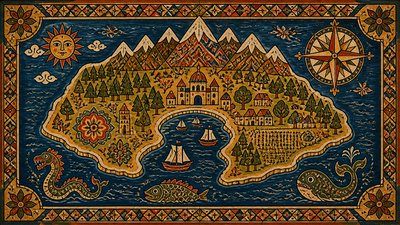
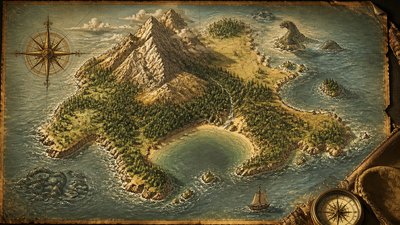
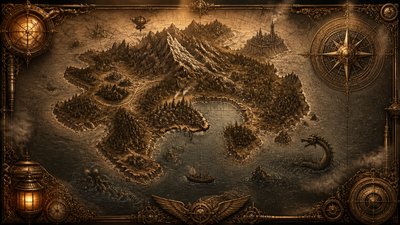
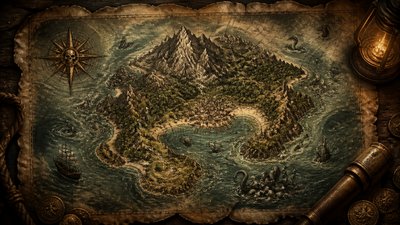
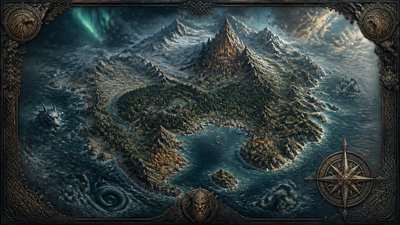
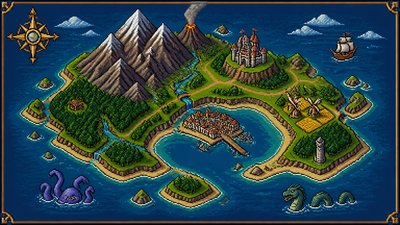
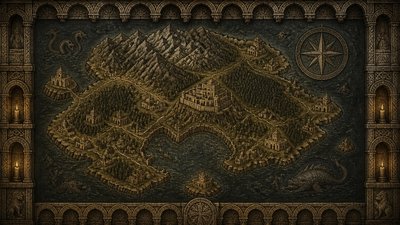
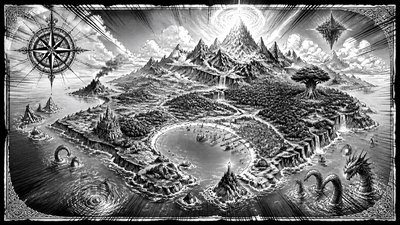
Line Art Icon Design Fantasy Map
Create Line Art Icon Design fantasy maps with AI — describe anything and get a widescreen fantasy map in seconds.
Rendered in Line Art Icon Design at 1536×864 — learn about this style
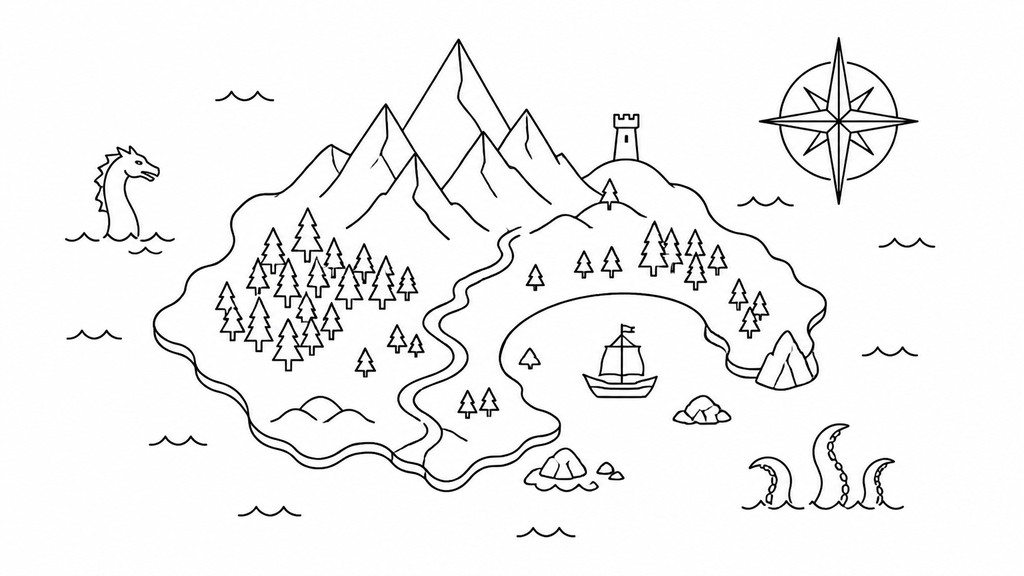
Why Line Art Icon Design Works for Fantasy maps
Clean single-line icons with clear silhouettes, uniform strokes, and minimal geometry for scalable, readable visual design.
- ✦Single-weight strokes: The line thickness stays uniform throughout the icon, creating a clean and controlled appearance. This consistency is what gives the style its graphic clarity and makes icons feel part of one system.
- ✦Outline-first construction: Forms are described by contour rather than by filled shapes or tonal modeling. Interior details, if used at all, are reduced to a few essential lines.
- ✦High legibility at small sizes: Icons are simplified to retain their identity when scaled down. Strong silhouettes and uncluttered interiors help them remain readable in interfaces and labels.
Those qualities translate directly into fantasy maps: the style stays readable at wide banner formats, and every generation is unique to your prompt. Want the full picture? Explore the Line Art Icon Design guide →
How It Works
Describe it
Type what you want your fantasy map to show.
Generate
The AI renders it in Line Art Icon Design at 1536×864 — regenerate and refine as much as you like.
Download & use
Save your fantasy map and use it anywhere.
Frequently Asked Questions
How do I make a Line Art Icon Design fantasy map?
Type what you want into the generator (or upload a photo), and it renders your fantasy map in Line Art Icon Design at 1536×864 — sized and framed for fantasy maps. You can iterate as many times as you like until it's right.
Is the Line Art Icon Design fantasy map maker free?
You can try it free — every new account gets credits to generate. No design skills or software needed.
Can I use my own photo?
Yes — switch to Image to Image mode, upload a photo, and it will be transformed into Line Art Icon Design while keeping your subject and composition.
What size is the fantasy map?
Fantasy maps generate at 1536×864 pixels (16:9 widescreen), and you can upscale or re-generate at other sizes in the generator.