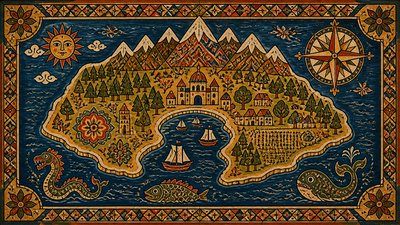
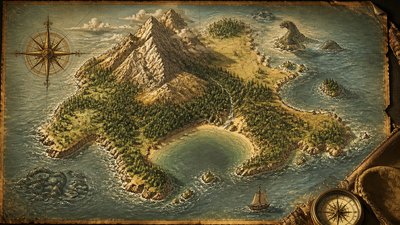
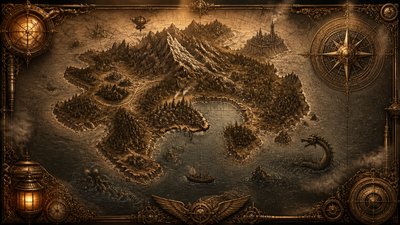
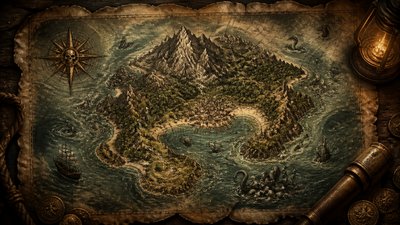
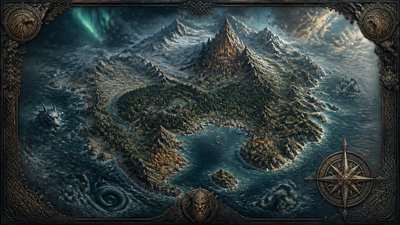
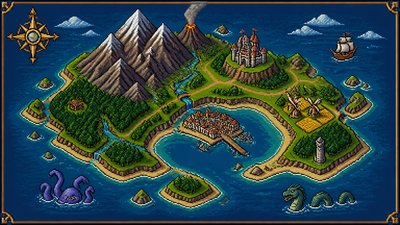
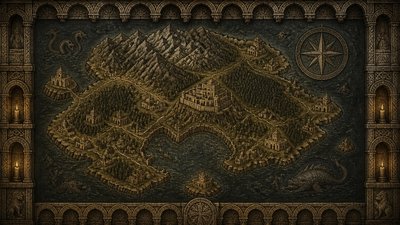
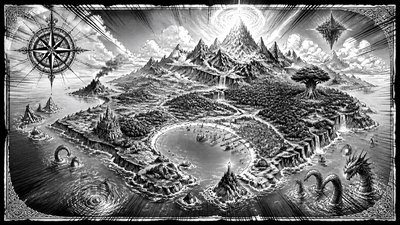
Appropriation Art Style Fantasy Map
Create Appropriation Art Style fantasy maps with AI — describe anything and get a widescreen fantasy map in seconds.
Rendered in Appropriation at 1536×864 — learn about this style
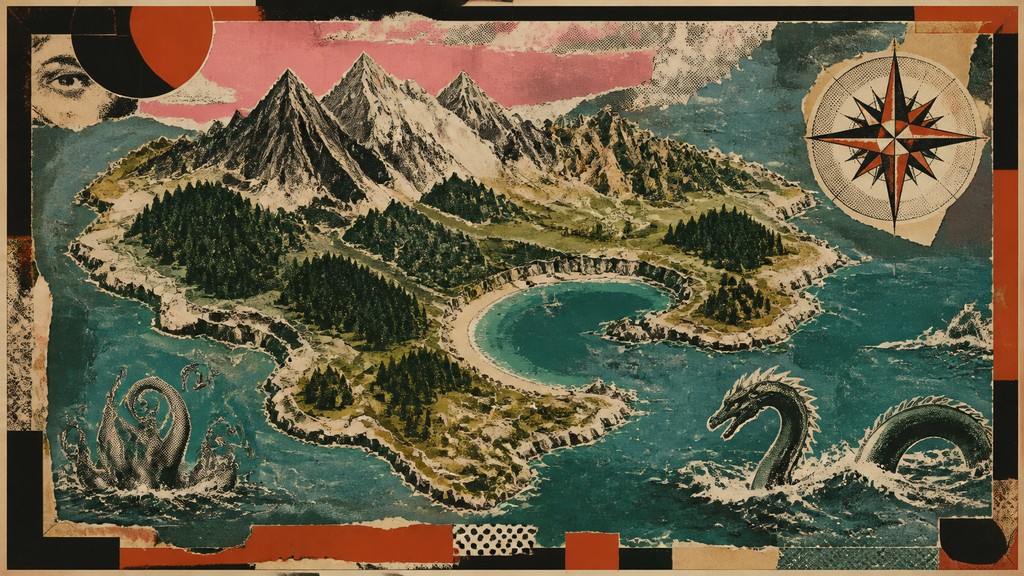
Why Appropriation Art Style Works for Fantasy maps
Appropriation art reuses and reframes existing images and objects to create critique, irony, and new meanings.
- ✦Borrowed imagery: The composition is built from recognizable source material rather than fully original invention. Familiar images are recontextualized so viewers notice both what they are and what they now mean.
- ✦Visible collage construction: Torn edges, overlaps, pasted joins, and mismatched scales are often left visible. These seams signal that the image is assembled from fragments and quotations.
- ✦Reproduction artifacts: Halftone dots, photocopy noise, screen-print misregistration, scan marks, and compression-like blemishes are common. These effects emphasize mass reproduction instead of painterly uniqueness.
Those qualities translate directly into fantasy maps: the style stays readable at wide banner formats, and every generation is unique to your prompt. Want the full picture? Explore the Appropriation Art Style guide →
How It Works
Describe it
Type what you want your fantasy map to show.
Generate
The AI renders it in Appropriation Art Style at 1536×864 — regenerate and refine as much as you like.
Download & use
Save your fantasy map and use it anywhere.
Frequently Asked Questions
How do I make a Appropriation Art Style fantasy map?
Type what you want into the generator (or upload a photo), and it renders your fantasy map in Appropriation Art Style at 1536×864 — sized and framed for fantasy maps. You can iterate as many times as you like until it's right.
Is the Appropriation Art Style fantasy map maker free?
You can try it free — every new account gets credits to generate. No design skills or software needed.
Can I use my own photo?
Yes — switch to Image to Image mode, upload a photo, and it will be transformed into Appropriation Art Style while keeping your subject and composition.
What size is the fantasy map?
Fantasy maps generate at 1536×864 pixels (16:9 widescreen), and you can upscale or re-generate at other sizes in the generator.