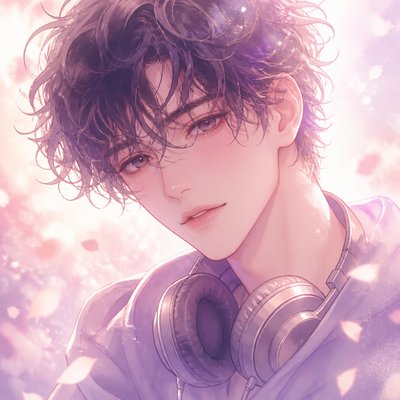
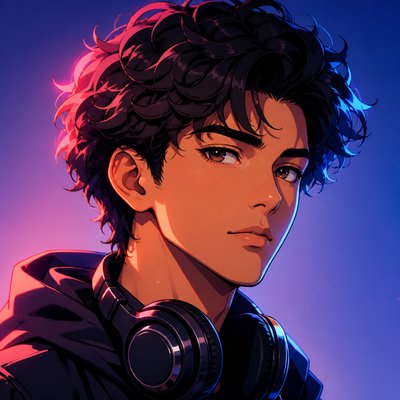
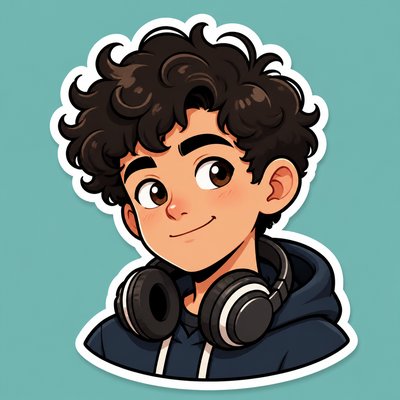
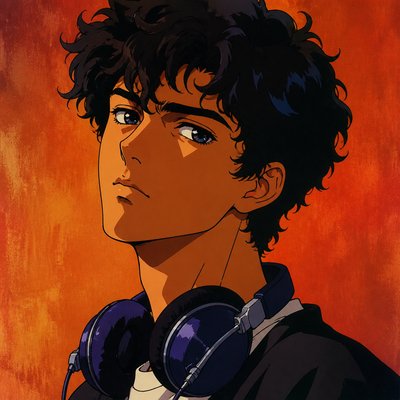
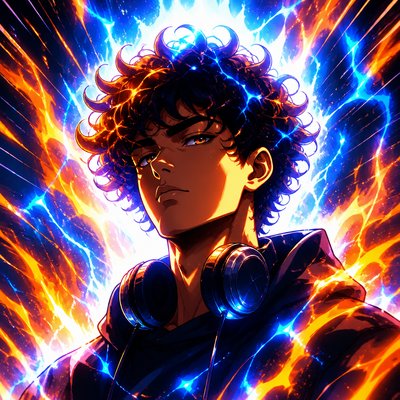
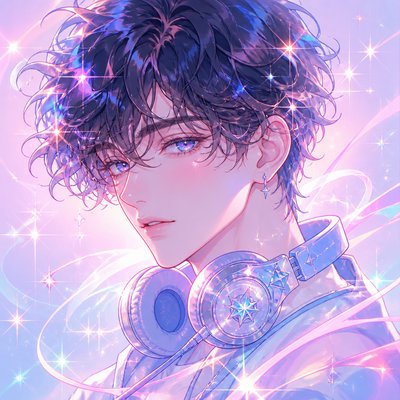
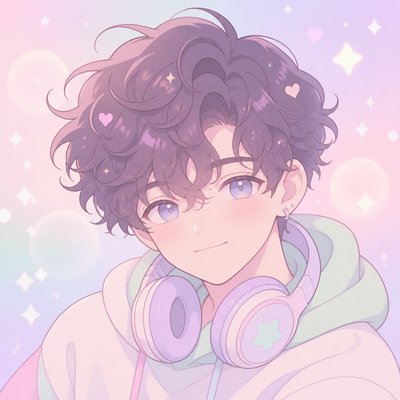
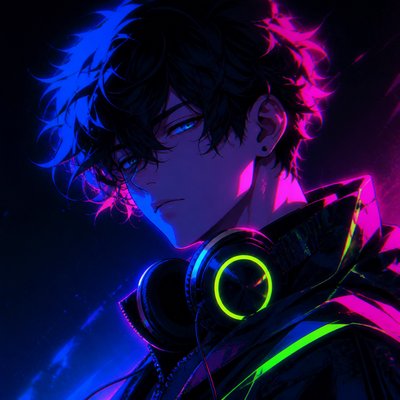
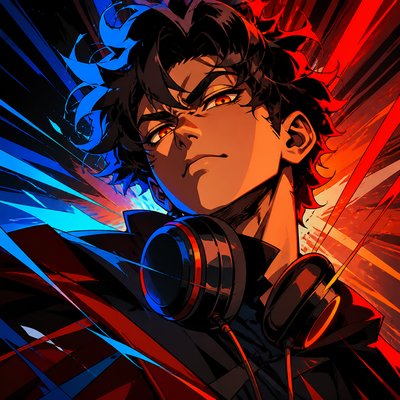
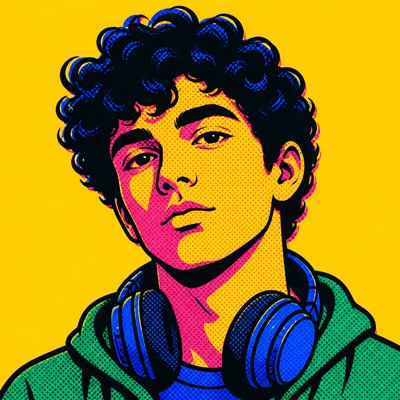
Typography Sticker Design Discord PFP
Create Typography Sticker Design Discord profile pictures with AI — describe anything or upload a photo and get a perfectly square Discord profile picture in seconds.
Two ways to make one: describe what you want above to generate a fresh Discord profile picture, or upload your own photo to transform it →
Rendered in Typography Sticker Design at 1024×1024 — learn about this style
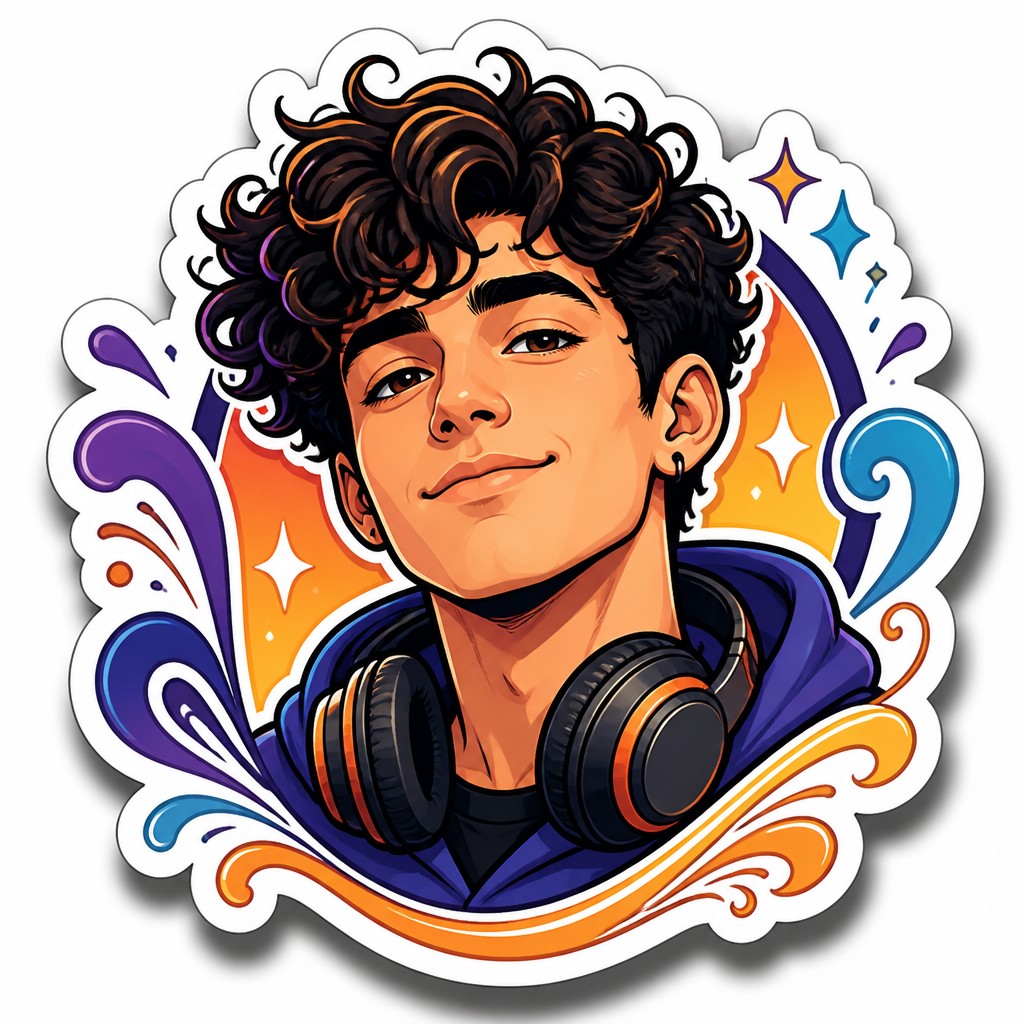
You can transform your own photo, too
Don't want to describe yourself? Switch to Image to Image mode, upload a selfie, and it's redrawn as a Typography Sticker Design Discord profile picture — your face, pose and framing kept, just restyled.
Transform my photo
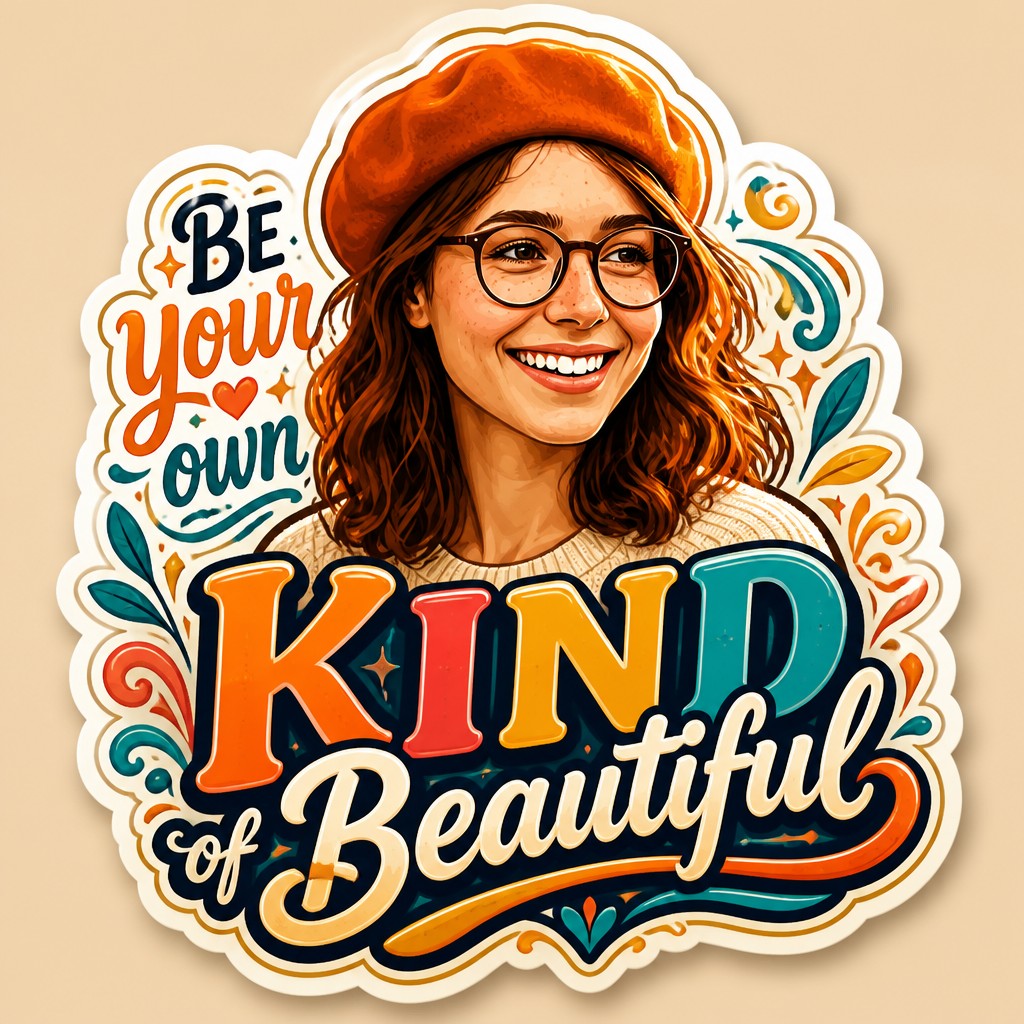
Why Typography Sticker Design Works for Discord PFPs
Bold decorative lettering stickers with motivational quotes, crisp outlines, vibrant colors, and playful hand-drawn charm.
- ✦Text as the main subject: The composition is built around a quote, phrase, name, or short slogan. Any supporting imagery is secondary and usually acts as framing rather than the focal point.
- ✦Bold decorative lettering: Letterforms are thick, rounded, and highly stylized, often with swashes, loops, shadows, or exaggerated terminals. The text is designed to be decorative first and informational second.
- ✦Die-cut sticker silhouette: A thick outer border gives the artwork the look of a cut sticker with a clearly separated edge. This outline helps the design read cleanly on different backgrounds.
Those qualities translate directly into Discord profile pictures: the style stays readable at avatar and thumbnail sizes, and every generation is unique to your prompt. Want the full picture? Explore the Typography Sticker Design guide →
How It Works
Describe it or upload a photo
Type what you want your Discord profile picture to show, or upload a photo to transform.
Generate
The AI renders it in Typography Sticker Design at 1024×1024 — regenerate and refine as much as you like.
Download & use
Save your Discord profile picture and use it anywhere.
Frequently Asked Questions
How do I make a Typography Sticker Design Discord profile picture?
Type what you want into the generator (or upload a photo), and it renders your Discord profile picture in Typography Sticker Design at 1024×1024 — sized and framed for Discord profile pictures. You can iterate as many times as you like until it's right.
Is the Typography Sticker Design Discord profile picture maker free?
You can try it free — every new account gets credits to generate. No design skills or software needed.
Can I use my own photo?
Yes — switch to Image to Image mode, upload a photo, and it will be transformed into Typography Sticker Design while keeping your subject and composition.
What size is the Discord profile picture?
Discord profile pictures generate at 1024×1024 pixels (1:1), and you can upscale or re-generate at other sizes in the generator.
More Styles for Discord profile pictures
All discord pfp styles →