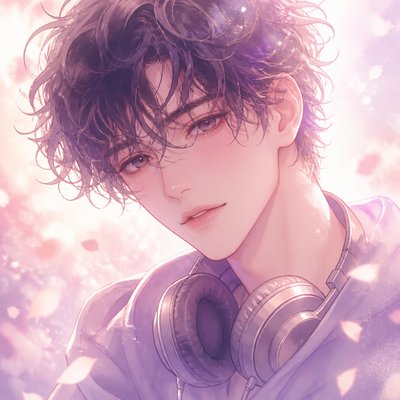
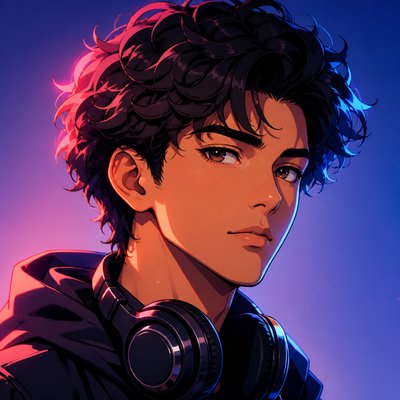
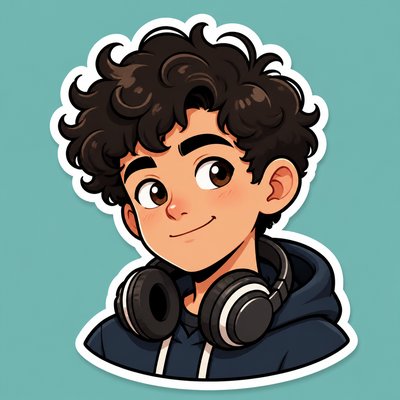
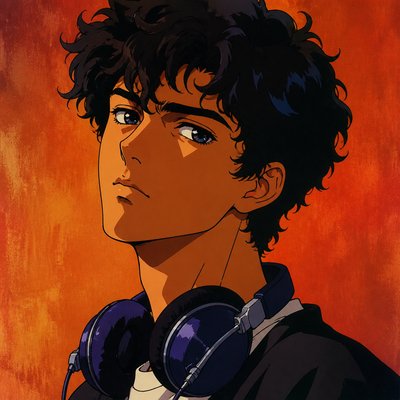
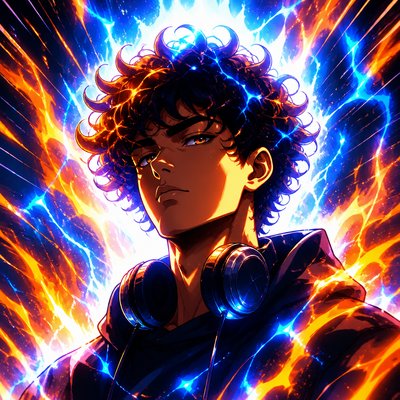
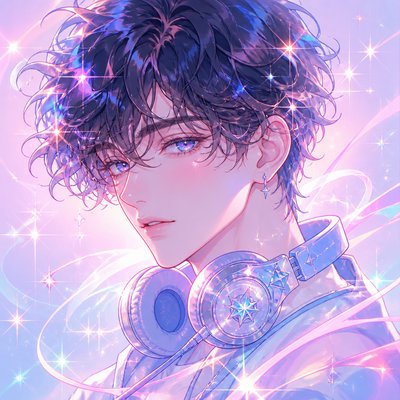
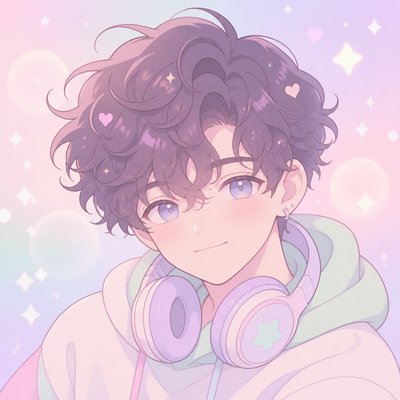
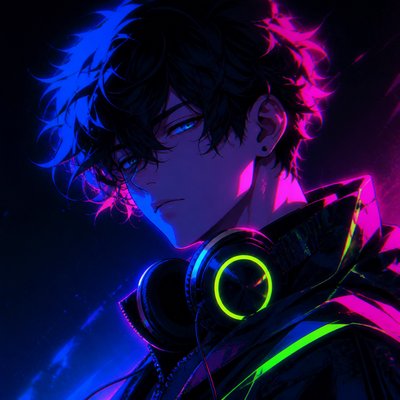
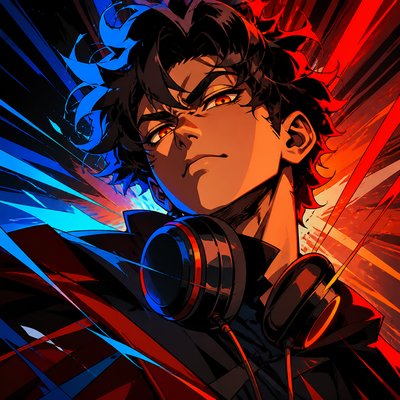
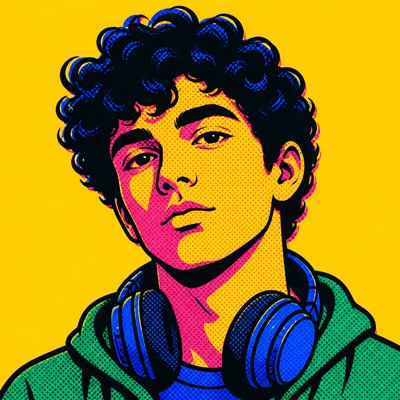
Propaganda Poster Design Discord PFP
Create Propaganda Poster Design Discord profile pictures with AI — describe anything or upload a photo and get a perfectly square Discord profile picture in seconds.
Two ways to make one: describe what you want above to generate a fresh Discord profile picture, or upload your own photo to transform it →
Rendered in Propaganda Poster Design at 1024×1024 — learn about this style
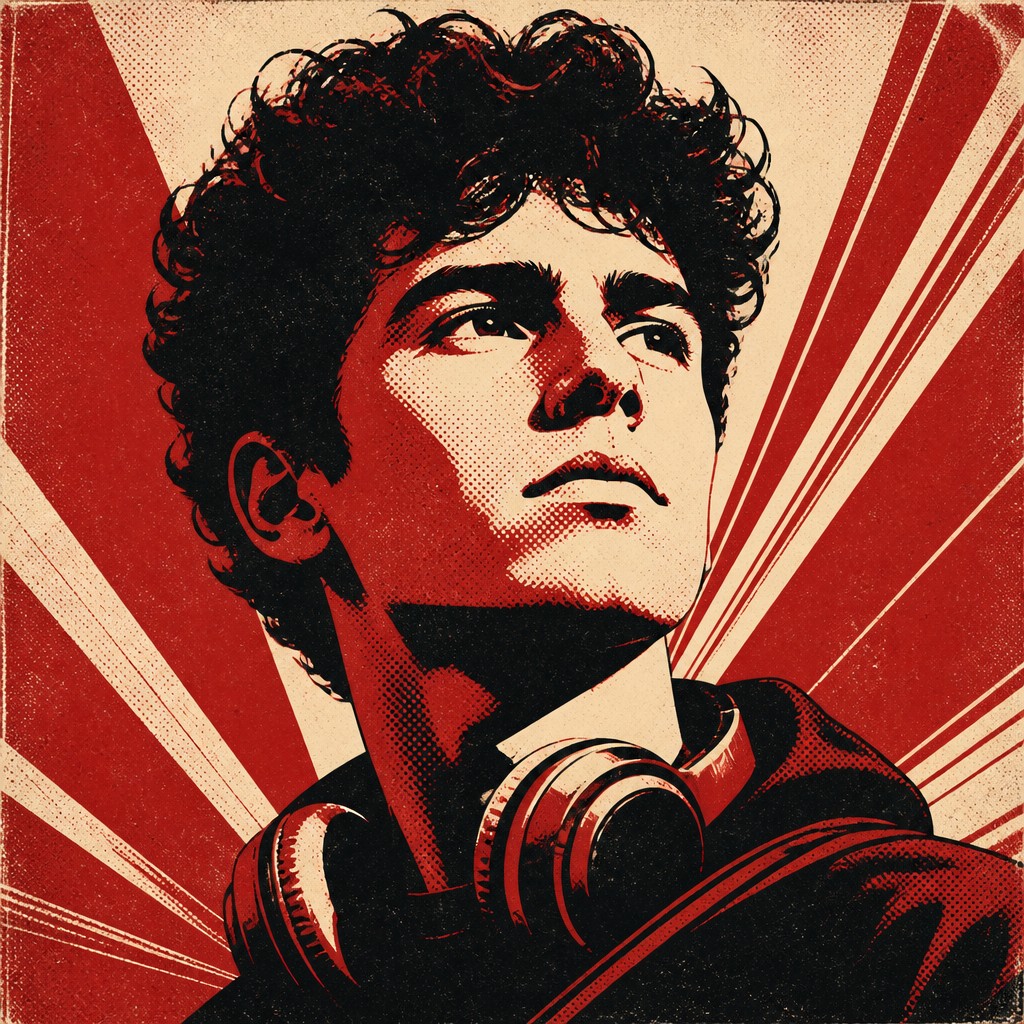
You can transform your own photo, too
Don't want to describe yourself? Switch to Image to Image mode, upload a selfie, and it's redrawn as a Propaganda Poster Design Discord profile picture — your face, pose and framing kept, just restyled.
Transform my photo
Why Propaganda Poster Design Works for Discord PFPs
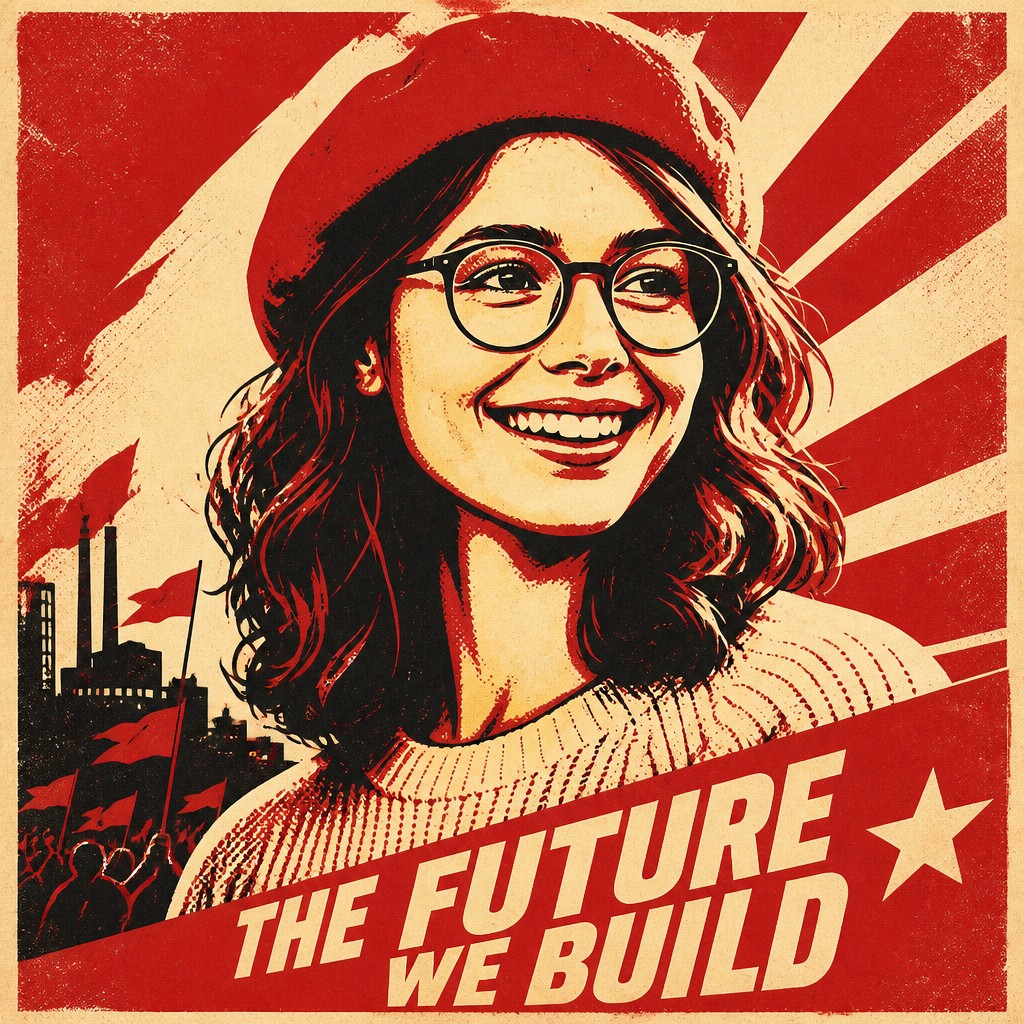
Bold political posters with limited colors, heroic silhouettes, and gritty print texture inspired by historic propaganda graphics.
- ✦Limited, symbolic color palette: The style usually relies on only a few colors, often red, black, cream, or muted yellows. This restraint heightens contrast and makes the message readable from a distance.
- ✦Heroic monumental figures: People are often shown larger than life, with upward angles, strong profiles, or raised arms. The figures are simplified into emblematic forms that suggest strength, unity, or resolve.
- ✦High-contrast silhouettes and bold shapes: Details are reduced so the image reads instantly as a poster rather than a scene. Hard edges and graphic silhouettes help the composition feel direct and forceful.
Those qualities translate directly into Discord profile pictures: the style stays readable at avatar and thumbnail sizes, and every generation is unique to your prompt. Want the full picture? Explore the Propaganda Poster Design guide →
How It Works
Describe it or upload a photo
Type what you want your Discord profile picture to show, or upload a photo to transform.
Generate
The AI renders it in Propaganda Poster Design at 1024×1024 — regenerate and refine as much as you like.
Download & use
Save your Discord profile picture and use it anywhere.
Frequently Asked Questions
How do I make a Propaganda Poster Design Discord profile picture?
Type what you want into the generator (or upload a photo), and it renders your Discord profile picture in Propaganda Poster Design at 1024×1024 — sized and framed for Discord profile pictures. You can iterate as many times as you like until it's right.
Is the Propaganda Poster Design Discord profile picture maker free?
You can try it free — every new account gets credits to generate. No design skills or software needed.
Can I use my own photo?
Yes — switch to Image to Image mode, upload a photo, and it will be transformed into Propaganda Poster Design while keeping your subject and composition.
What size is the Discord profile picture?
Discord profile pictures generate at 1024×1024 pixels (1:1), and you can upscale or re-generate at other sizes in the generator.
More Styles for Discord profile pictures
All discord pfp styles →