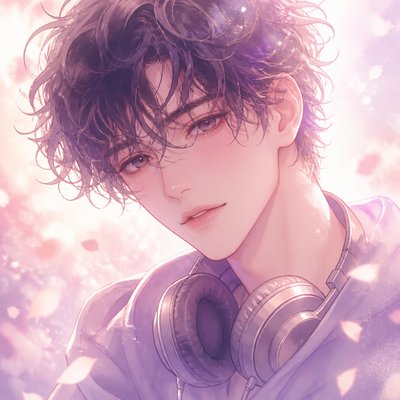
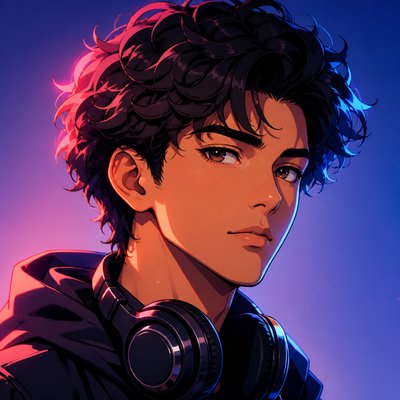
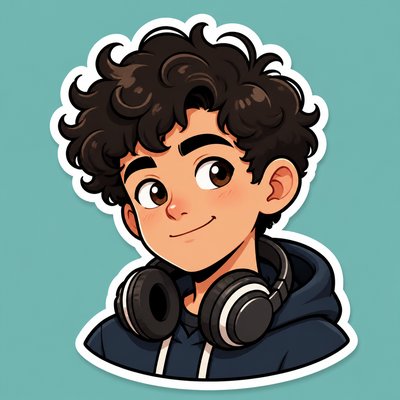
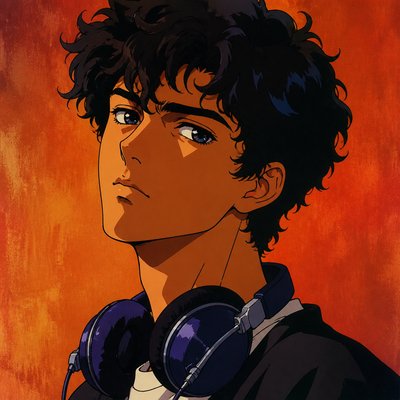
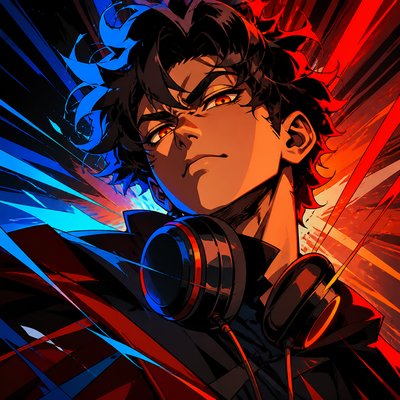
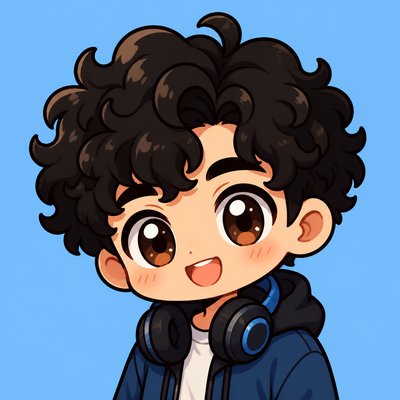
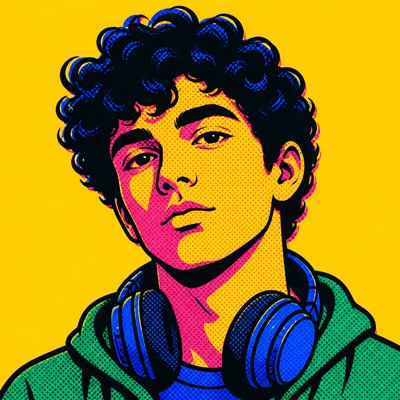
Neo-Pop Art Style Discord PFP
Create Neo-Pop Art Style Discord profile pictures with AI — describe anything or upload a photo and get a perfectly square Discord profile picture in seconds.
Two ways to make one: describe what you want above to generate a fresh Discord profile picture, or upload your own photo to transform it →
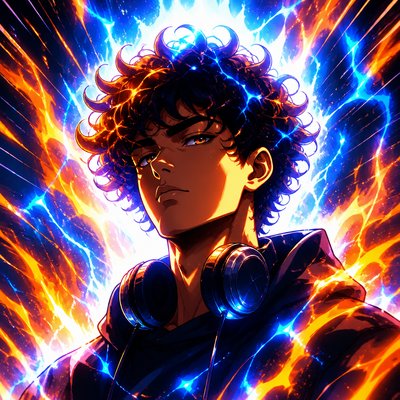
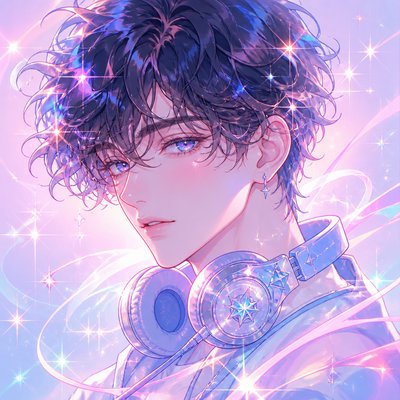
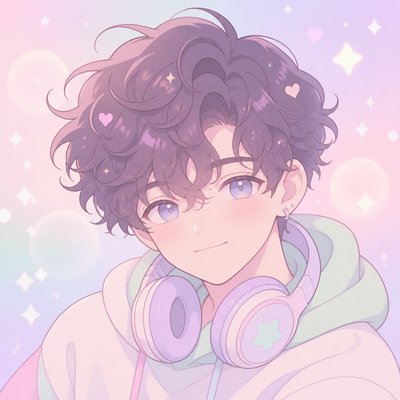
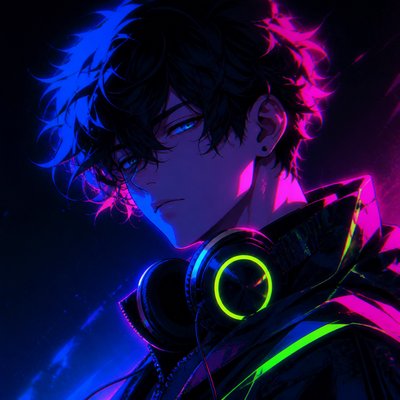
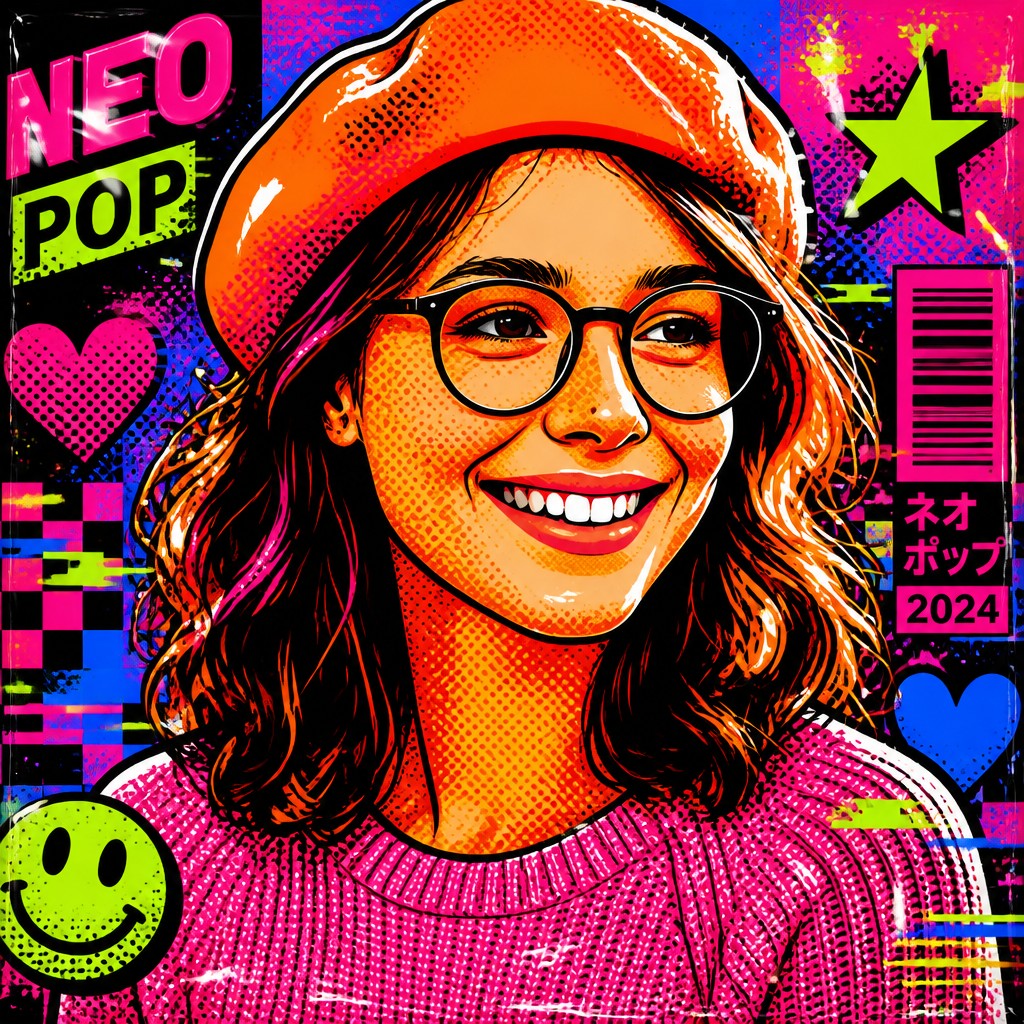
Rendered in Neo-Pop at 1024×1024 — learn about this style
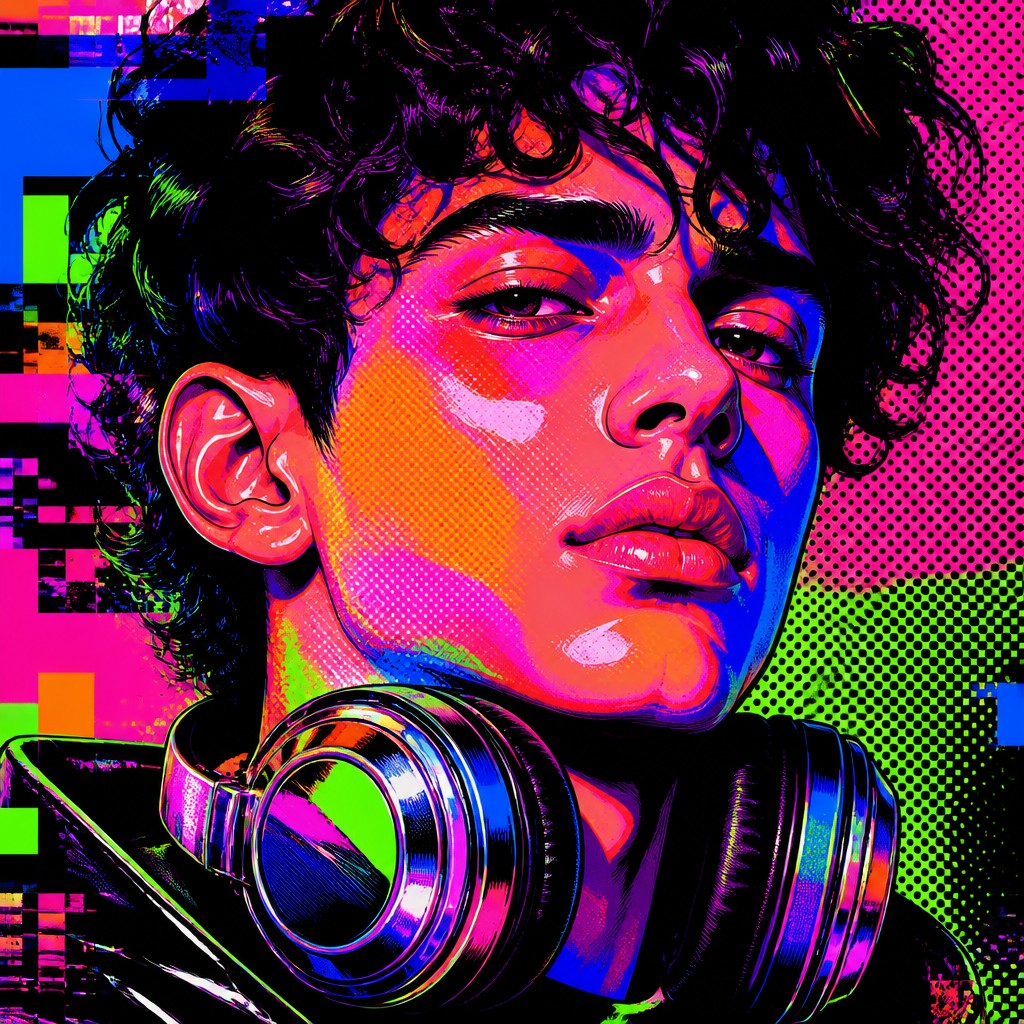
You can transform your own photo, too
Don't want to describe yourself? Switch to Image to Image mode, upload a selfie, and it's redrawn as a Neo-Pop Art Style Discord profile picture — your face, pose and framing kept, just restyled.
Transform my photo
Why Neo-Pop Art Style Works for Discord PFPs
Neo-pop art fuses pop culture, memes, brands, neon color, glitch effects, and glossy irony into a sharp contemporary visual language.
- ✦Saturated neon palette: Colors are pushed to maximum intensity, especially pinks, blues, greens, and oranges. The result is visually loud and immediate, with strong contrast against black or very dark backgrounds.
- ✦Thick graphic outlines: Forms are often bounded by bold black contours that separate flat color zones cleanly. This gives the work the clarity of comics, posters, or vector design.
- ✦Halftone and dot textures: Ben-Day dots, screen-print effects, and halftone overlays nod to print culture and classic pop art. These textures add a reproduction-like quality even when the image is digitally rendered.
Those qualities translate directly into Discord profile pictures: the style stays readable at avatar and thumbnail sizes, and every generation is unique to your prompt. Want the full picture? Explore the Neo-Pop Art Style guide →
How It Works
Describe it or upload a photo
Type what you want your Discord profile picture to show, or upload a photo to transform.
Generate
The AI renders it in Neo-Pop Art Style at 1024×1024 — regenerate and refine as much as you like.
Download & use
Save your Discord profile picture and use it anywhere.
Frequently Asked Questions
How do I make a Neo-Pop Art Style Discord profile picture?
Type what you want into the generator (or upload a photo), and it renders your Discord profile picture in Neo-Pop Art Style at 1024×1024 — sized and framed for Discord profile pictures. You can iterate as many times as you like until it's right.
Is the Neo-Pop Art Style Discord profile picture maker free?
You can try it free — every new account gets credits to generate. No design skills or software needed.
Can I use my own photo?
Yes — switch to Image to Image mode, upload a photo, and it will be transformed into Neo-Pop Art Style while keeping your subject and composition.
What size is the Discord profile picture?
Discord profile pictures generate at 1024×1024 pixels (1:1), and you can upscale or re-generate at other sizes in the generator.
More Styles for Discord profile pictures
All discord pfp styles →