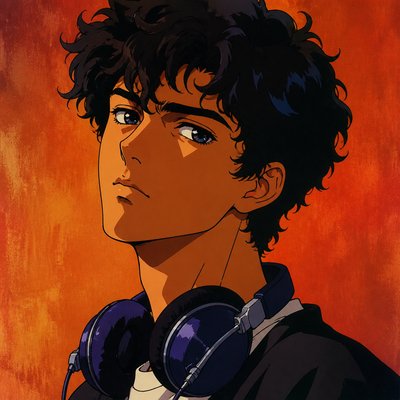
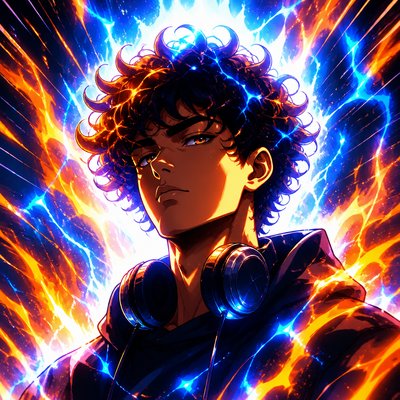
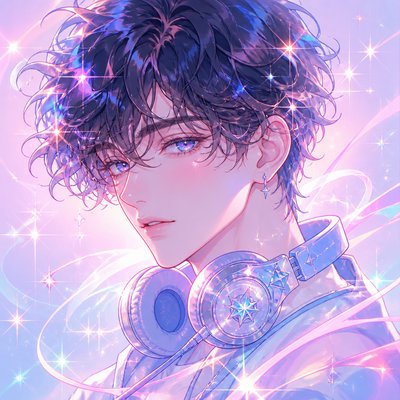
Industrial Interior Design Discord PFP
Create Industrial Interior Design Discord profile pictures with AI — describe anything or upload a photo and get a perfectly square Discord profile picture in seconds.
Two ways to make one: describe what you want above to generate a fresh Discord profile picture, or upload your own photo to transform it →
Rendered in Industrial Interior Design at 1024×1024 — learn about this style

You can transform your own photo, too
Don't want to describe yourself? Switch to Image to Image mode, upload a selfie, and it's redrawn as a Industrial Interior Design Discord profile picture — your face, pose and framing kept, just restyled.
Transform my photo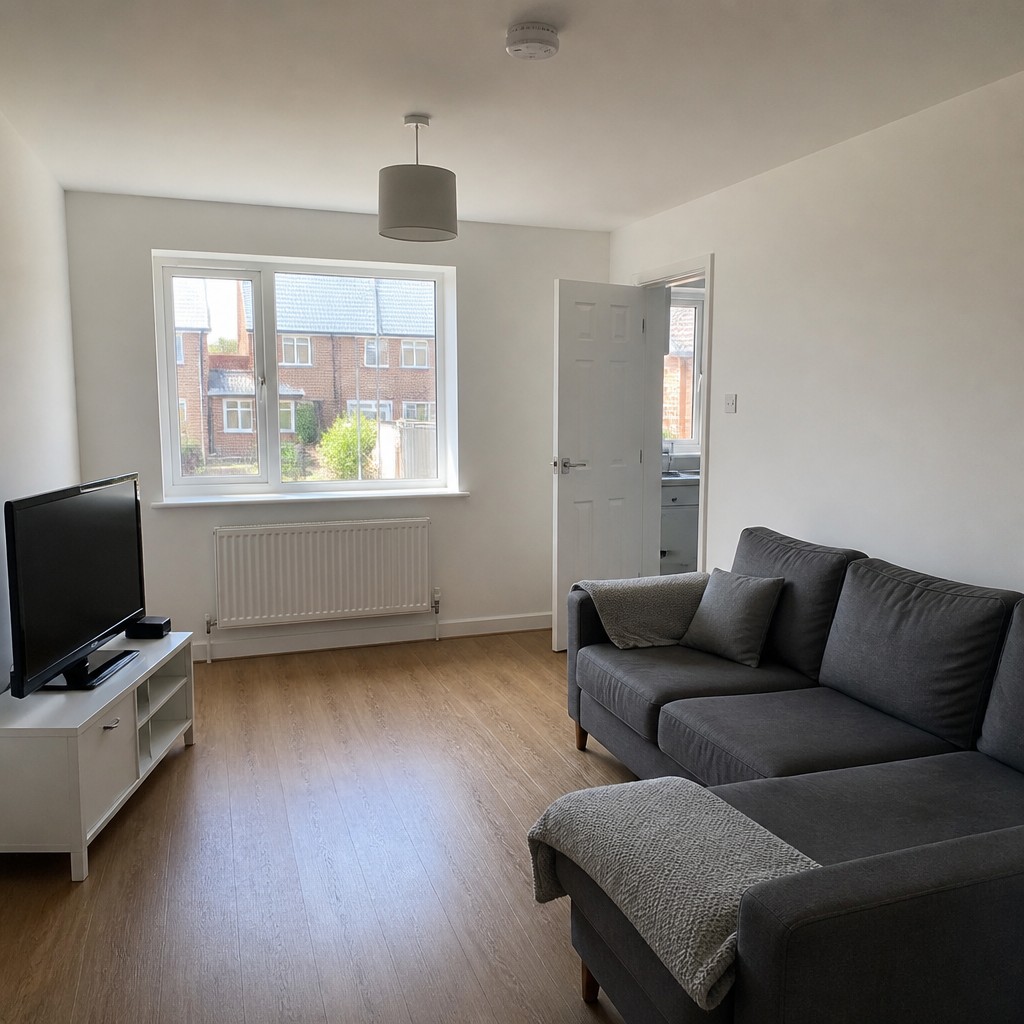
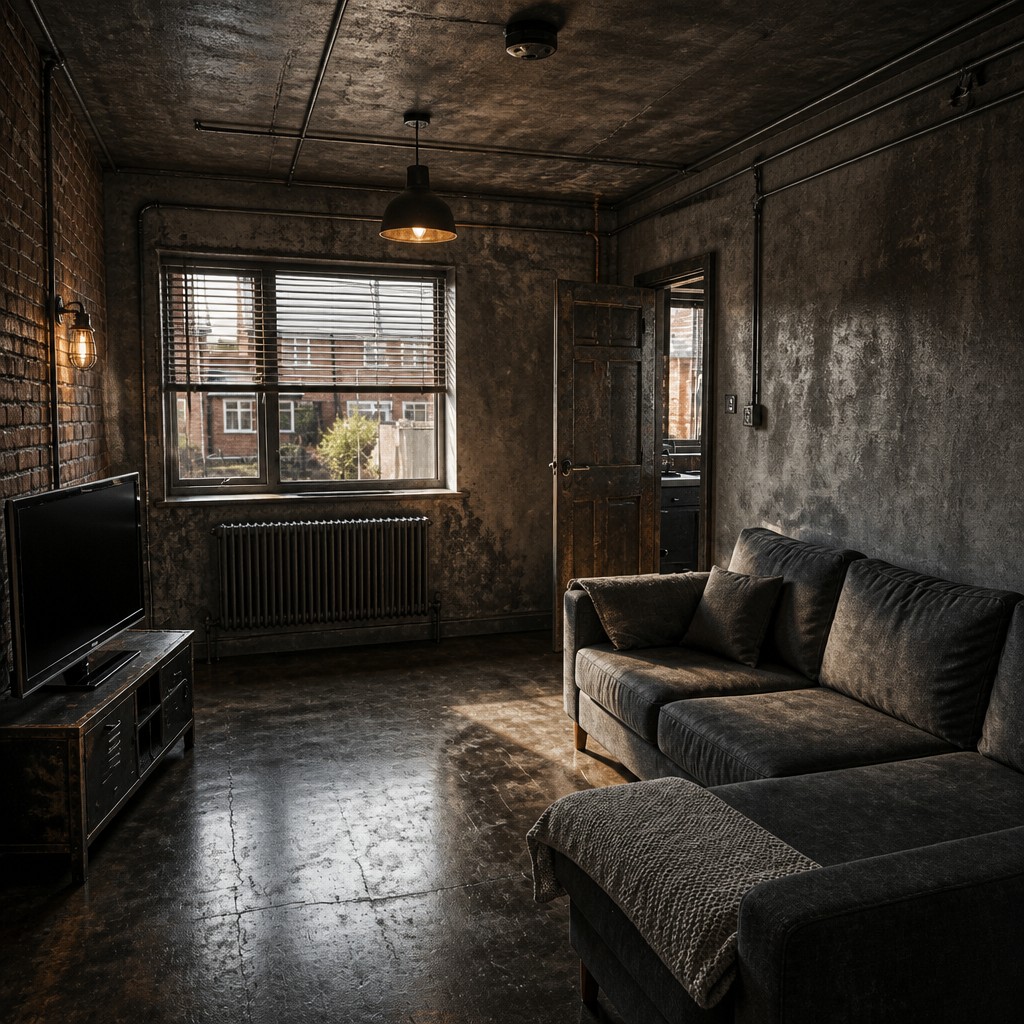
Why Industrial Interior Design Works for Discord PFPs
Raw warehouse-inspired interiors with exposed brick, steel, concrete, and utilitarian details; a moody urban look rooted in honest materials.
- ✦Exposed structural materials: Brick, concrete, steel, and timber are left visible instead of being concealed behind finishes. This exposes the building’s framework and gives the room a strong sense of construction and weight.
- ✦Open ceiling and utility systems: Ducts, pipes, conduits, sprinkler lines, and beams are often left uncovered. These elements add layered geometry overhead and reinforce the warehouse-derived character of the space.
- ✦Weathered and aged surfaces: Patina, scuffs, oxidation, and rough grain are embraced as visual features. The style values surfaces that look used, durable, and materially honest rather than polished or pristine.
Those qualities translate directly into Discord profile pictures: the style stays readable at avatar and thumbnail sizes, and every generation is unique to your prompt. Want the full picture? Explore the Industrial Interior Design guide →
How It Works
Describe it or upload a photo
Type what you want your Discord profile picture to show, or upload a photo to transform.
Generate
The AI renders it in Industrial Interior Design at 1024×1024 — regenerate and refine as much as you like.
Download & use
Save your Discord profile picture and use it anywhere.
Frequently Asked Questions
How do I make a Industrial Interior Design Discord profile picture?
Type what you want into the generator (or upload a photo), and it renders your Discord profile picture in Industrial Interior Design at 1024×1024 — sized and framed for Discord profile pictures. You can iterate as many times as you like until it's right.
Is the Industrial Interior Design Discord profile picture maker free?
You can try it free — every new account gets credits to generate. No design skills or software needed.
Can I use my own photo?
Yes — switch to Image to Image mode, upload a photo, and it will be transformed into Industrial Interior Design while keeping your subject and composition.
What size is the Discord profile picture?
Discord profile pictures generate at 1024×1024 pixels (1:1), and you can upscale or re-generate at other sizes in the generator.
More Styles for Discord profile pictures
All discord pfp styles →