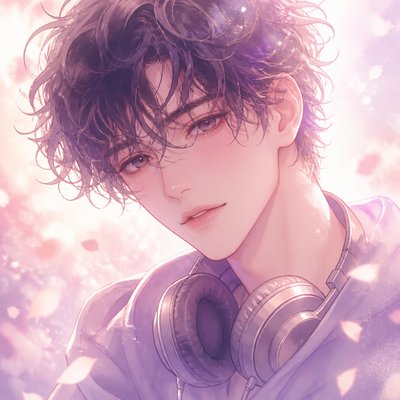
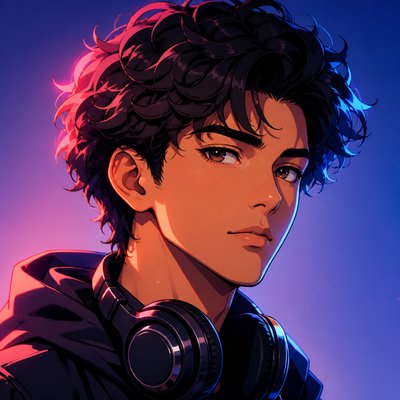
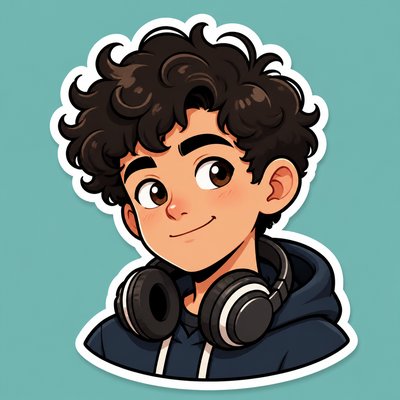
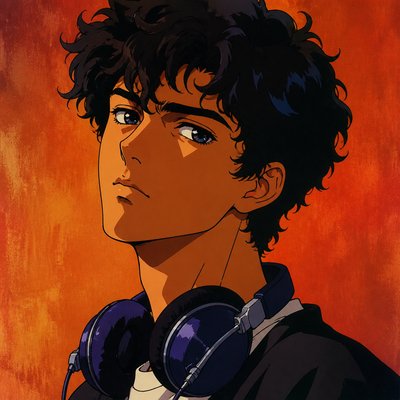
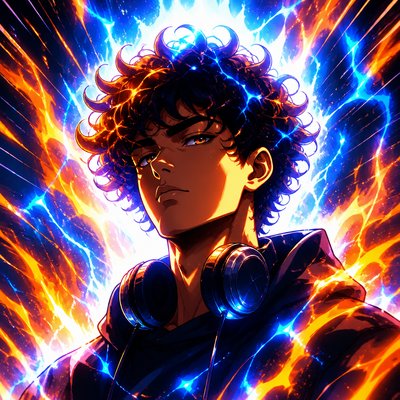
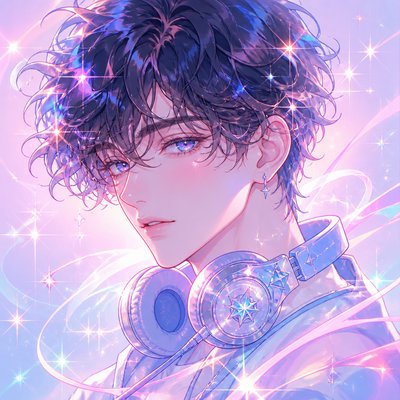
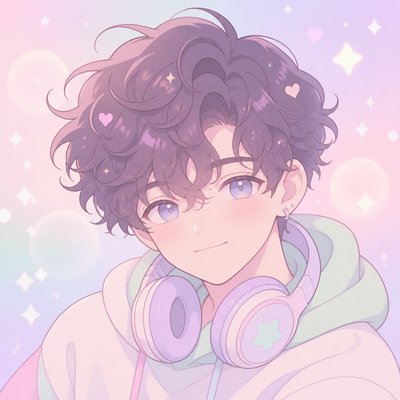
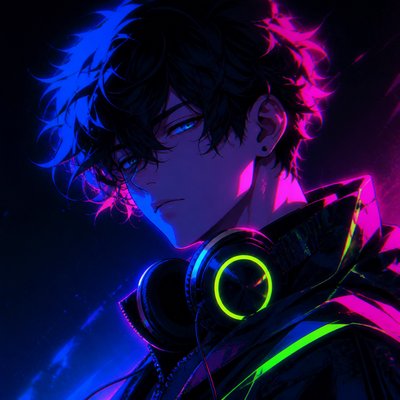
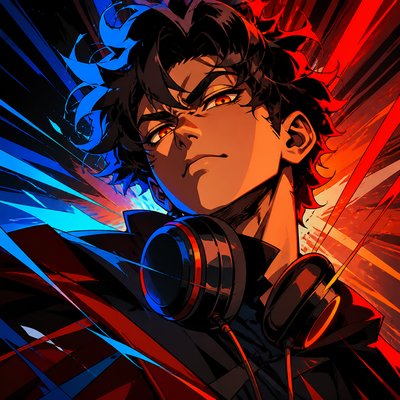
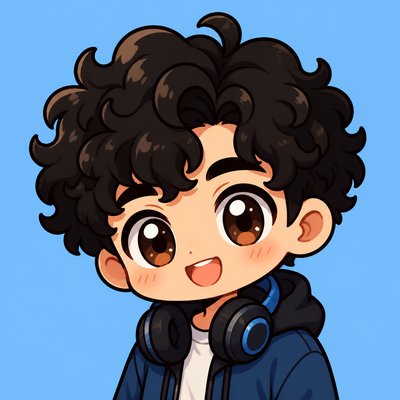
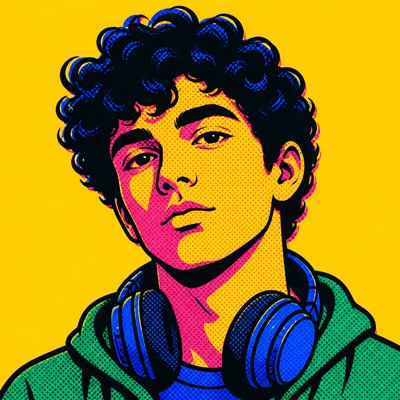
Hard-edge Painting Style Discord PFP
Create Hard-edge Painting Style Discord profile pictures with AI — describe anything or upload a photo and get a perfectly square Discord profile picture in seconds.
Two ways to make one: describe what you want above to generate a fresh Discord profile picture, or upload your own photo to transform it →
Rendered in Hard-edge Painting at 1024×1024 — learn about this style
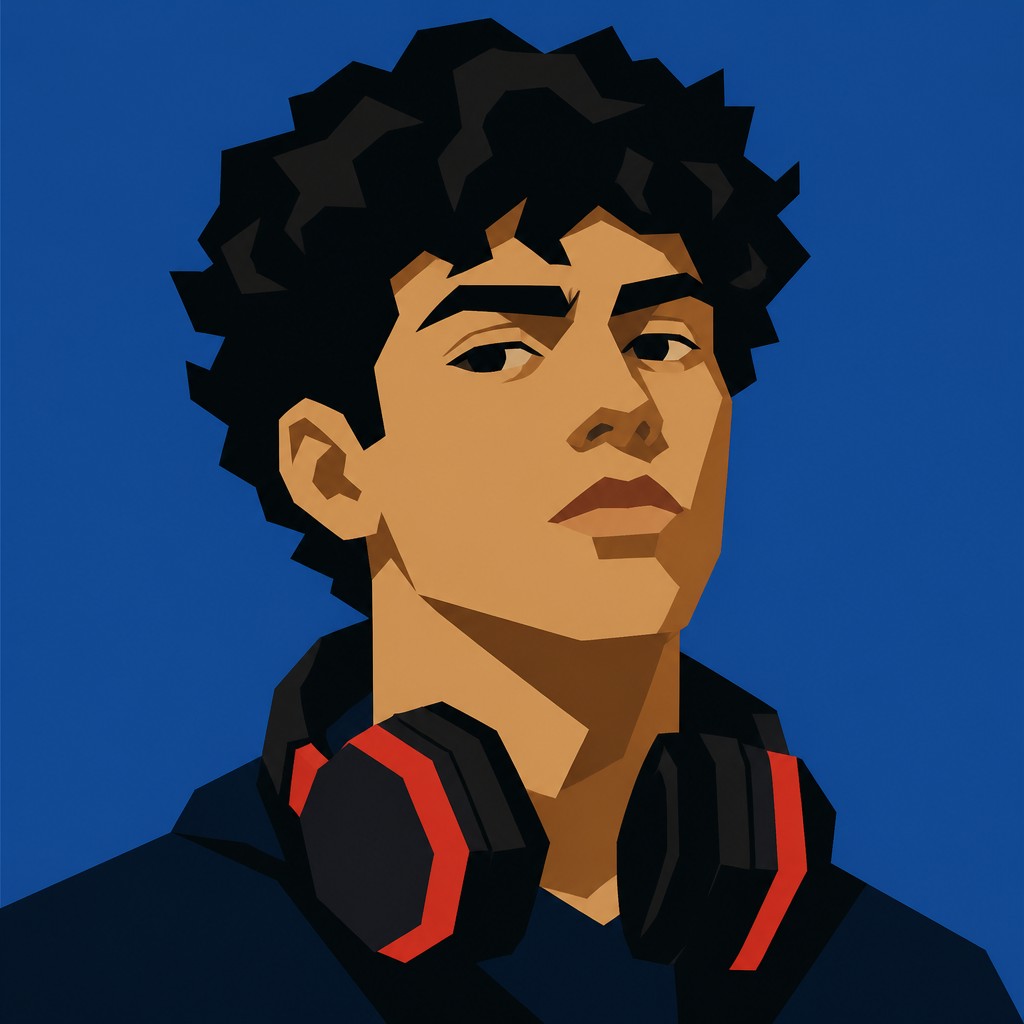
You can transform your own photo, too
Don't want to describe yourself? Switch to Image to Image mode, upload a selfie, and it's redrawn as a Hard-edge Painting Style Discord profile picture — your face, pose and framing kept, just restyled.
Transform my photo
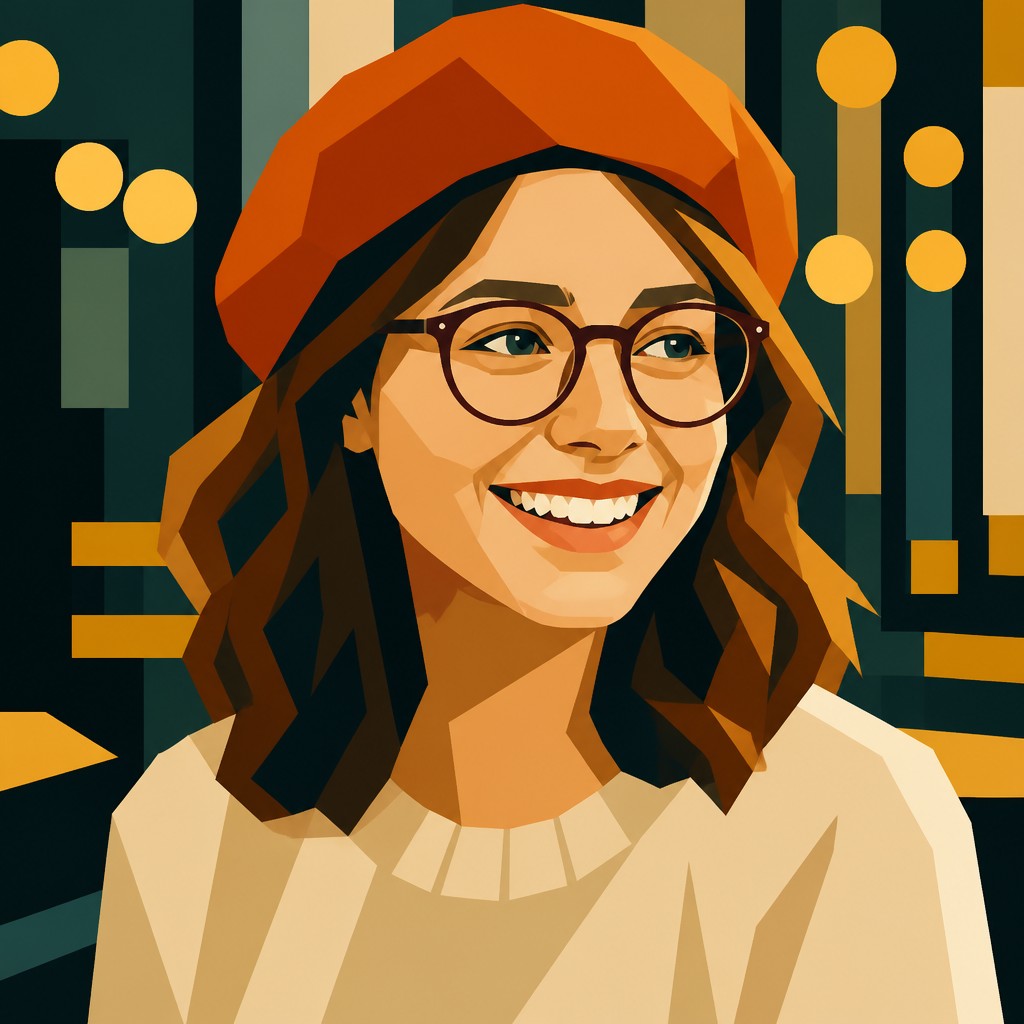
Why Hard-edge Painting Style Works for Discord PFPs
Precise geometric abstraction with flat color, sharp edges, and no blending—learn the history, traits, and techniques of hard-edge painting.
- ✦Sharp, unblended edges: Color areas meet in crisp boundaries with no visible feathering or transitional effects. The edge itself is a major part of the composition.
- ✦Flat, uniform color: Surfaces are typically matte and even, with little or no tonal variation. Each field reads as a pure block of color rather than as modeled volume.
- ✦Geometric simplification: Shapes are reduced to circles, bars, wedges, triangles, grids, and other precise forms. The composition often feels calculated rather than improvised.
Those qualities translate directly into Discord profile pictures: the style stays readable at avatar and thumbnail sizes, and every generation is unique to your prompt. Want the full picture? Explore the Hard-edge Painting Style guide →
How It Works
Describe it or upload a photo
Type what you want your Discord profile picture to show, or upload a photo to transform.
Generate
The AI renders it in Hard-edge Painting Style at 1024×1024 — regenerate and refine as much as you like.
Download & use
Save your Discord profile picture and use it anywhere.
Frequently Asked Questions
How do I make a Hard-edge Painting Style Discord profile picture?
Type what you want into the generator (or upload a photo), and it renders your Discord profile picture in Hard-edge Painting Style at 1024×1024 — sized and framed for Discord profile pictures. You can iterate as many times as you like until it's right.
Is the Hard-edge Painting Style Discord profile picture maker free?
You can try it free — every new account gets credits to generate. No design skills or software needed.
Can I use my own photo?
Yes — switch to Image to Image mode, upload a photo, and it will be transformed into Hard-edge Painting Style while keeping your subject and composition.
What size is the Discord profile picture?
Discord profile pictures generate at 1024×1024 pixels (1:1), and you can upscale or re-generate at other sizes in the generator.
More Styles for Discord profile pictures
All discord pfp styles →