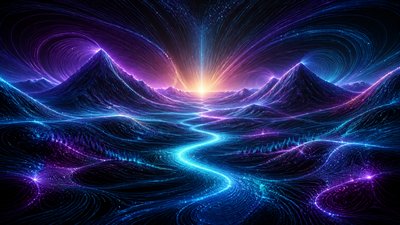
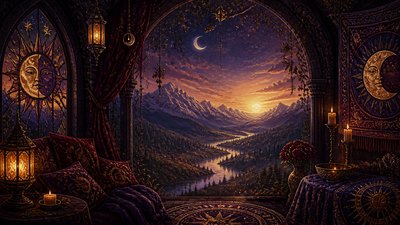
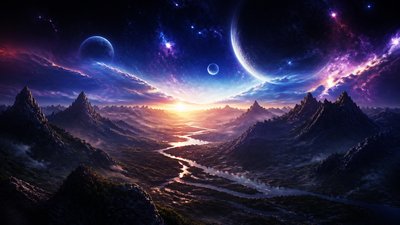
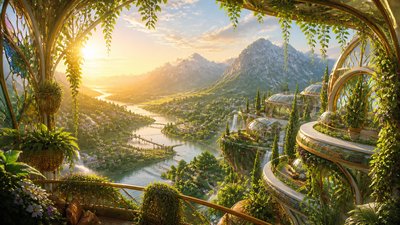
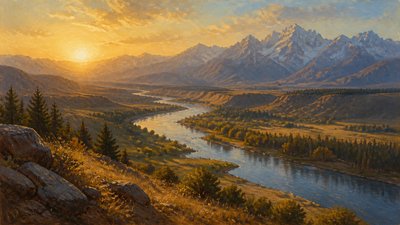
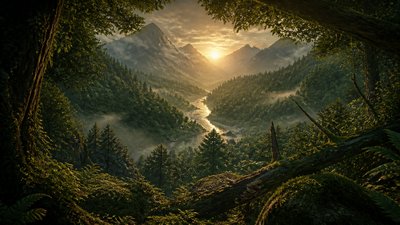
Statement Jewelry Design Desktop Wallpaper
Create Statement Jewelry Design desktop wallpapers with AI — describe anything and get a widescreen desktop wallpaper in seconds.
Rendered in Statement Jewelry Design at 1536×864 — learn about this style
Why Statement Jewelry Design Works for Desktop wallpapers
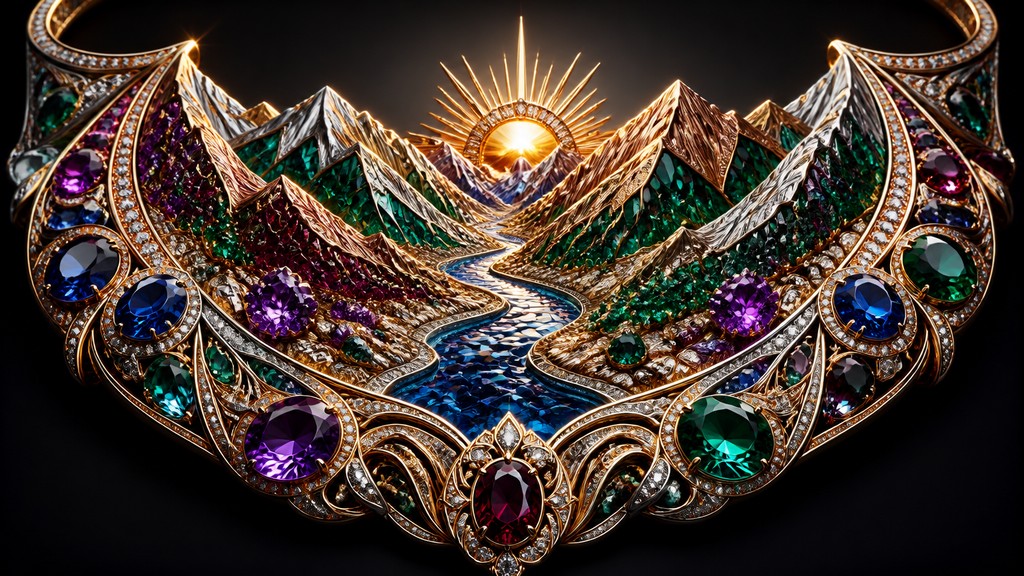
Bold oversized jewelry with jewel-toned surfaces, polished metals, and theatrical detailing designed to make a statement.
- ✦Oversized scale: Pieces are deliberately large, often extending beyond conventional proportions for rings, earrings, necklaces, or cuffs. The scale creates immediate visual dominance and makes the object read as a focal point.
- ✦High-contrast materials: Shiny metals are commonly paired with matte or shadowed passages to intensify shape and depth. This contrast helps emphasize edges, ridges, and carved details.
- ✦Gemstone color accents: Jewel tones such as emerald green, sapphire blue, ruby red, and amethyst purple are frequently used to suggest precious stones or enamel. These colors provide focal points against metallic surfaces.
Those qualities translate directly into desktop wallpapers: the style stays readable at wide banner formats, and every generation is unique to your prompt. Want the full picture? Explore the Statement Jewelry Design guide →
How It Works
Describe it
Type what you want your desktop wallpaper to show.
Generate
The AI renders it in Statement Jewelry Design at 1536×864 — regenerate and refine as much as you like.
Download & use
Save your desktop wallpaper and use it anywhere.
Frequently Asked Questions
How do I make a Statement Jewelry Design desktop wallpaper?
Type what you want into the generator (or upload a photo), and it renders your desktop wallpaper in Statement Jewelry Design at 1536×864 — sized and framed for desktop wallpapers. You can iterate as many times as you like until it's right.
Is the Statement Jewelry Design desktop wallpaper maker free?
You can try it free — every new account gets credits to generate. No design skills or software needed.
Can I use my own photo?
Yes — switch to Image to Image mode, upload a photo, and it will be transformed into Statement Jewelry Design while keeping your subject and composition.
What size is the desktop wallpaper?
Desktop wallpapers generate at 1536×864 pixels (16:9 widescreen), and you can upscale or re-generate at other sizes in the generator.