Renaissance Portrait Art Style Banner Maker
Create Renaissance Portrait Art Style banners with AI — describe anything and get a widescreen banner in seconds.
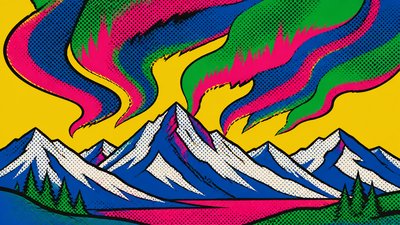
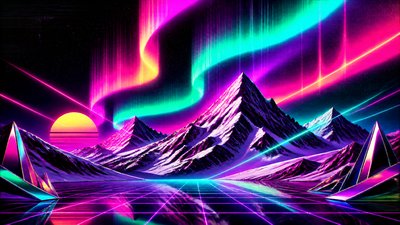
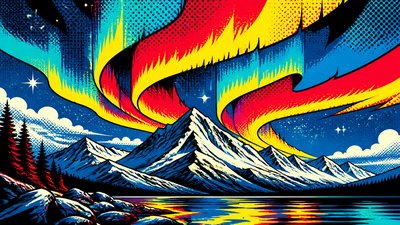
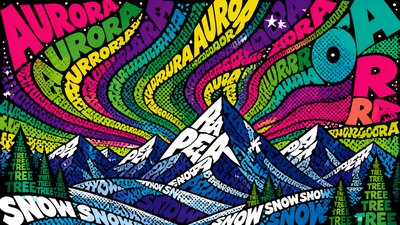
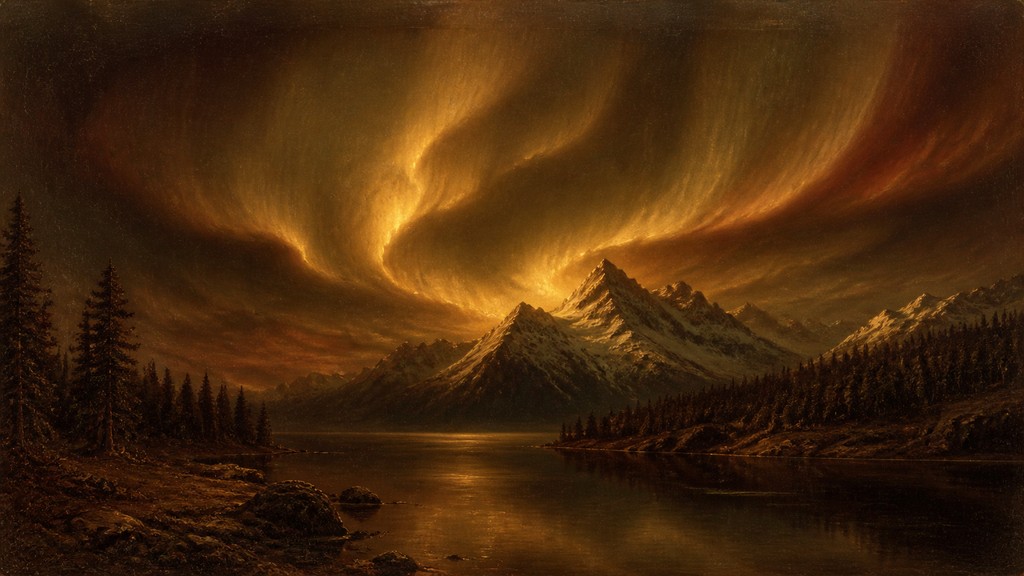
Rendered in Renaissance Portrait at 1536×864 — learn about this style
Why Renaissance Portrait Art Style Works for Banners
Classical oil portraits with sfumato, chiaroscuro, three-quarter poses, and symbolic detail inspired by Renaissance painting.
- ✦Three-quarter pose: The sitter is commonly turned slightly away from the viewer rather than shown in strict profile or full frontal view. This creates a sense of presence and allows the face, shoulders, and hands to be composed with greater psychological and spatial depth.
- ✦Sfumato modeling: Edges and tonal transitions are softened so forms seem to emerge gradually from shadow and air. This creates the characteristic velvety transitions associated with Renaissance oil portraiture, especially in skin and facial contours.
- ✦Chiaroscuro and dark grounds: Strong value contrast is often used to separate the figure from a muted or atmospheric background. The darker setting heightens the luminosity of the face, hands, and textiles while producing a solemn, timeless mood.
Those qualities translate directly into banners: the style stays readable at wide banner formats, and every generation is unique to your prompt. Want the full picture? Explore the Renaissance Portrait Art Style guide →
How It Works
Describe it
Type what you want your banner to show.
Generate
The AI renders it in Renaissance Portrait Art Style at 1536×864 — regenerate and refine as much as you like.
Download & use
Save your banner and use it anywhere.
Frequently Asked Questions
How do I make a Renaissance Portrait Art Style banner?
Type what you want into the generator (or upload a photo), and it renders your banner in Renaissance Portrait Art Style at 1536×864 — sized and framed for banners. You can iterate as many times as you like until it's right.
Is the Renaissance Portrait Art Style banner maker free?
You can try it free — every new account gets credits to generate. No design skills or software needed.
Can I use my own photo?
Yes — switch to Image to Image mode, upload a photo, and it will be transformed into Renaissance Portrait Art Style while keeping your subject and composition.
What size is the banner?
Banners generate at 1536×864 pixels (16:9 widescreen), and you can upscale or re-generate at other sizes in the generator.