Porcelain Glaze Banner Maker
Create Porcelain Glaze banners with AI — describe anything and get a widescreen banner in seconds.
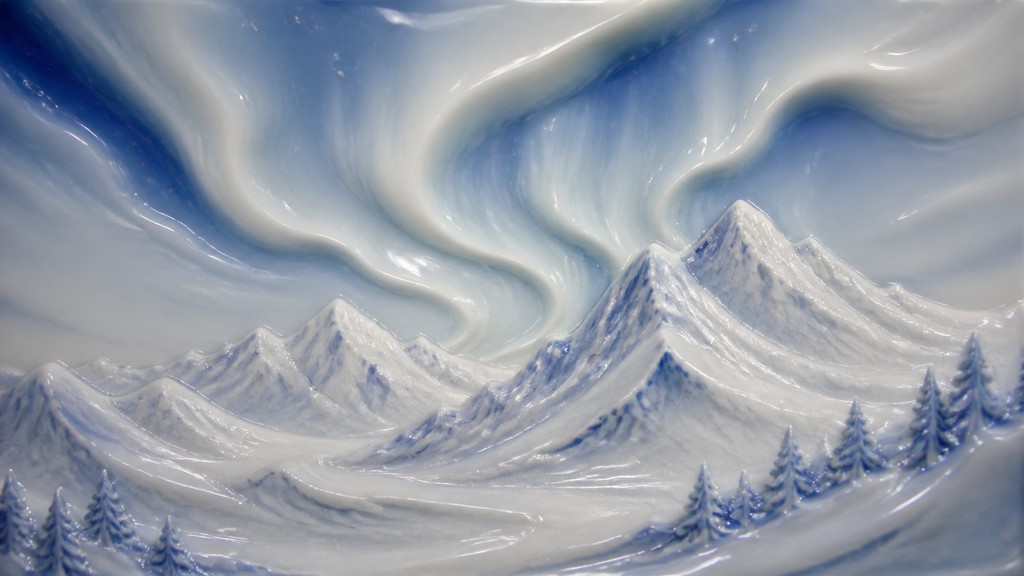
Rendered in Porcelain Glaze at 1536×864 — learn about this style
Why Porcelain Glaze Works for Banners
Smooth ceramic surfaces with translucent glaze, soft highlights, and fine crackle detail for a porcelain-like visual finish.
- ✦Glazed ceramic surface: The most defining trait is a uniformly smooth finish that makes every subject look molded from fine porcelain. Texture is minimized so the image reads as polished, hard, and carefully fired.
- ✦Milky white body with cool undertones: Color is usually dominated by soft whites, creams, and pale blue-gray shadows. The palette suggests bone china or glazed earthenware rather than matte plaster or painted plastic.
- ✦Soft specular highlights: Light catches on curves in small, controlled reflections rather than harsh shine. These highlights help the object feel glossy and refined without becoming mirror-like.
Those qualities translate directly into banners: the style stays readable at wide banner formats, and every generation is unique to your prompt. Want the full picture? Explore the Porcelain Glaze guide →
How It Works
Describe it
Type what you want your banner to show.
Generate
The AI renders it in Porcelain Glaze at 1536×864 — regenerate and refine as much as you like.
Download & use
Save your banner and use it anywhere.
Frequently Asked Questions
How do I make a Porcelain Glaze banner?
Type what you want into the generator (or upload a photo), and it renders your banner in Porcelain Glaze at 1536×864 — sized and framed for banners. You can iterate as many times as you like until it's right.
Is the Porcelain Glaze banner maker free?
You can try it free — every new account gets credits to generate. No design skills or software needed.
Can I use my own photo?
Yes — switch to Image to Image mode, upload a photo, and it will be transformed into Porcelain Glaze while keeping your subject and composition.
What size is the banner?
Banners generate at 1536×864 pixels (16:9 widescreen), and you can upscale or re-generate at other sizes in the generator.