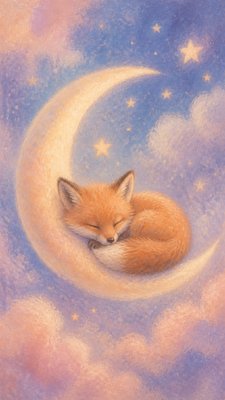
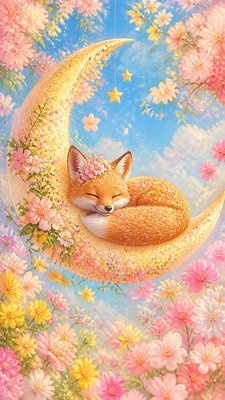
Gradient Icon Design Baby Announcement
Create Gradient Icon Design baby announcements with AI — describe anything and get a vertical baby announcement in seconds.
Rendered in Gradient Icon Design at 864×1536 — learn about this style

Why Gradient Icon Design Works for Baby announcements
Modern icon style with smooth gradients, glossy depth, clean vector shapes, and polished app-ready clarity.
- ✦Simplified geometric silhouettes: Objects are distilled into clear, compact shapes that can be recognized instantly. Excess detail is removed so the icon remains readable at small scale.
- ✦Smooth gradient modeling: Color transitions move gradually across surfaces to imply volume and material. These gradients often combine radial and linear patterns to shape the object without visible brushwork.
- ✦Glossy digital highlights: Bright highlight zones suggest a polished, screen-friendly surface. These accents create depth and energy while keeping the icon clean and modern.
Those qualities translate directly into baby announcements: the style stays readable at tall print and screen formats, and every generation is unique to your prompt. Want the full picture? Explore the Gradient Icon Design guide →
How It Works
Describe it
Type what you want your baby announcement to show.
Generate
The AI renders it in Gradient Icon Design at 864×1536 — regenerate and refine as much as you like.
Download & use
Save your baby announcement and use it anywhere.
Frequently Asked Questions
How do I make a Gradient Icon Design baby announcement?
Type what you want into the generator (or upload a photo), and it renders your baby announcement in Gradient Icon Design at 864×1536 — sized and framed for baby announcements. You can iterate as many times as you like until it's right.
Is the Gradient Icon Design baby announcement maker free?
You can try it free — every new account gets credits to generate. No design skills or software needed.
Can I use my own photo?
Yes — switch to Image to Image mode, upload a photo, and it will be transformed into Gradient Icon Design while keeping your subject and composition.
What size is the baby announcement?
Baby announcements generate at 864×1536 pixels (9:16 vertical), and you can upscale or re-generate at other sizes in the generator.