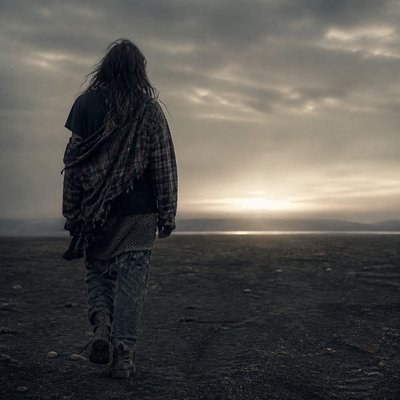
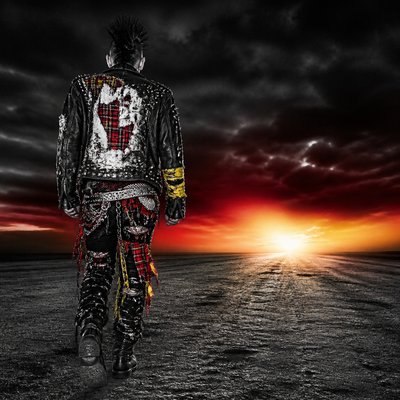
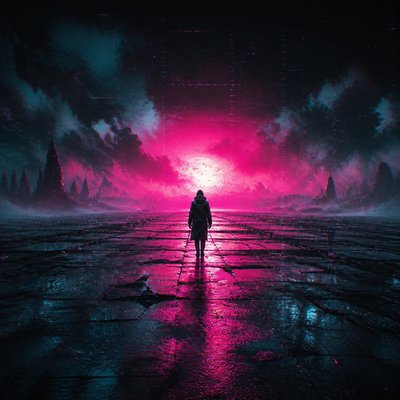
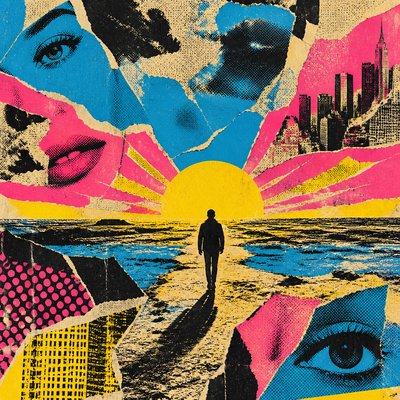
Hand-Drawn Icon Design Album Cover Maker
Create Hand-Drawn Icon Design album covers with AI — describe anything and get a perfectly square album cover in seconds.
Rendered in Hand-Drawn Icon Design at 1024×1024 — learn about this style
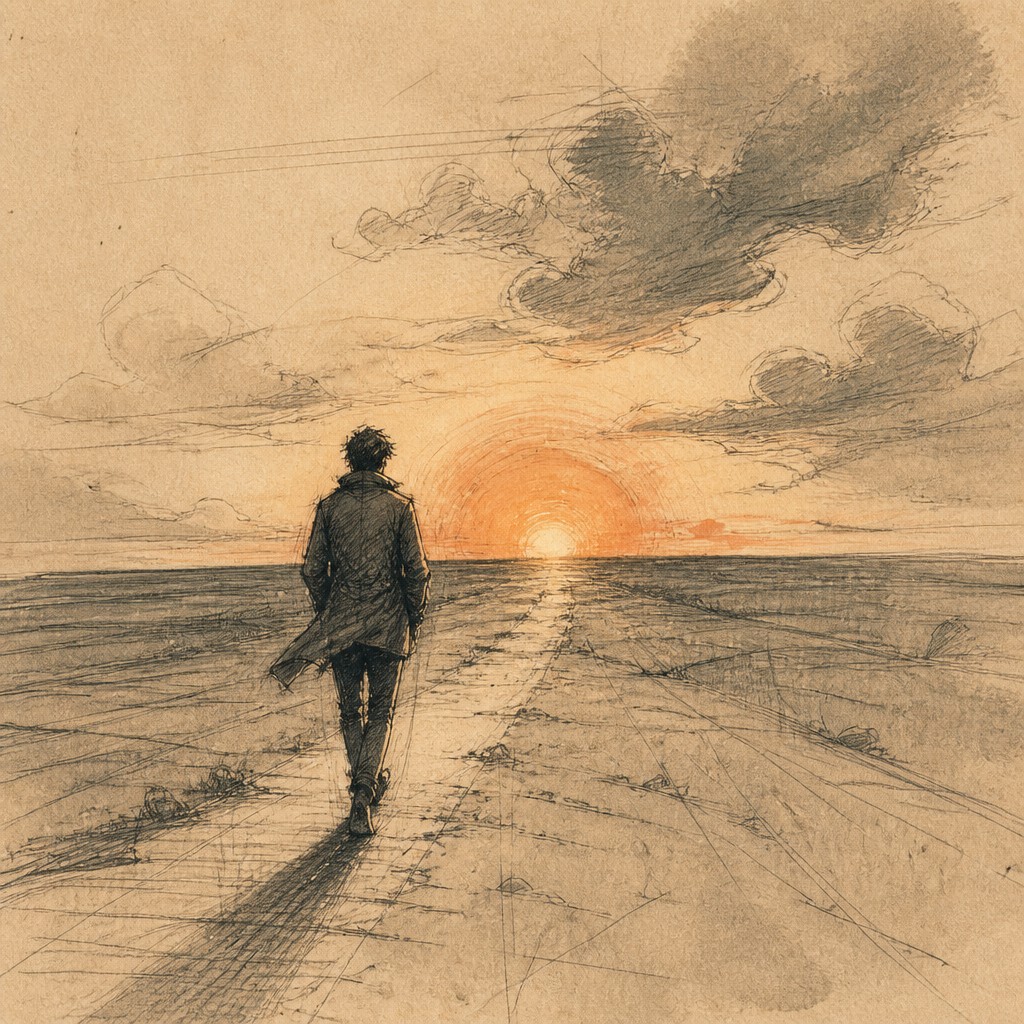
Why Hand-Drawn Icon Design Works for Album covers
Organic, sketch-like icons with imperfect linework, paper grain, and hand-made charm for brand systems and illustrations.
- ✦Simplified readable forms: The subject is reduced to an icon-like silhouette that remains instantly recognizable at small sizes. Details are removed unless they contribute to the symbol’s clarity.
- ✦Imperfect linework: Lines vary naturally in thickness and may wobble slightly, imitating pen, marker, pencil, or brush pressure. This irregularity is intentional and is what keeps the image from feeling mechanically traced.
- ✦Visible sketch process: Construction lines, erased edges, and exploratory marks are often left visible. These traces make the image feel observed and made by hand rather than finalized by software.
Those qualities translate directly into album covers: the style stays readable at avatar and thumbnail sizes, and every generation is unique to your prompt. Want the full picture? Explore the Hand-Drawn Icon Design guide →
How It Works
Describe it
Type what you want your album cover to show.
Generate
The AI renders it in Hand-Drawn Icon Design at 1024×1024 — regenerate and refine as much as you like.
Download & use
Save your album cover and use it anywhere.
Frequently Asked Questions
How do I make a Hand-Drawn Icon Design album cover?
Type what you want into the generator (or upload a photo), and it renders your album cover in Hand-Drawn Icon Design at 1024×1024 — sized and framed for album covers. You can iterate as many times as you like until it's right.
Is the Hand-Drawn Icon Design album cover maker free?
You can try it free — every new account gets credits to generate. No design skills or software needed.
Can I use my own photo?
Yes — switch to Image to Image mode, upload a photo, and it will be transformed into Hand-Drawn Icon Design while keeping your subject and composition.
What size is the album cover?
Album covers generate at 1024×1024 pixels (1:1), and you can upscale or re-generate at other sizes in the generator.