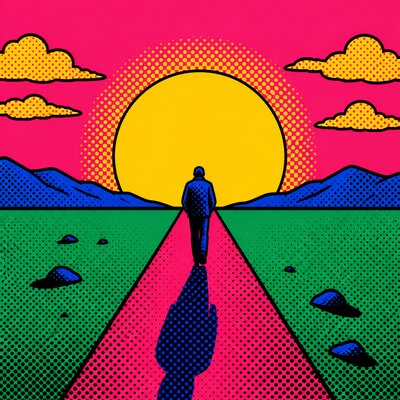
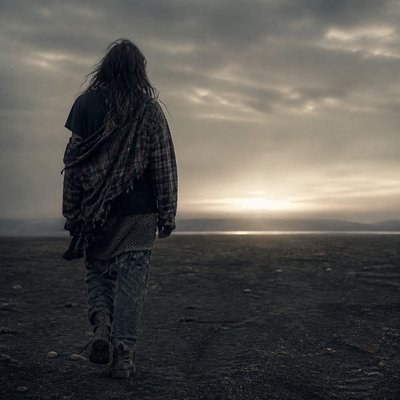
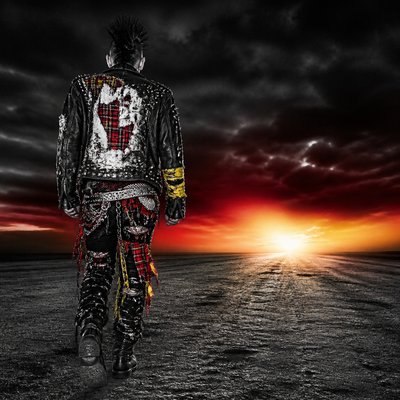
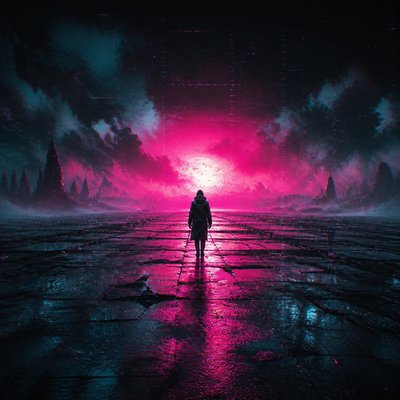
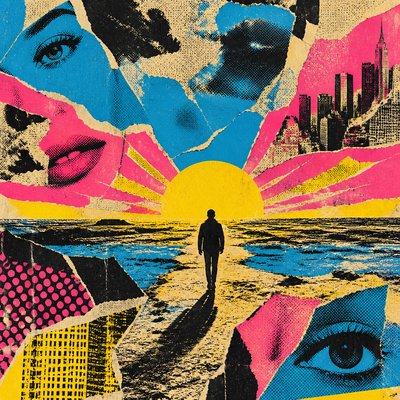
Fine Art Photography Style Album Cover Maker
Create Fine Art Photography Style album covers with AI — describe anything and get a perfectly square album cover in seconds.
Rendered in Fine Art Photography at 1024×1024 — learn about this style
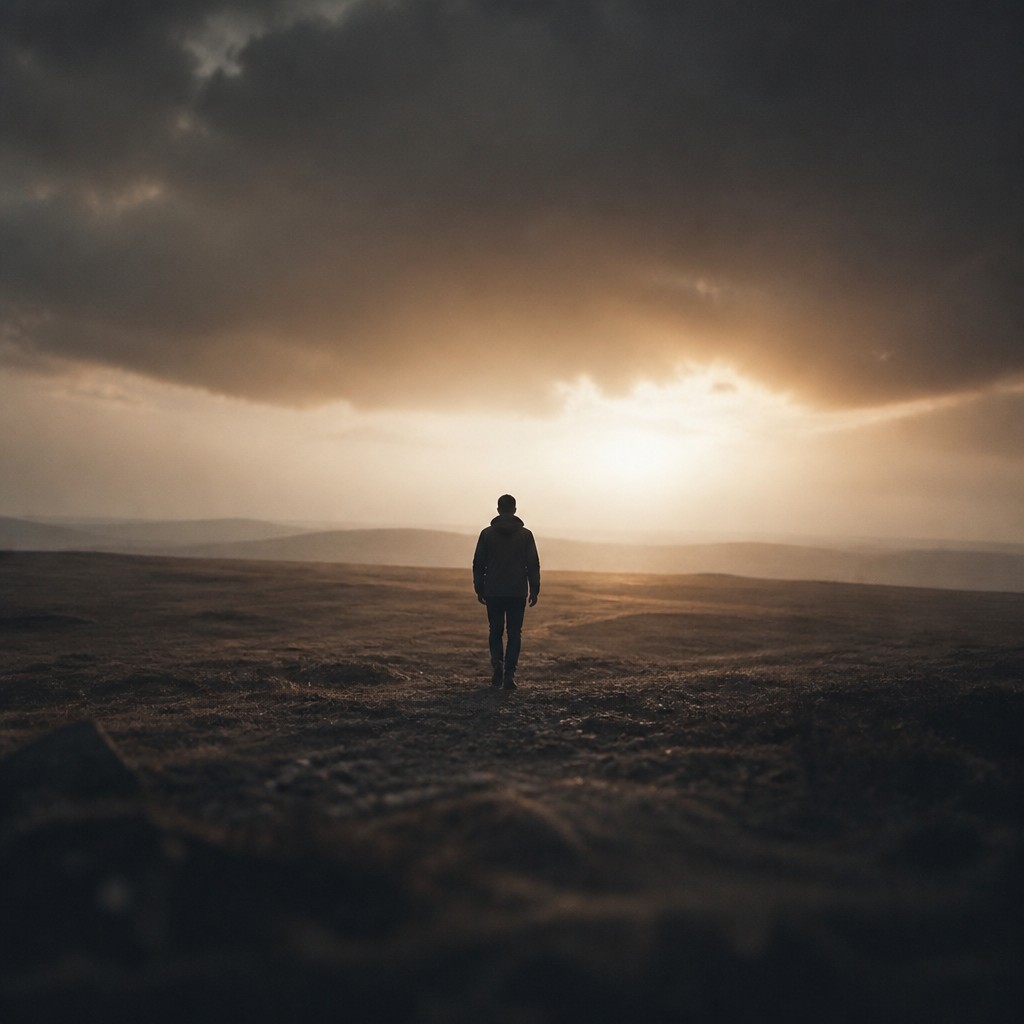
Why Fine Art Photography Style Works for Album covers
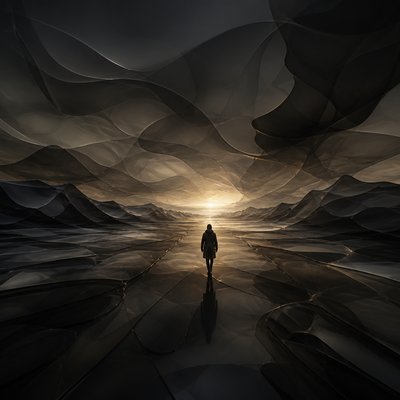
Fine art photography: concept-driven, gallery-worthy images with intentional composition, tonal depth, and a personal artistic vision.
- ✦Intentional composition: Every element is placed with care, often using balance, asymmetry, leading lines, or negative space to create a composed, reflective image. The framing usually feels considered rather than incidental.
- ✦Emotional or conceptual focus: The image typically communicates an idea, mood, or question rather than simply recording what is in front of the lens. Even a simple subject may be treated as a vehicle for symbolism, atmosphere, or narrative suggestion.
- ✦Controlled tonal range: Shadows, midtones, and highlights are handled with precision, giving the photograph depth and visual clarity. Fine art images often preserve nuanced gradation rather than relying on harsh contrast or heavy effects.
Those qualities translate directly into album covers: the style stays readable at avatar and thumbnail sizes, and every generation is unique to your prompt. Want the full picture? Explore the Fine Art Photography Style guide →
How It Works
Describe it
Type what you want your album cover to show.
Generate
The AI renders it in Fine Art Photography Style at 1024×1024 — regenerate and refine as much as you like.
Download & use
Save your album cover and use it anywhere.
Frequently Asked Questions
How do I make a Fine Art Photography Style album cover?
Type what you want into the generator (or upload a photo), and it renders your album cover in Fine Art Photography Style at 1024×1024 — sized and framed for album covers. You can iterate as many times as you like until it's right.
Is the Fine Art Photography Style album cover maker free?
You can try it free — every new account gets credits to generate. No design skills or software needed.
Can I use my own photo?
Yes — switch to Image to Image mode, upload a photo, and it will be transformed into Fine Art Photography Style while keeping your subject and composition.
What size is the album cover?
Album covers generate at 1024×1024 pixels (1:1), and you can upscale or re-generate at other sizes in the generator.