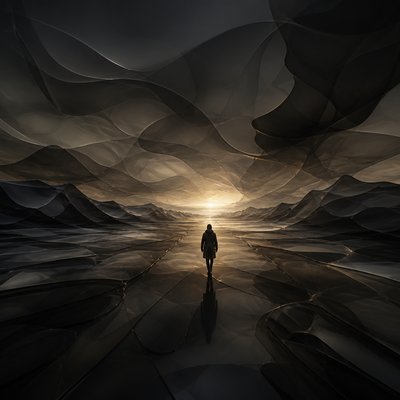
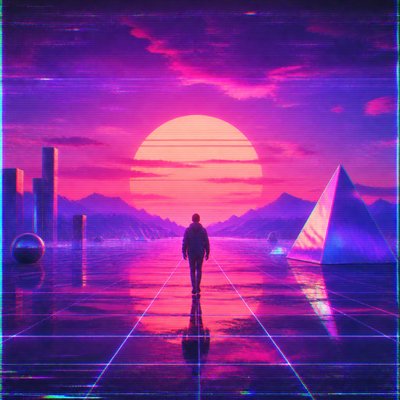
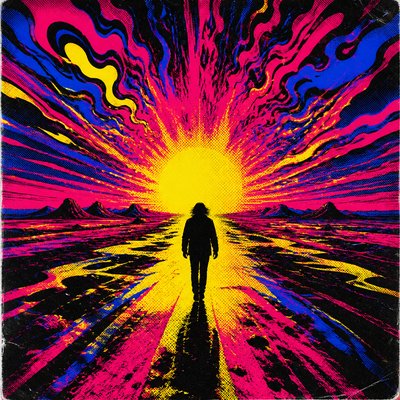
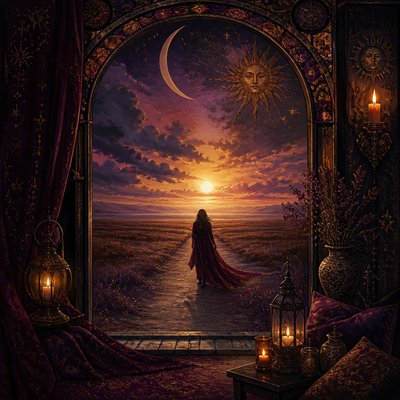
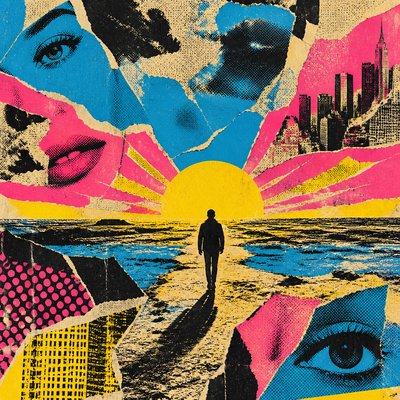
3D Illusion Street Art Style Album Cover Maker
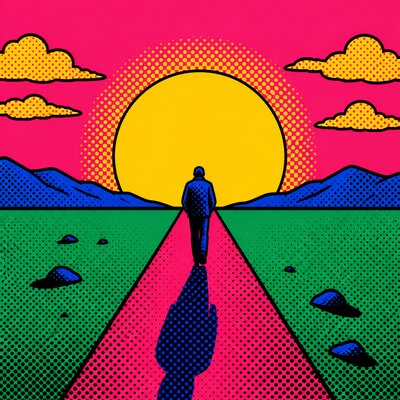
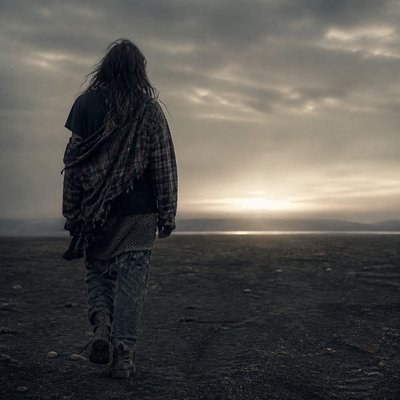
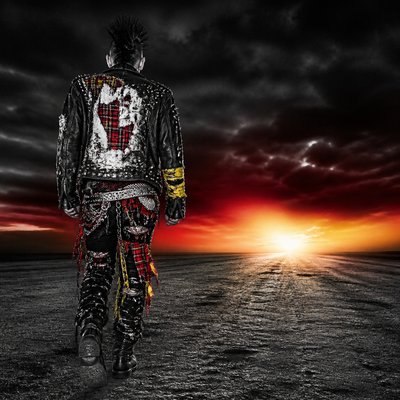
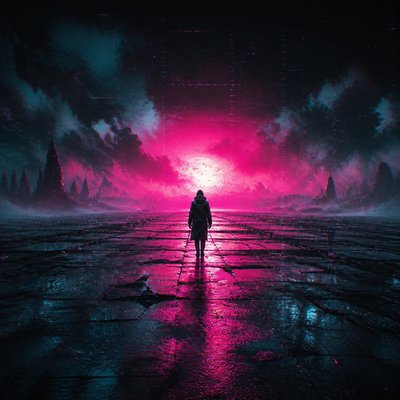
Create 3D Illusion Street Art Style album covers with AI — describe anything and get a perfectly square album cover in seconds.
Rendered in 3D Illusion Street at 1024×1024 — learn about this style
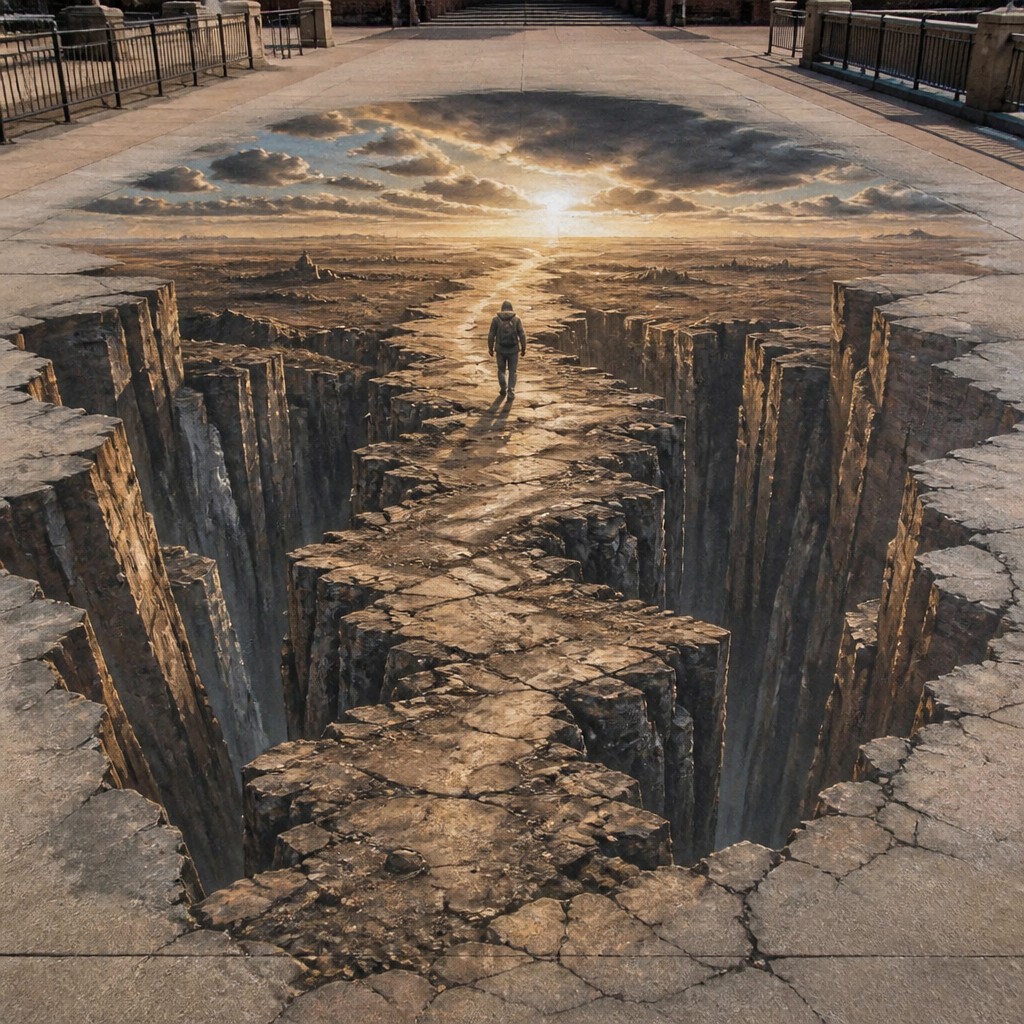
Why 3D Illusion Street Art Style Works for Album covers
Anamorphic street art that turns flat pavement into convincing 3D portal illusions using forced perspective, chalk, and trompe-l'oeil shading.
- ✦Anamorphic distortion: Forms are stretched and skewed across the pavement so they only read correctly from one viewpoint. Away from that angle, the image looks fractured or abstract.
- ✦Forced-perspective depth: Artists manipulate scale, compression, and foreshortening to make a surface seem to open into space. This creates the sensation of a pit, tunnel, staircase, or floating object.
- ✦Trompe-l'oeil realism: Shadows, highlights, and edge control are rendered with painterly precision to mimic real physical mass. The illusion often relies on convincing light direction and material cues.
Those qualities translate directly into album covers: the style stays readable at avatar and thumbnail sizes, and every generation is unique to your prompt. Want the full picture? Explore the 3D Illusion Street Art Style guide →
How It Works
Describe it
Type what you want your album cover to show.
Generate
The AI renders it in 3D Illusion Street Art Style at 1024×1024 — regenerate and refine as much as you like.
Download & use
Save your album cover and use it anywhere.
Frequently Asked Questions
How do I make a 3D Illusion Street Art Style album cover?
Type what you want into the generator (or upload a photo), and it renders your album cover in 3D Illusion Street Art Style at 1024×1024 — sized and framed for album covers. You can iterate as many times as you like until it's right.
Is the 3D Illusion Street Art Style album cover maker free?
You can try it free — every new account gets credits to generate. No design skills or software needed.
Can I use my own photo?
Yes — switch to Image to Image mode, upload a photo, and it will be transformed into 3D Illusion Street Art Style while keeping your subject and composition.
What size is the album cover?
Album covers generate at 1024×1024 pixels (1:1), and you can upscale or re-generate at other sizes in the generator.