Photo to Wooden Toy Art Filter
Upload any photo and convert it into wooden toy art in seconds — free to try, no app needed. Drag the slider to see a real conversion.
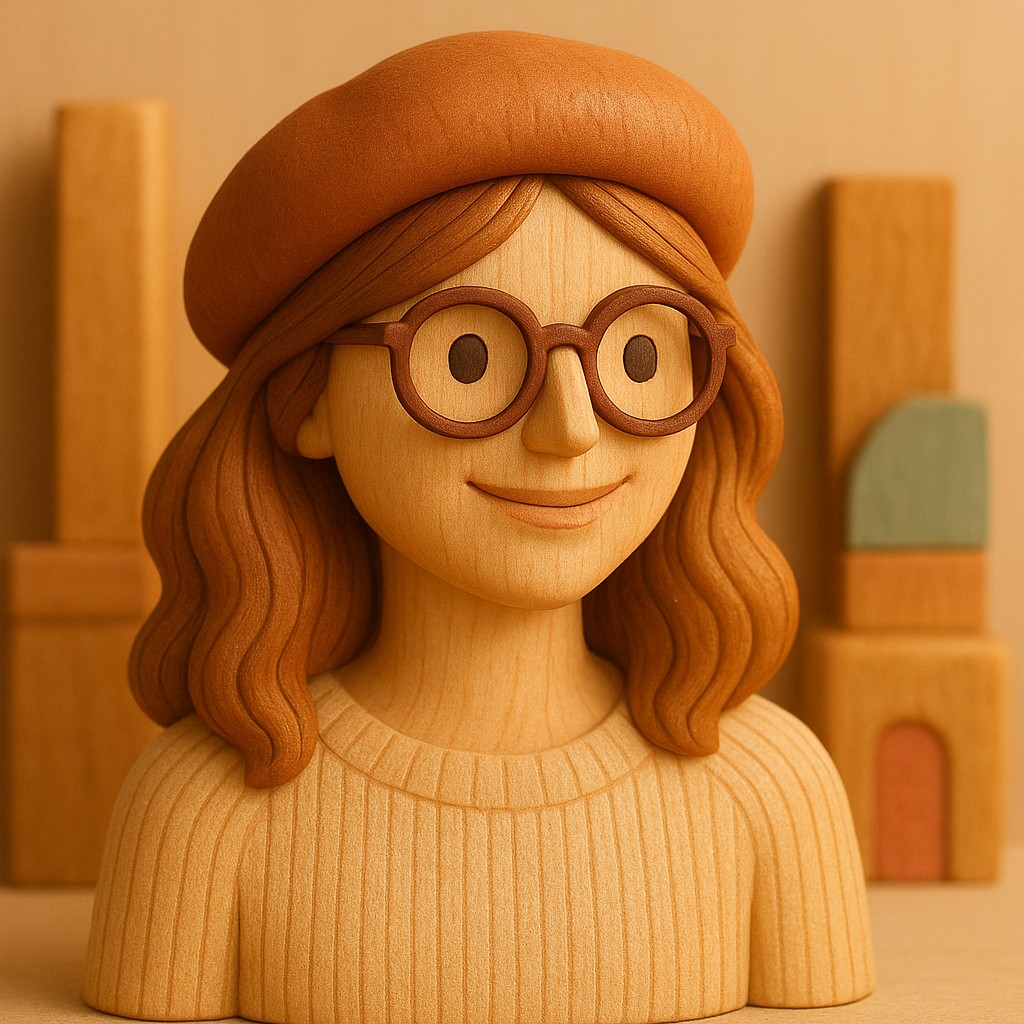

How to Convert a Photo to Wooden Toy Art
Upload a photo
Any photo works — portraits, pets, places. Pick one from your device.
Apply the filter
The AI re-renders your photo in wooden toy art, keeping the subject and composition.
Download & share
Save the result in high quality, or keep converting with other styles.
Turn It Into a Video
The filter isn't just for stills — animate your converted photo or describe a scene and get a short video in wooden toy art.
Make a video →Frequently Asked Questions
Is this Wooden Toy Art filter really free?+
Yes — the photo to wooden toy art converter is free to try. No credit card, no hidden fees.
How long does the conversion take?+
Most photos are converted to wooden toy art in under a minute.
Will my photo still be recognizable?+
Yes. The AI keeps your subject and composition and transforms the rendering — colors, lines, textures — into the style.
Who owns the converted images?+
They're yours — everything you convert belongs to you; the Terms of Service has the specifics. Remember you need rights to the photo you upload, and for legal particulars — copyright rules vary by country — a lawyer beats a FAQ.
What photo formats are supported?+
All major image formats. Just upload your photo and the AI handles the rest.
Can I try other styles on the same photo?+
Absolutely — upload once and convert into any style in the catalog. See the related filters below for ideas.
Ready to Transform Your Photos?
Convert your photos to wooden toy art in seconds — free to try.
Upload Photo & Start Converting