Renaissance Jewelry Design PFP Maker
Create Renaissance Jewelry Design profile pictures with AI — describe anything or upload a photo and get a perfectly square profile picture in seconds.
Two ways to make one: describe what you want above to generate a fresh profile picture, or upload your own photo to transform it →
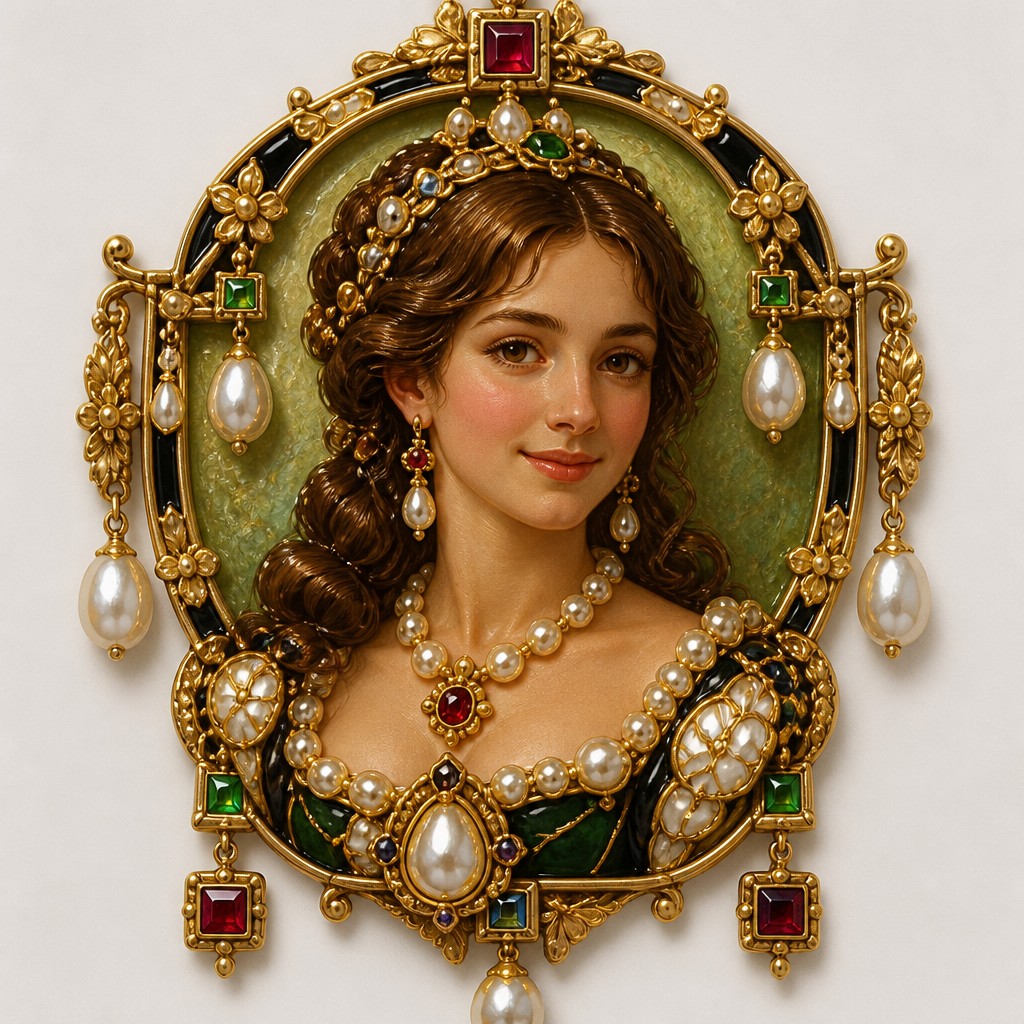
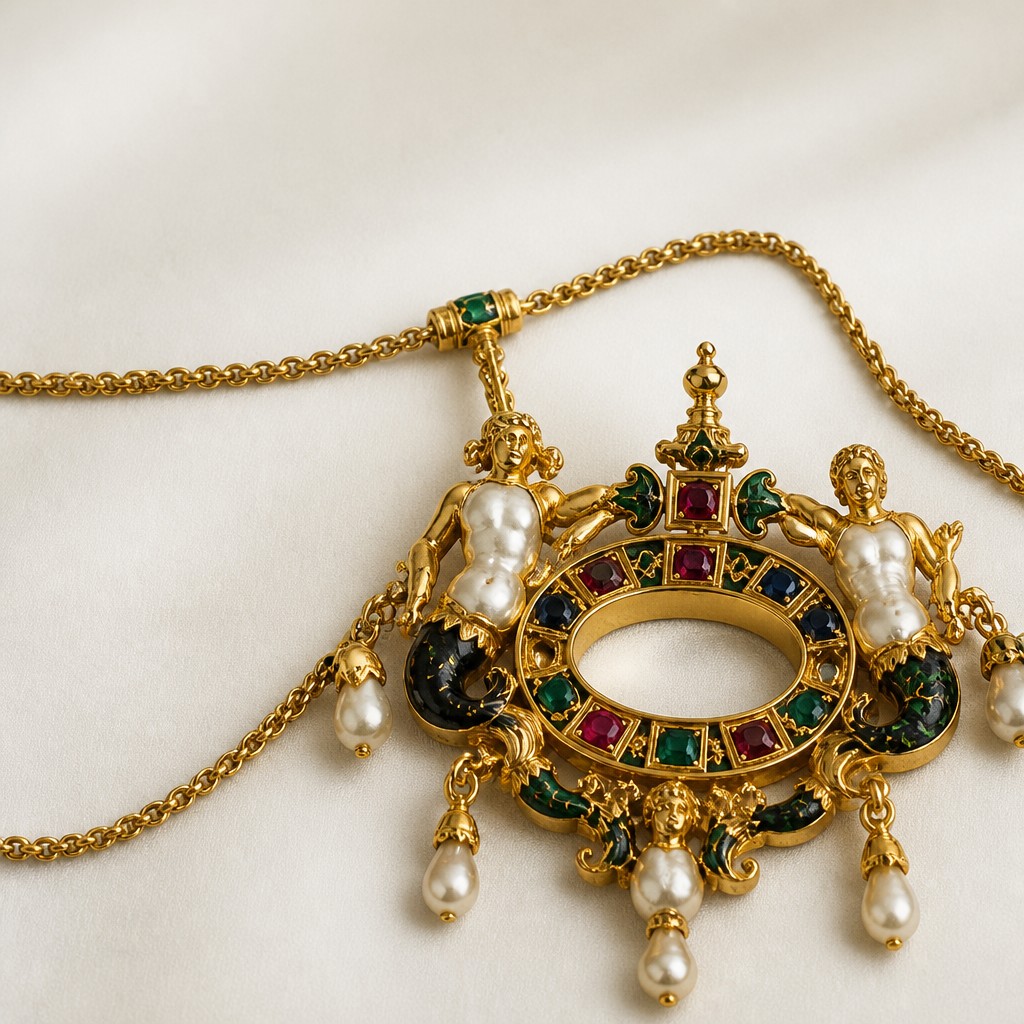
Rendered in Renaissance Jewelry Design at 1024×1024 — learn about this style
You can transform your own photo, too
Don't want to describe yourself? Switch to Image to Image mode, upload a selfie, and it's redrawn as a Renaissance Jewelry Design profile picture — your face, pose and framing kept, just restyled.
Transform my photo
Why Renaissance Jewelry Design Works for PFPs
16th-century court jewelry in gold, enamel, pearls, and table-cut gems: princely Renaissance ornament with sculptural detail.
- ✦Ronde-bosse enamel: Small sculptural forms are covered in opaque enamel so they appear fully modeled in color, not merely outlined. This gives figures, beasts, and floral motifs a jewel-like, almost miniature-statue presence.
- ✦Baroque and pear-shaped pearls: Irregular pearls are used as bodies, drops, faces, or pendants, taking advantage of their organic silhouettes. Their asymmetry adds liveliness and a sense of natural wonder.
- ✦Table-cut gemstones: Rubies, emeralds, and sapphires are often cut with flat tops and geometric facets, then set in raised collets. The look is crisp, reflective, and deliberately architectural rather than brilliant-cut.
Those qualities translate directly into profile pictures: the style stays readable at avatar and thumbnail sizes, and every generation is unique to your prompt. Want the full picture? Explore the Renaissance Jewelry Design guide →
How It Works
Describe it or upload a photo
Type what you want your profile picture to show, or upload a photo to transform.
Generate
The AI renders it in Renaissance Jewelry Design at 1024×1024 — regenerate and refine as much as you like.
Download & use
Save your profile picture and use it anywhere.
Frequently Asked Questions
How do I make a Renaissance Jewelry Design profile picture?
Type what you want into the generator (or upload a photo), and it renders your profile picture in Renaissance Jewelry Design at 1024×1024 — sized and framed for profile pictures. You can iterate as many times as you like until it's right.
Is the Renaissance Jewelry Design profile picture maker free?
You can try it free — every new account gets credits to generate. No design skills or software needed.
Can I use my own photo?
Yes — switch to Image to Image mode, upload a photo, and it will be transformed into Renaissance Jewelry Design while keeping your subject and composition.
What size is the profile picture?
Profile pictures generate at 1024×1024 pixels (1:1), and you can upscale or re-generate at other sizes in the generator.
More Styles for Profile pictures
All pfp styles →