Parametric Architecture PFP Maker
Create Parametric Architecture profile pictures with AI — describe anything or upload a photo and get a perfectly square profile picture in seconds.
Two ways to make one: describe what you want above to generate a fresh profile picture, or upload your own photo to transform it →
Rendered in Parametric Architecture at 1024×1024 — learn about this style

You can transform your own photo, too
Don't want to describe yourself? Switch to Image to Image mode, upload a selfie, and it's redrawn as a Parametric Architecture profile picture — your face, pose and framing kept, just restyled.
Transform my photo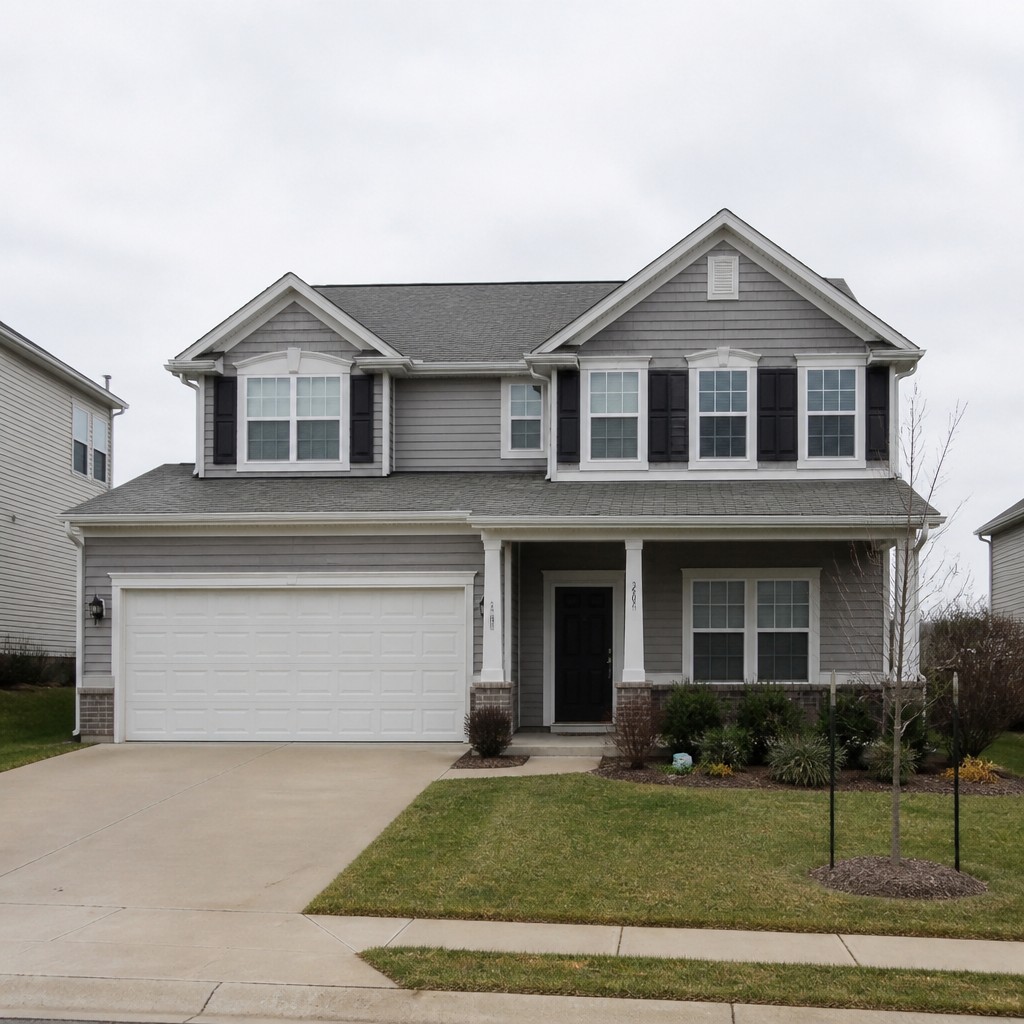
Why Parametric Architecture Works for PFPs
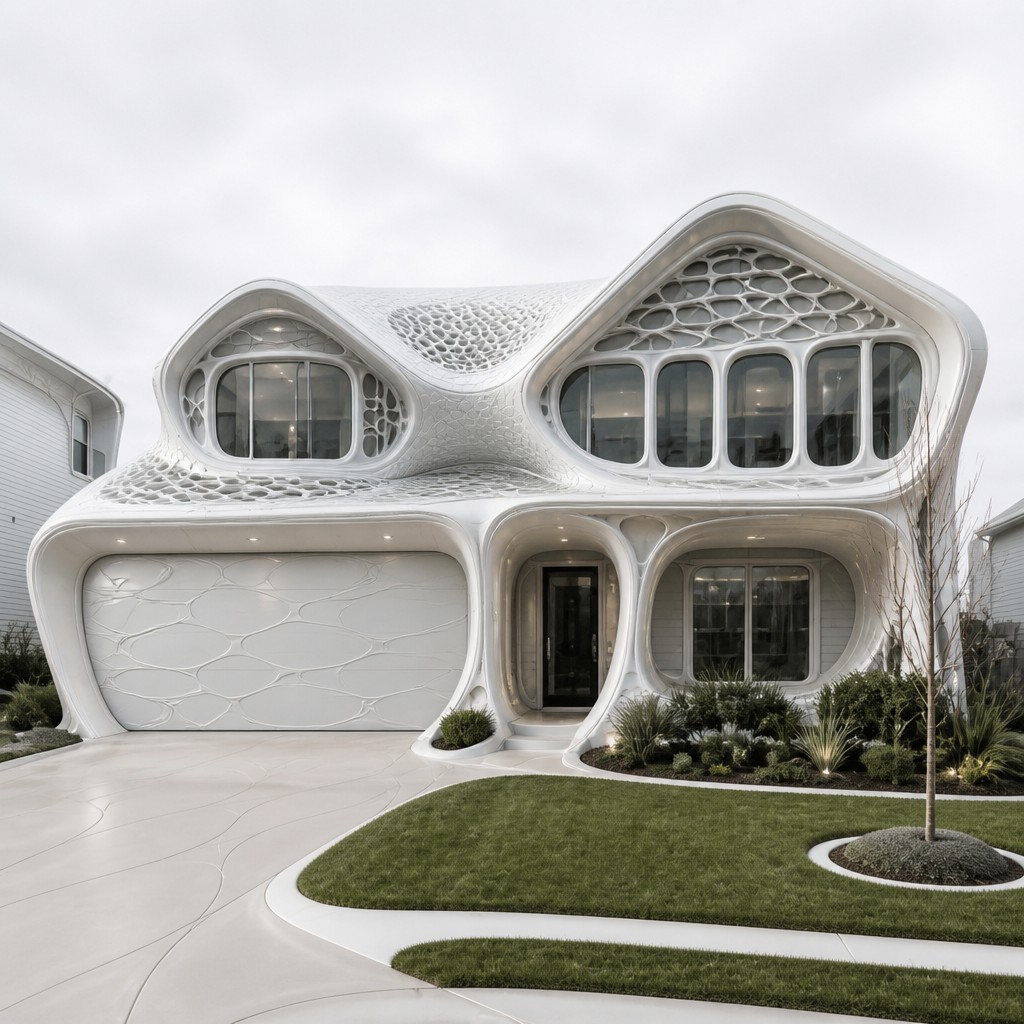
Liquid architectural forms with diagrids, smooth white shells, and flowing parametric curves—futuristic structure as frozen motion.
- ✦Continuous Curvilinear Form: Buildings and objects are composed of uninterrupted flowing surfaces rather than boxy volumes. The geometry often suggests motion, compression, or fluid dynamics frozen into solid material.
- ✦Morphing Diagrid and Lattice Systems: Structural grids frequently change density and angle across the form, creating a sense of adaptive engineering. These patterns may resemble honeycomb cells, triangulated meshes, or branching exoskeletons.
- ✦Seamless White and Glass Surfaces: A restrained palette of white, pale gray, and transparent materials is common. Smooth composite skins and reflective glazing emphasize purity, precision, and lightness.
Those qualities translate directly into profile pictures: the style stays readable at avatar and thumbnail sizes, and every generation is unique to your prompt. Want the full picture? Explore the Parametric Architecture guide →
How It Works
Describe it or upload a photo
Type what you want your profile picture to show, or upload a photo to transform.
Generate
The AI renders it in Parametric Architecture at 1024×1024 — regenerate and refine as much as you like.
Download & use
Save your profile picture and use it anywhere.
Frequently Asked Questions
How do I make a Parametric Architecture profile picture?
Type what you want into the generator (or upload a photo), and it renders your profile picture in Parametric Architecture at 1024×1024 — sized and framed for profile pictures. You can iterate as many times as you like until it's right.
Is the Parametric Architecture profile picture maker free?
You can try it free — every new account gets credits to generate. No design skills or software needed.
Can I use my own photo?
Yes — switch to Image to Image mode, upload a photo, and it will be transformed into Parametric Architecture while keeping your subject and composition.
What size is the profile picture?
Profile pictures generate at 1024×1024 pixels (1:1), and you can upscale or re-generate at other sizes in the generator.
More Styles for Profile pictures
All pfp styles →