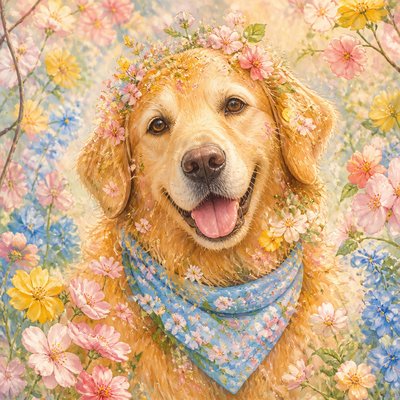
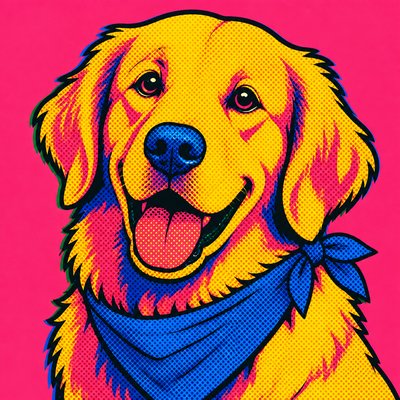
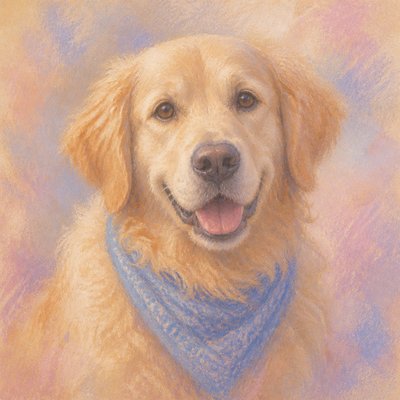
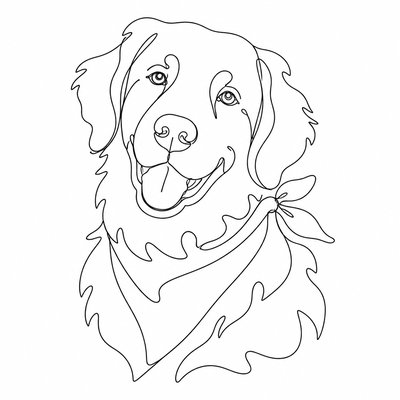
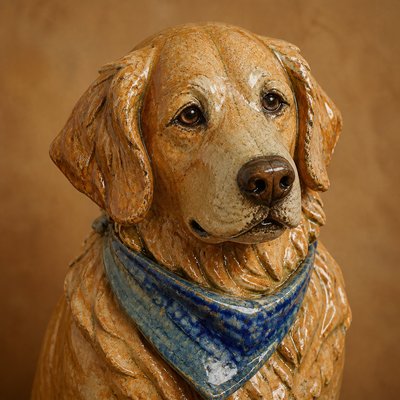
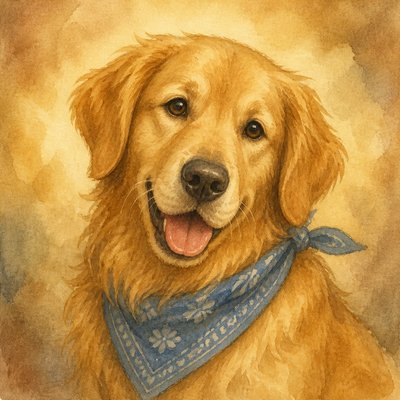
Webcore Aesthetic Pet Portrait
Create Webcore Aesthetic pet portraits with AI — describe anything or upload a photo and get a perfectly square pet portrait in seconds.
Two ways to make one: describe what you want above to generate a fresh pet portrait, or upload your own photo to transform it →
Rendered in Webcore Aesthetic at 1024×1024 — learn about this style
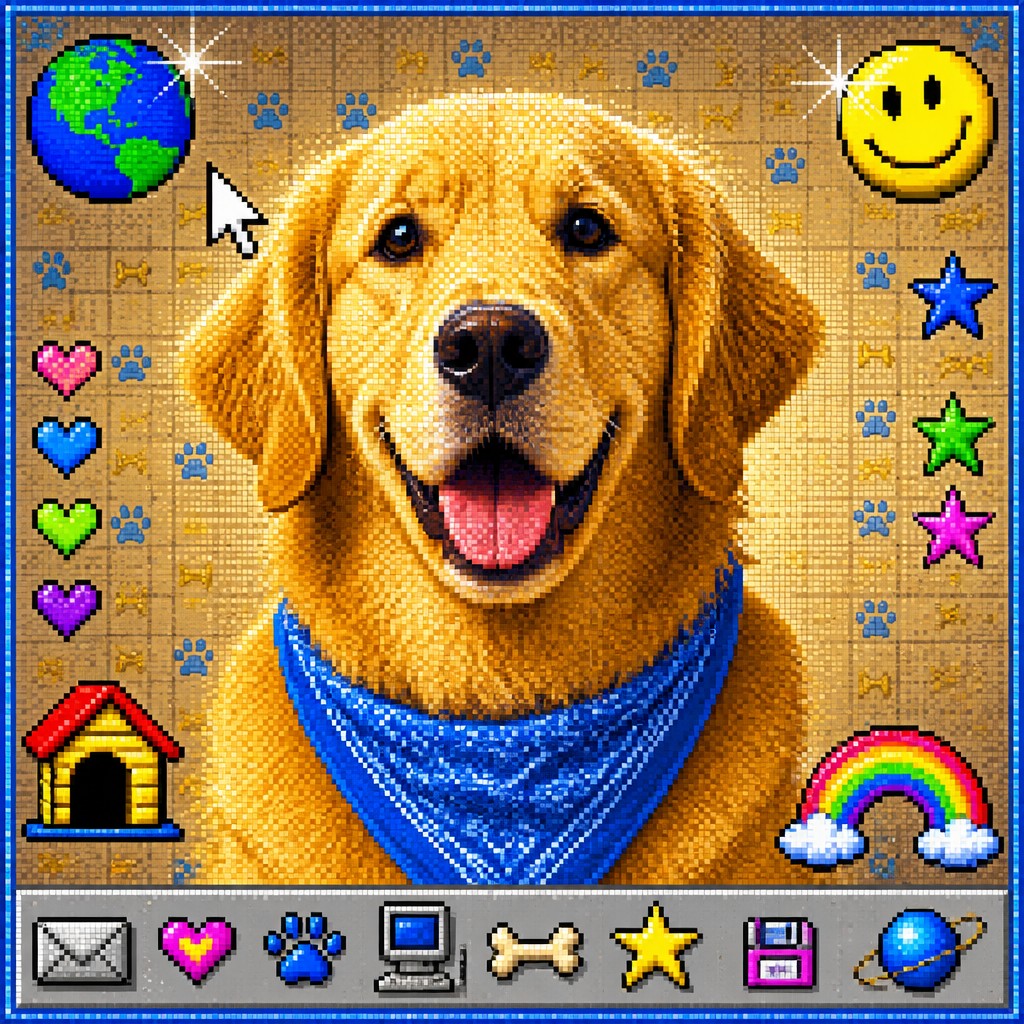
Why Webcore Aesthetic Works for Pet portraits
Old-internet nostalgia with pixel edges, dithered gradients, web-safe colors, CRT glow, and playful dial-up-era clutter.
- ✦Pixelated, low-resolution edges: Forms often look as if they were enlarged from a small screen capture or built from coarse raster assets. This produces blocky contours, visible compression, and an intentionally dated digital crispness.
- ✦Dithered gradients and lo-fi shading: Color transitions are often broken into stippled dots, checker patterns, or banded gradients. This recalls early digital rendering, when smooth shading was difficult or visually undesirable.
- ✦Web-safe, clashing color palette: Expect hyperlink blue, interface gray, beige, teal, magenta, lime, and other saturated brights. The palette usually feels slightly mismatched, echoing the visual freedom and inconsistency of early personal websites.
Those qualities translate directly into pet portraits: the style stays readable at avatar and thumbnail sizes, and every generation is unique to your prompt. Want the full picture? Explore the Webcore Aesthetic guide →
How It Works
Describe it or upload a photo
Type what you want your pet portrait to show, or upload a photo to transform.
Generate
The AI renders it in Webcore Aesthetic at 1024×1024 — regenerate and refine as much as you like.
Download & use
Save your pet portrait and use it anywhere.
Frequently Asked Questions
How do I make a Webcore Aesthetic pet portrait?
Type what you want into the generator (or upload a photo), and it renders your pet portrait in Webcore Aesthetic at 1024×1024 — sized and framed for pet portraits. You can iterate as many times as you like until it's right.
Is the Webcore Aesthetic pet portrait maker free?
You can try it free — every new account gets credits to generate. No design skills or software needed.
Can I use my own photo?
Yes — switch to Image to Image mode, upload a photo, and it will be transformed into Webcore Aesthetic while keeping your subject and composition.
What size is the pet portrait?
Pet portraits generate at 1024×1024 pixels (1:1), and you can upscale or re-generate at other sizes in the generator.