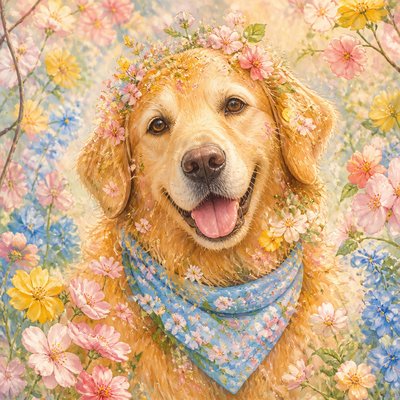
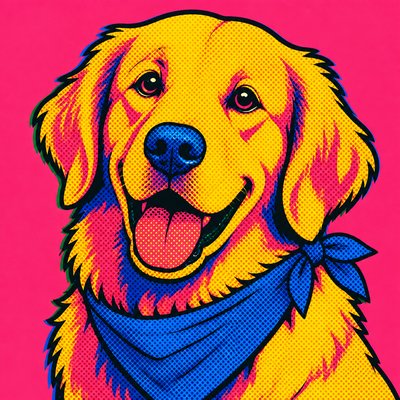
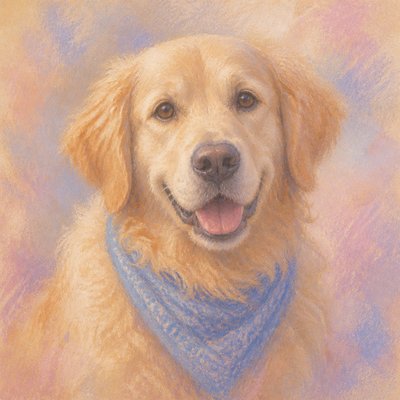
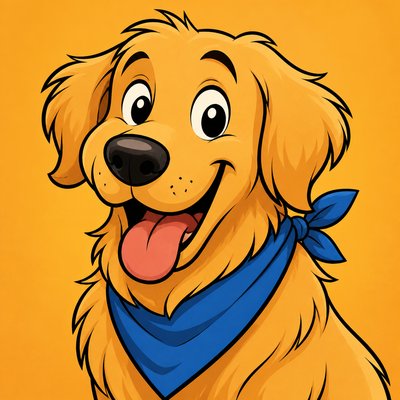
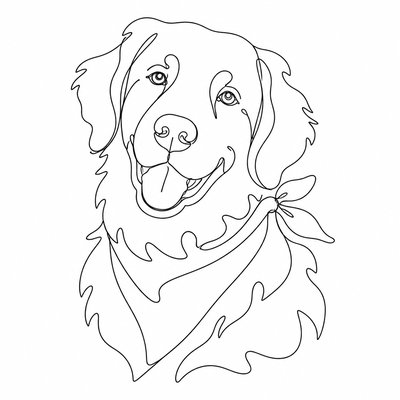
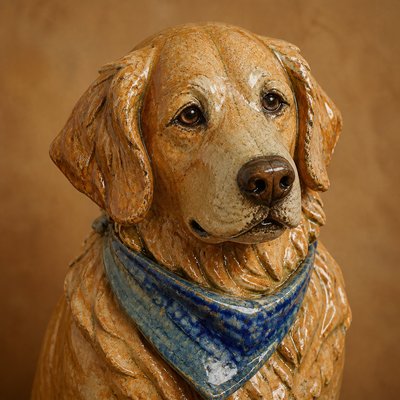
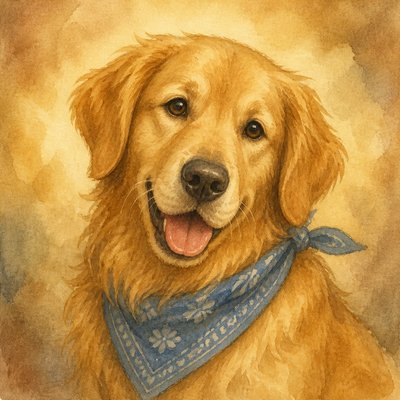
Kawaii Fashion Style Pet Portrait
Create Kawaii Fashion Style pet portraits with AI — describe anything or upload a photo and get a perfectly square pet portrait in seconds.
Two ways to make one: describe what you want above to generate a fresh pet portrait, or upload your own photo to transform it →
Rendered in Kawaii Fashion at 1024×1024 — learn about this style
Why Kawaii Fashion Style Works for Pet portraits
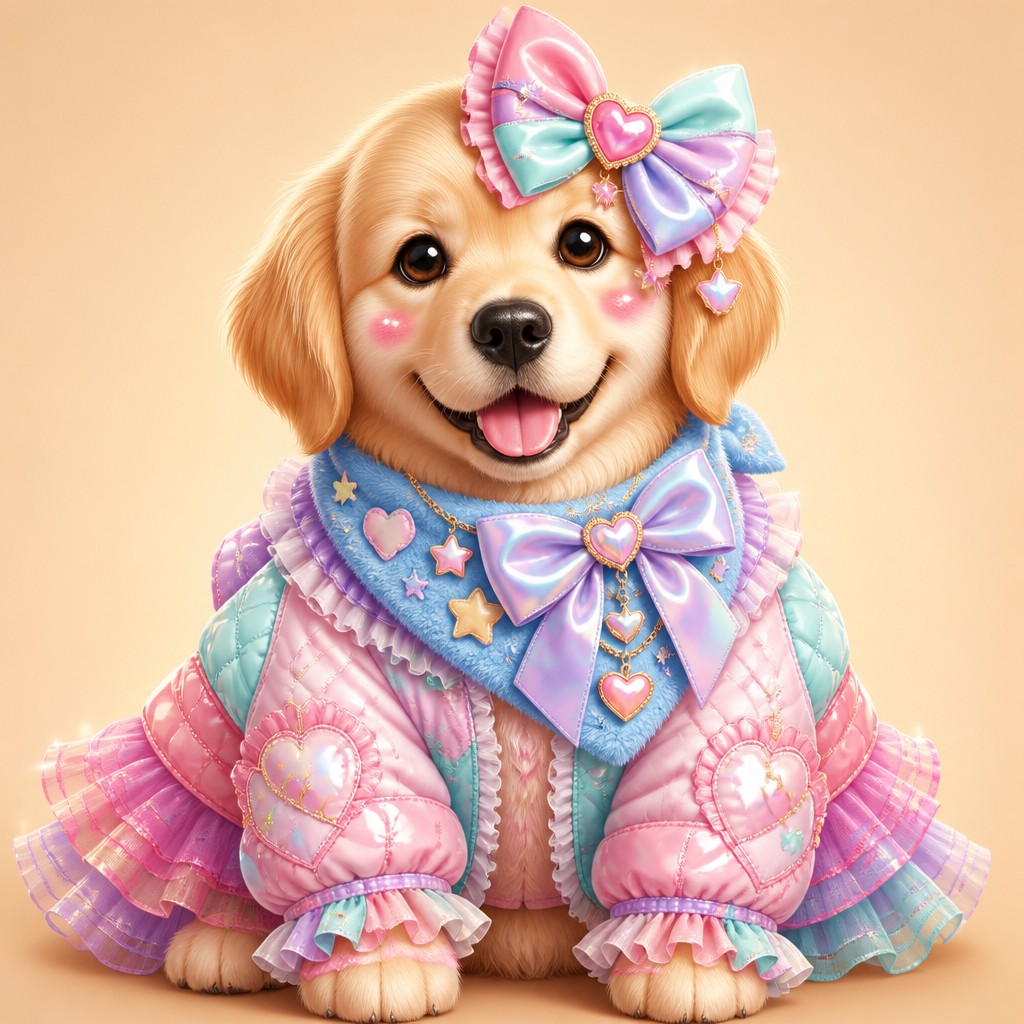
Pastel ruffles, bows, and candy-gloss layers define this cute fashion aesthetic of oversized silhouettes and toy-box sweetness.
- ✦Rounded, oversized silhouettes: Shapes tend to be soft and inflated rather than sharp or tailored. Sleeves, skirts, collars, and accessories often exaggerate volume to create a plush, huggable look.
- ✦Ruffles, bows, and layered trim: Decorative construction is central to the style. Multiple tiers, ribbon ties, frilled hems, and symmetrical bow placements make garments feel playful and carefully embellished.
- ✦Pastel candy palette: Bubblegum pink, mint, lavender, baby blue, and cream are common, often supported by white highlights. The palette suggests confectionery and toy packaging rather than naturalistic color.
Those qualities translate directly into pet portraits: the style stays readable at avatar and thumbnail sizes, and every generation is unique to your prompt. Want the full picture? Explore the Kawaii Fashion Style guide →
How It Works
Describe it or upload a photo
Type what you want your pet portrait to show, or upload a photo to transform.
Generate
The AI renders it in Kawaii Fashion Style at 1024×1024 — regenerate and refine as much as you like.
Download & use
Save your pet portrait and use it anywhere.
Frequently Asked Questions
How do I make a Kawaii Fashion Style pet portrait?
Type what you want into the generator (or upload a photo), and it renders your pet portrait in Kawaii Fashion Style at 1024×1024 — sized and framed for pet portraits. You can iterate as many times as you like until it's right.
Is the Kawaii Fashion Style pet portrait maker free?
You can try it free — every new account gets credits to generate. No design skills or software needed.
Can I use my own photo?
Yes — switch to Image to Image mode, upload a photo, and it will be transformed into Kawaii Fashion Style while keeping your subject and composition.
What size is the pet portrait?
Pet portraits generate at 1024×1024 pixels (1:1), and you can upscale or re-generate at other sizes in the generator.