Royalcore Aesthetic Icon Maker
Create Royalcore Aesthetic icons with AI — describe anything and get a perfectly square icon in seconds.
Rendered in Royalcore Aesthetic at 1024×1024 — learn about this style
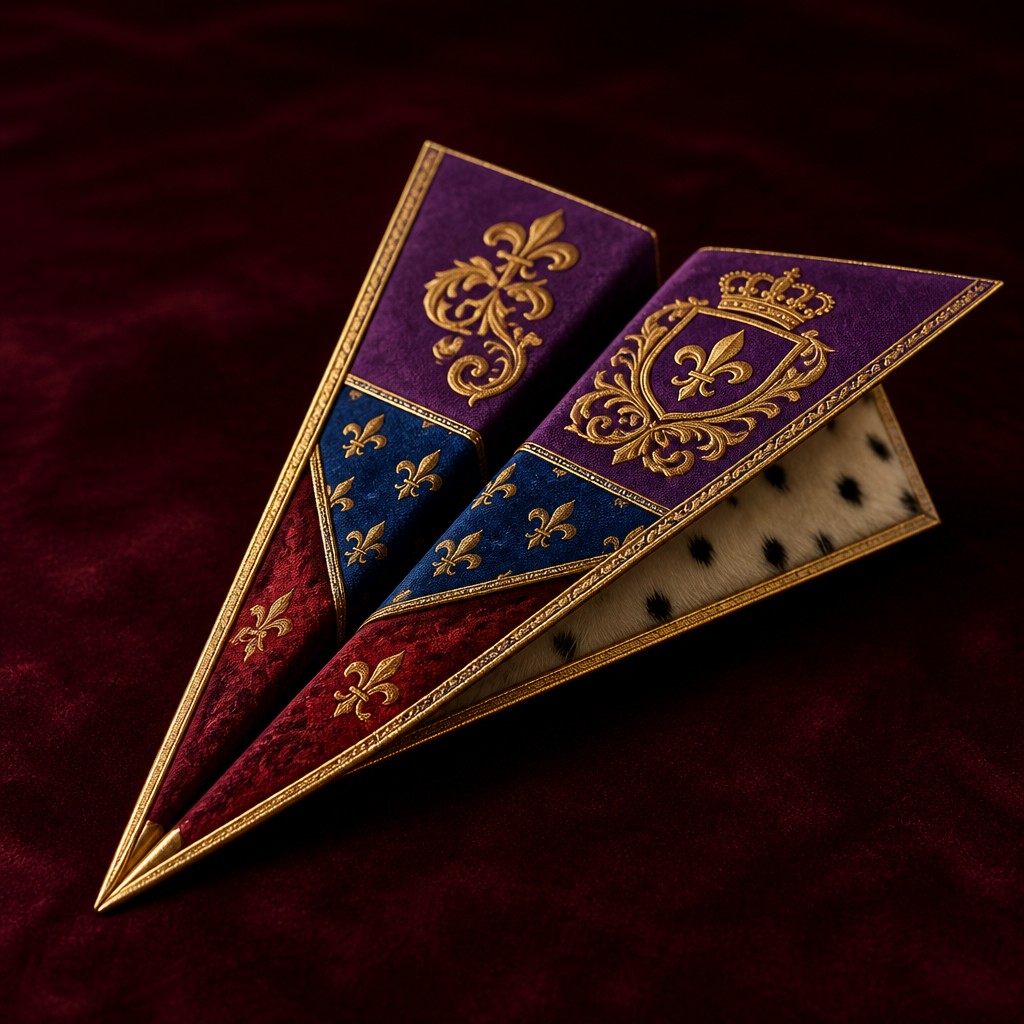
Why Royalcore Aesthetic Works for Icons
Opulent regal aesthetic of velvet, gold, jewels, and ceremonial grandeur with warm candlelit drama and heraldic detail.
- ✦Jewel-tone palette: Ruby, sapphire, emerald, amethyst, and deep burgundy dominate the color scheme, often balanced by black, ivory, or dark forest green. Gold accents are used sparingly but decisively to heighten contrast and suggest luxury.
- ✦Regal textiles: Velvet, brocade, satin, silk, and ermine are central surface textures. They are often depicted with pronounced folds, sheen, and weight to emphasize tactile richness and ceremonial formality.
- ✦Heraldic ornament: Crests, crowns, fleur-de-lis, shields, tassels, filigree, and scrollwork provide symbolic authority. These motifs create an immediate association with dynastic power and inherited status.
Those qualities translate directly into icons: the style stays readable at avatar and thumbnail sizes, and every generation is unique to your prompt. Want the full picture? Explore the Royalcore Aesthetic guide →
How It Works
Describe it
Type what you want your icon to show.
Generate
The AI renders it in Royalcore Aesthetic at 1024×1024 — regenerate and refine as much as you like.
Download & use
Save your icon and use it anywhere.
Frequently Asked Questions
How do I make a Royalcore Aesthetic icon?
Type what you want into the generator (or upload a photo), and it renders your icon in Royalcore Aesthetic at 1024×1024 — sized and framed for icons. You can iterate as many times as you like until it's right.
Is the Royalcore Aesthetic icon maker free?
You can try it free — every new account gets credits to generate. No design skills or software needed.
Can I use my own photo?
Yes — switch to Image to Image mode, upload a photo, and it will be transformed into Royalcore Aesthetic while keeping your subject and composition.
What size is the icon?
Icons generate at 1024×1024 pixels (1:1), and you can upscale or re-generate at other sizes in the generator.











