Pixel Digital Art Style Icon Maker
Create Pixel Digital Art Style icons with AI — describe anything and get a perfectly square icon in seconds.
Rendered in Pixel Digital at 1024×1024 — learn about this style
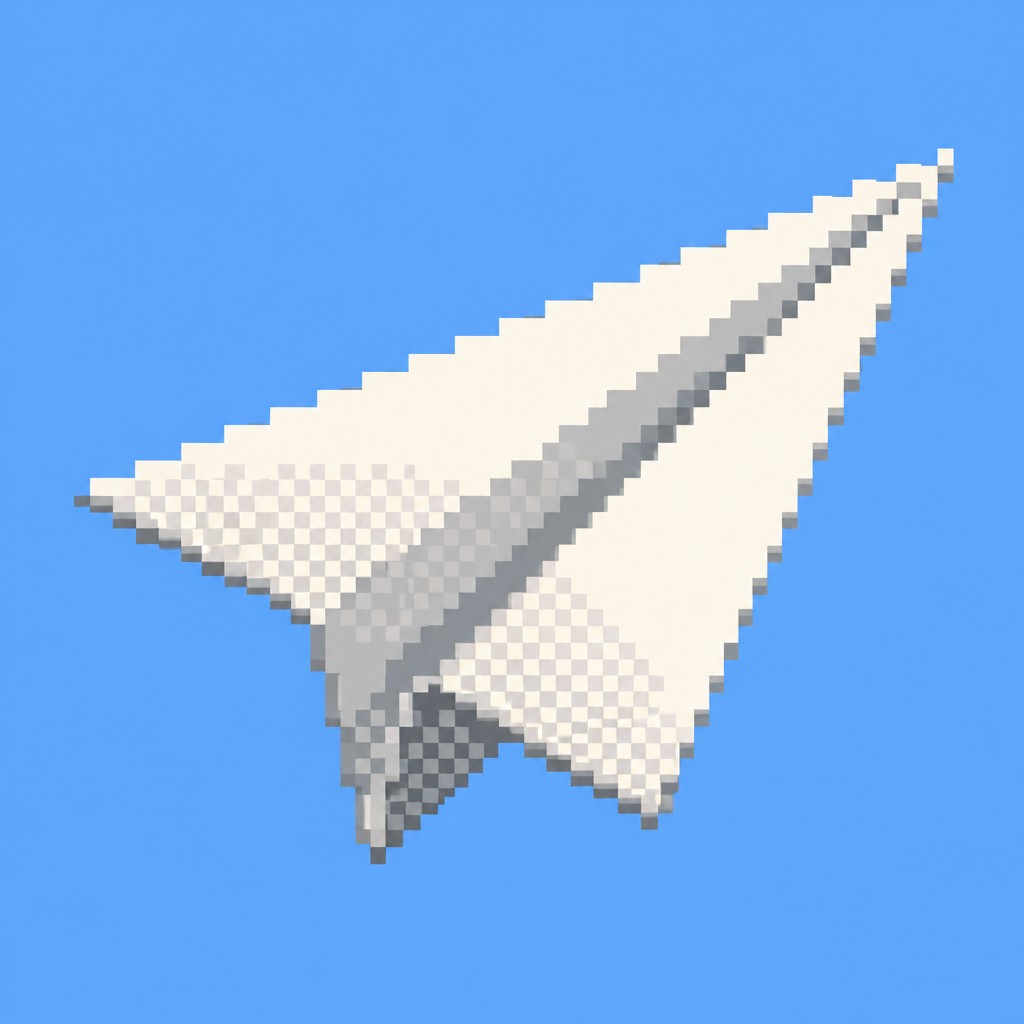
Why Pixel Digital Art Style Works for Icons
Low-resolution pixel art with limited palettes, crisp edges, and nostalgic bitmap texture—where every pixel is intentionally placed.
- ✦Visible pixel grid: Forms are built from square units that remain easy to read, often with no attempt to smooth edges. The grid is part of the image’s identity rather than something to conceal.
- ✦Restricted palette: The style typically uses a small number of colors with clear jumps in value and hue. This limitation creates graphic clarity and strengthens the retro digital feel.
- ✦Hard-edged silhouettes: Contours are sharply defined, with crisp aliasing instead of anti-aliased transitions. Curves appear stepped, giving objects a mechanically constructed appearance.
Those qualities translate directly into icons: the style stays readable at avatar and thumbnail sizes, and every generation is unique to your prompt. Want the full picture? Explore the Pixel Digital Art Style guide →
How It Works
Describe it
Type what you want your icon to show.
Generate
The AI renders it in Pixel Digital Art Style at 1024×1024 — regenerate and refine as much as you like.
Download & use
Save your icon and use it anywhere.
Frequently Asked Questions
How do I make a Pixel Digital Art Style icon?
Type what you want into the generator (or upload a photo), and it renders your icon in Pixel Digital Art Style at 1024×1024 — sized and framed for icons. You can iterate as many times as you like until it's right.
Is the Pixel Digital Art Style icon maker free?
You can try it free — every new account gets credits to generate. No design skills or software needed.
Can I use my own photo?
Yes — switch to Image to Image mode, upload a photo, and it will be transformed into Pixel Digital Art Style while keeping your subject and composition.
What size is the icon?
Icons generate at 1024×1024 pixels (1:1), and you can upscale or re-generate at other sizes in the generator.











