Digital Art Style Icon Maker
Create Digital Art Style icons with AI — describe anything and get a perfectly square icon in seconds.
Rendered in Digital at 1024×1024 — learn about this style
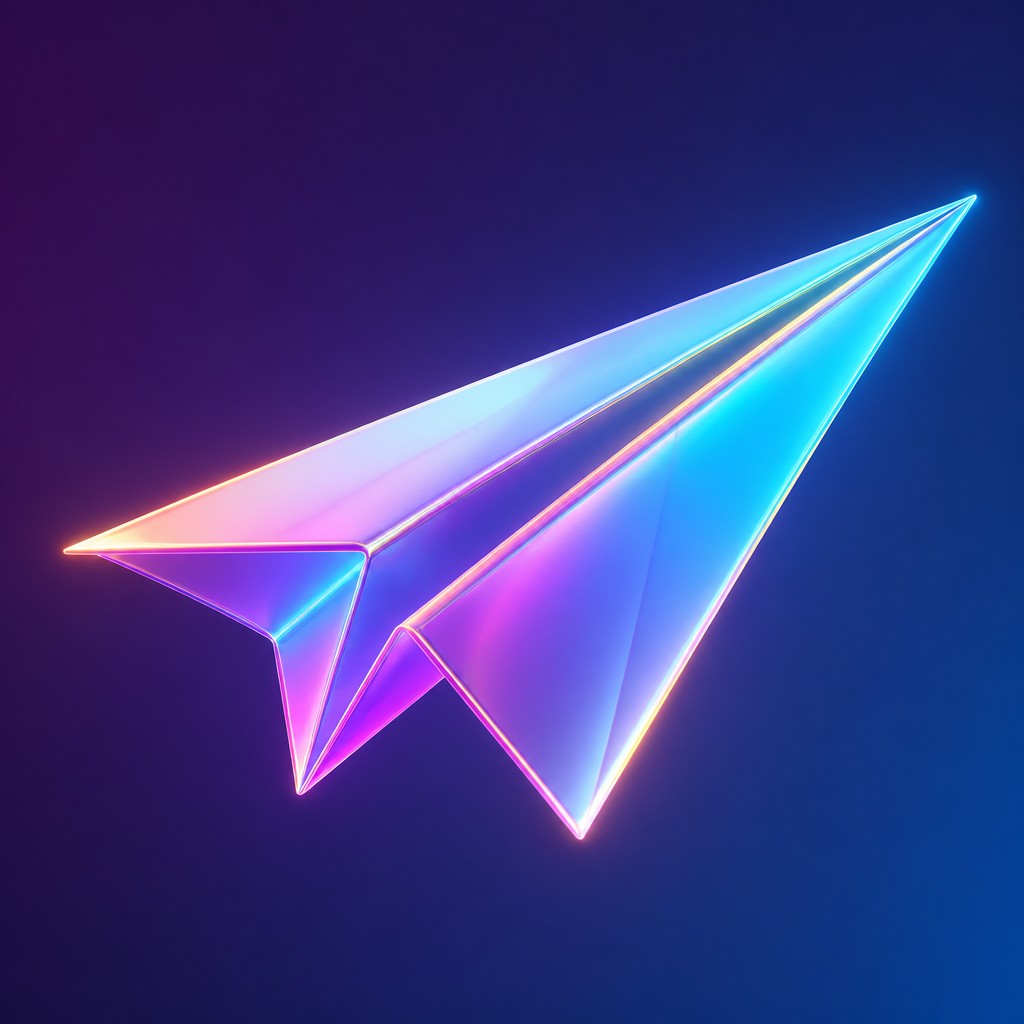
Why Digital Art Style Works for Icons
Polished computer-generated imagery with smooth gradients, luminous color, crisp edges, and the sleek precision of digital media.
- ✦Smooth gradient transitions: Color changes are often seamless, with little to no visible brush grain or banding. This gives forms a clean, modeled look and helps surfaces feel polished and dimensional.
- ✦Crisp, anti-aliased edges: Outlines and hard transitions tend to be sharply defined yet visually clean. Even complex shapes remain precise because the digital workflow avoids the rough breakup typical of many traditional media.
- ✦Luminous, saturated color: Colors are frequently vivid, high-contrast, and sometimes pushed beyond naturalistic limits. The palette can feel electric, neon, or hyperreal while still remaining controlled.
Those qualities translate directly into icons: the style stays readable at avatar and thumbnail sizes, and every generation is unique to your prompt. Want the full picture? Explore the Digital Art Style guide →
How It Works
Describe it
Type what you want your icon to show.
Generate
The AI renders it in Digital Art Style at 1024×1024 — regenerate and refine as much as you like.
Download & use
Save your icon and use it anywhere.
Frequently Asked Questions
How do I make a Digital Art Style icon?
Type what you want into the generator (or upload a photo), and it renders your icon in Digital Art Style at 1024×1024 — sized and framed for icons. You can iterate as many times as you like until it's right.
Is the Digital Art Style icon maker free?
You can try it free — every new account gets credits to generate. No design skills or software needed.
Can I use my own photo?
Yes — switch to Image to Image mode, upload a photo, and it will be transformed into Digital Art Style while keeping your subject and composition.
What size is the icon?
Icons generate at 1024×1024 pixels (1:1), and you can upscale or re-generate at other sizes in the generator.











