Dark Gothic Anime Art Style Icon Maker
Create Dark Gothic Anime Art Style icons with AI — describe anything and get a perfectly square icon in seconds.
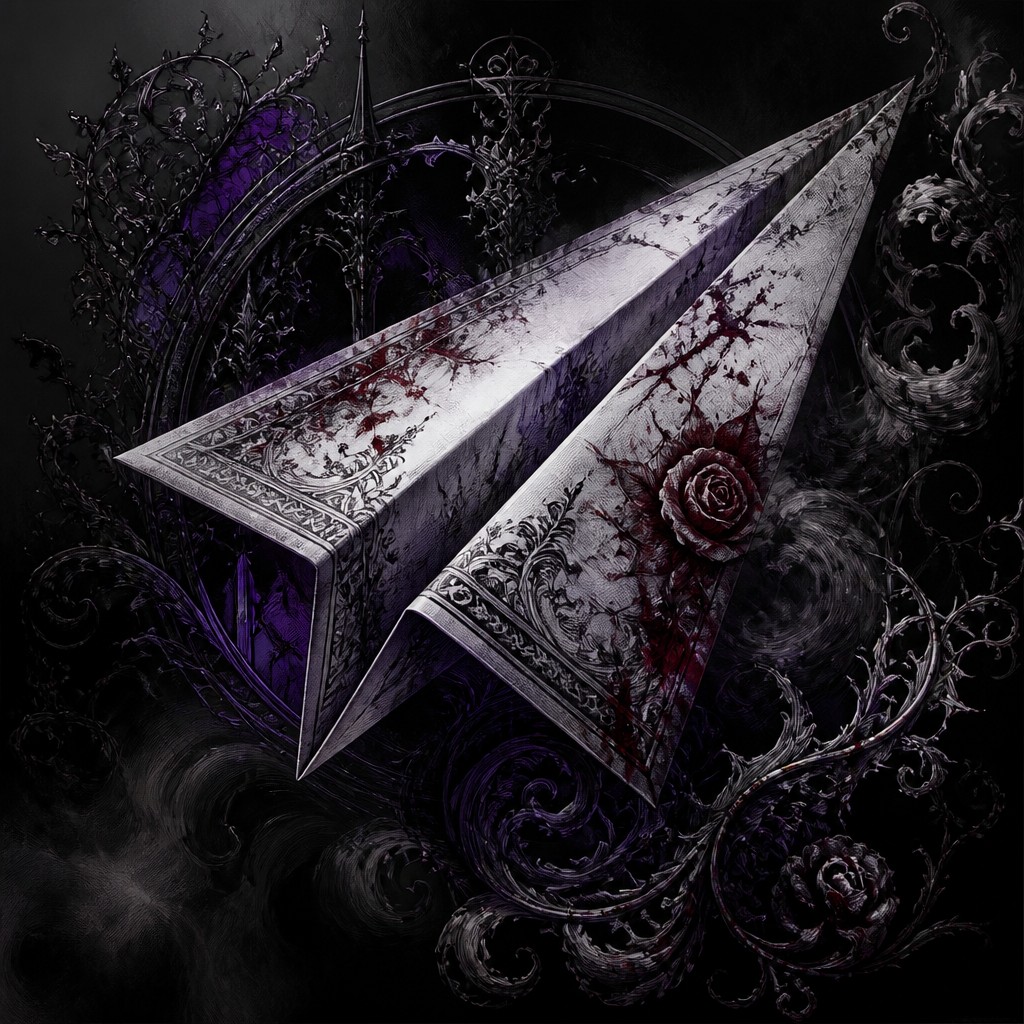
Rendered in Dark Gothic Anime at 1024×1024 — learn about this style
Why Dark Gothic Anime Art Style Works for Icons
Victorian-inspired anime with gothic shadows, ornate detail, pale faces, and crimson or purple accents for dark supernatural scenes.
- ✦High-contrast chiaroscuro: Light and shadow are pushed to extremes, with black areas often swallowing the background or clothing. Faces and hands may be the main illuminated elements, creating a stage-lit, haunted effect.
- ✦Monochrome base with selective color: Most of the image is grayscale, while deep crimson or royal purple is reserved for symbolic accents such as eyes, roses, blood, ribbons, or magic effects. This limited palette strengthens the mood and focuses attention.
- ✦Manga-inspired linework: Contour lines are precise and varied in weight, with clean edges around the figure and finer marks used for hair, lace, and ornament. The linework often carries much of the emotional expression, especially in close-up portraits.
Those qualities translate directly into icons: the style stays readable at avatar and thumbnail sizes, and every generation is unique to your prompt. Want the full picture? Explore the Dark Gothic Anime Art Style guide →
How It Works
Describe it
Type what you want your icon to show.
Generate
The AI renders it in Dark Gothic Anime Art Style at 1024×1024 — regenerate and refine as much as you like.
Download & use
Save your icon and use it anywhere.
Frequently Asked Questions
How do I make a Dark Gothic Anime Art Style icon?
Type what you want into the generator (or upload a photo), and it renders your icon in Dark Gothic Anime Art Style at 1024×1024 — sized and framed for icons. You can iterate as many times as you like until it's right.
Is the Dark Gothic Anime Art Style icon maker free?
You can try it free — every new account gets credits to generate. No design skills or software needed.
Can I use my own photo?
Yes — switch to Image to Image mode, upload a photo, and it will be transformed into Dark Gothic Anime Art Style while keeping your subject and composition.
What size is the icon?
Icons generate at 1024×1024 pixels (1:1), and you can upscale or re-generate at other sizes in the generator.











