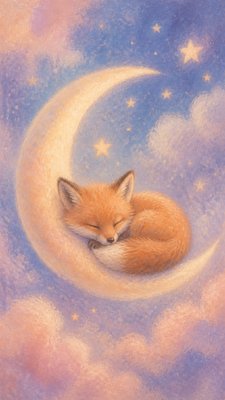
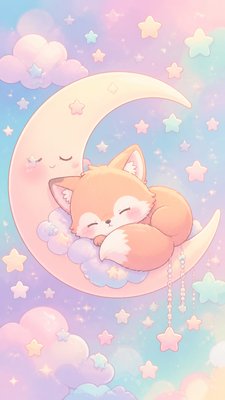
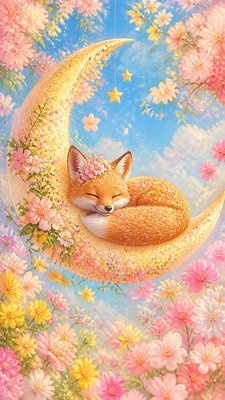
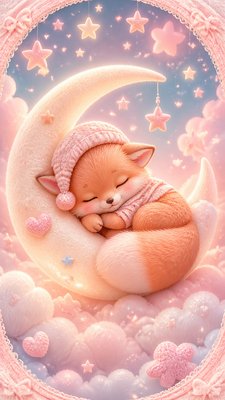
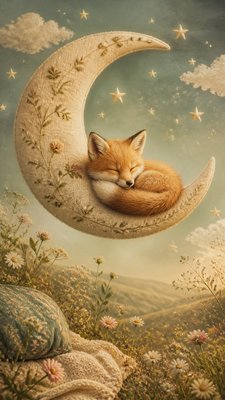
Dragoncore Aesthetic Baby Announcement
Create Dragoncore Aesthetic baby announcements with AI — describe anything and get a vertical baby announcement in seconds.
Rendered in Dragoncore Aesthetic at 864×1536 — learn about this style

Why Dragoncore Aesthetic Works for Baby announcements
Dragoncore aesthetic blends ember reds, molten gold, smoky caverns, scales, treasure, and mythic dragon grandeur.
- ✦Ember-and-metal palette: The style usually relies on red, orange, gold, black, and deep green tones. These colors evoke flame, treasure, scales, and the interior of a cavern lit by molten light.
- ✦Scaled and reflective textures: Shimmering scales, polished armor, coins, jewels, and metallic surfaces are common. These surfaces catch highlights dramatically and create a sense of tactile richness.
- ✦Cavernous atmosphere: Dragoncore often takes place in a lair, cave, ruin, or volcanic chamber. Smoke, shadow, drifting ash, and torchlight give the scene a hidden, underground quality.
Those qualities translate directly into baby announcements: the style stays readable at tall print and screen formats, and every generation is unique to your prompt. Want the full picture? Explore the Dragoncore Aesthetic guide →
How It Works
Describe it
Type what you want your baby announcement to show.
Generate
The AI renders it in Dragoncore Aesthetic at 864×1536 — regenerate and refine as much as you like.
Download & use
Save your baby announcement and use it anywhere.
Frequently Asked Questions
How do I make a Dragoncore Aesthetic baby announcement?
Type what you want into the generator (or upload a photo), and it renders your baby announcement in Dragoncore Aesthetic at 864×1536 — sized and framed for baby announcements. You can iterate as many times as you like until it's right.
Is the Dragoncore Aesthetic baby announcement maker free?
You can try it free — every new account gets credits to generate. No design skills or software needed.
Can I use my own photo?
Yes — switch to Image to Image mode, upload a photo, and it will be transformed into Dragoncore Aesthetic while keeping your subject and composition.
What size is the baby announcement?
Baby announcements generate at 864×1536 pixels (9:16 vertical), and you can upscale or re-generate at other sizes in the generator.