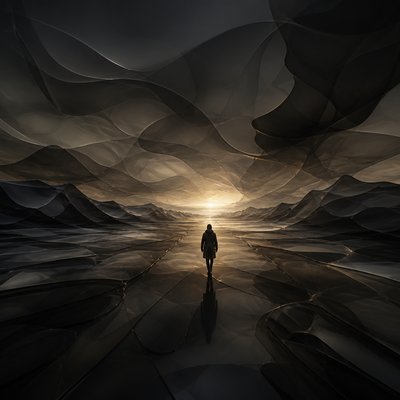
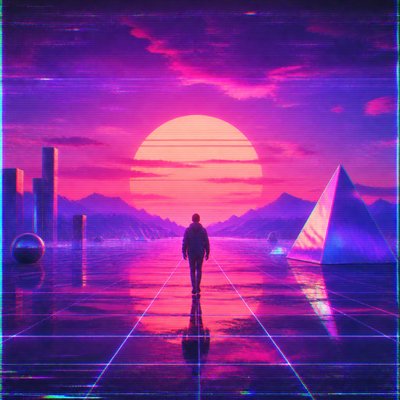
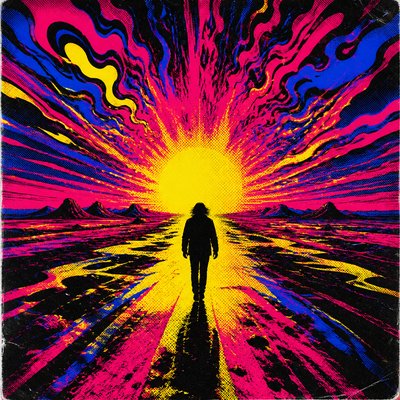
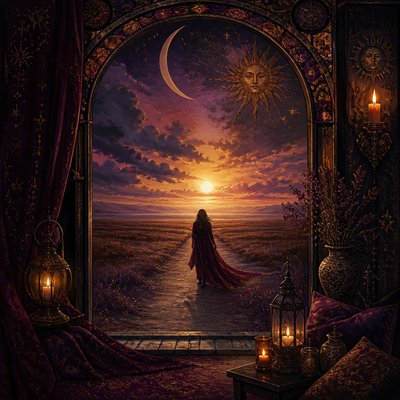
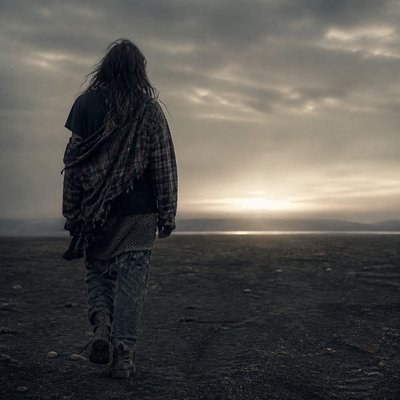
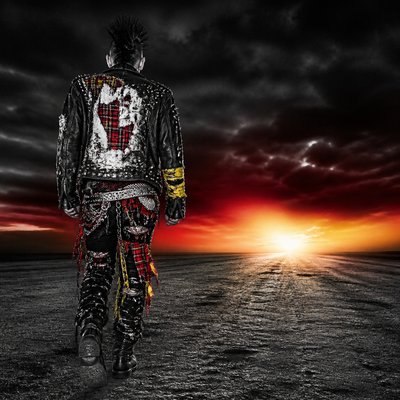
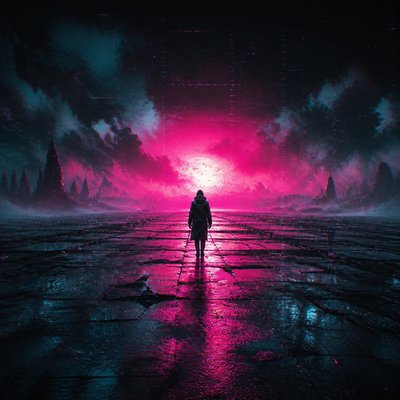
Japandi Aesthetic Album Cover Maker
Create Japandi Aesthetic album covers with AI — describe anything and get a perfectly square album cover in seconds.
Rendered in Japandi Aesthetic at 1024×1024 — learn about this style

Why Japandi Aesthetic Works for Album covers
Japandi aesthetic blends Japanese calm with Scandinavian warmth through light oak, greige tones, clean lines, and serene negative space.
- ✦Muted, nature-based palette: Colors are usually restrained to warm white, greige, sand, charcoal, soft black, and muted clay. The palette creates visual quiet and supports the style’s emphasis on balance and calm.
- ✦Light wood and tactile materials: Light oak is especially common, along with linen, wool, paper, stone, and matte ceramic. Surfaces tend to feel honest and natural rather than glossy or heavily processed.
- ✦Low, clean silhouettes: Furniture and objects often sit close to the ground and use simple, linear geometry. Shapes are functional and uncluttered, with minimal ornament and little visual noise.
Those qualities translate directly into album covers: the style stays readable at avatar and thumbnail sizes, and every generation is unique to your prompt. Want the full picture? Explore the Japandi Aesthetic guide →
How It Works
Describe it
Type what you want your album cover to show.
Generate
The AI renders it in Japandi Aesthetic at 1024×1024 — regenerate and refine as much as you like.
Download & use
Save your album cover and use it anywhere.
Frequently Asked Questions
How do I make a Japandi Aesthetic album cover?
Type what you want into the generator (or upload a photo), and it renders your album cover in Japandi Aesthetic at 1024×1024 — sized and framed for album covers. You can iterate as many times as you like until it's right.
Is the Japandi Aesthetic album cover maker free?
You can try it free — every new account gets credits to generate. No design skills or software needed.
Can I use my own photo?
Yes — switch to Image to Image mode, upload a photo, and it will be transformed into Japandi Aesthetic while keeping your subject and composition.
What size is the album cover?
Album covers generate at 1024×1024 pixels (1:1), and you can upscale or re-generate at other sizes in the generator.