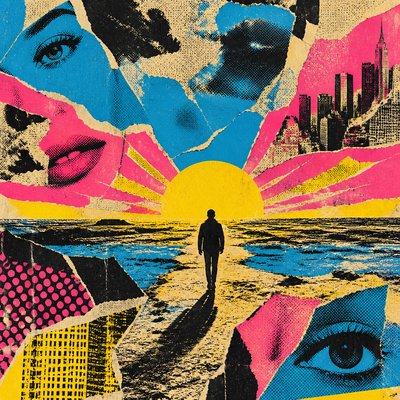
Dark Moody Interior Design Album Cover Maker
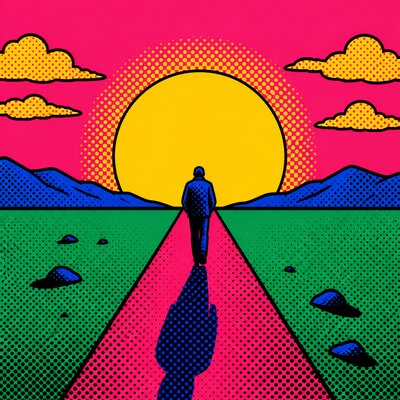
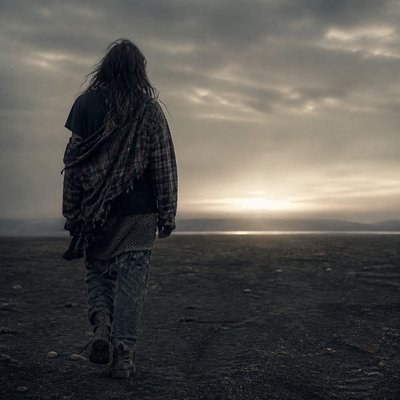
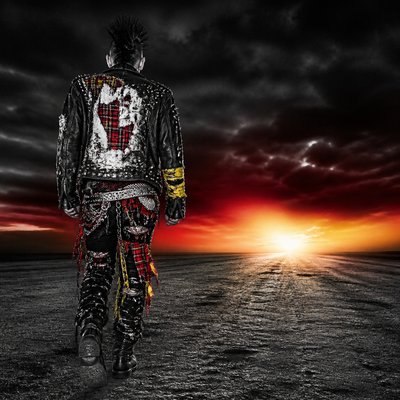
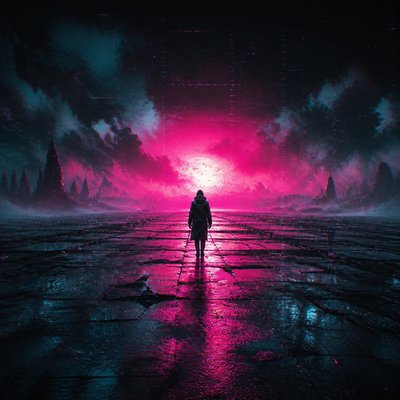
Create Dark Moody Interior Design album covers with AI — describe anything and get a perfectly square album cover in seconds.
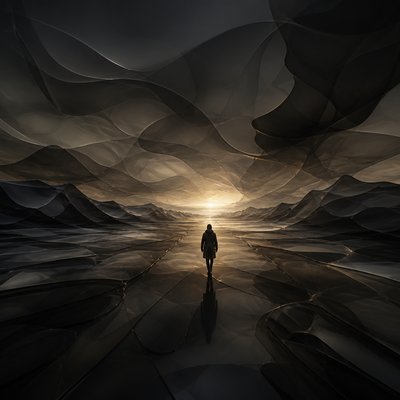
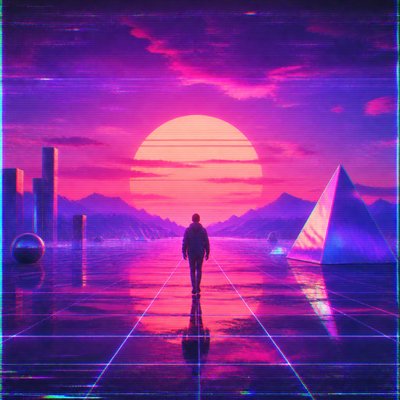
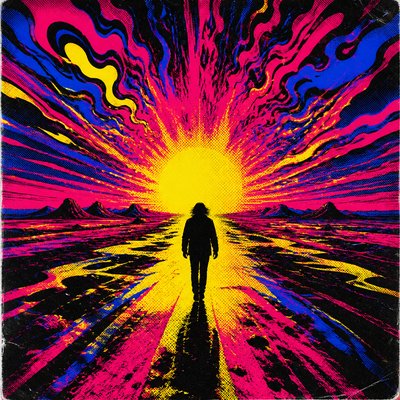
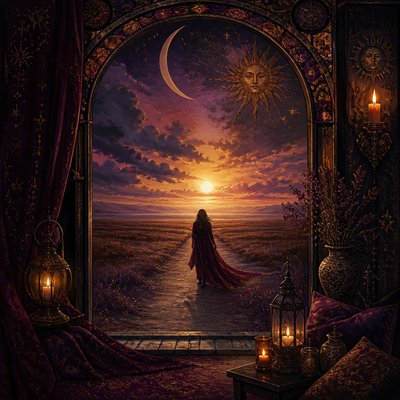
Rendered in Dark Moody Interior Design at 1024×1024 — learn about this style
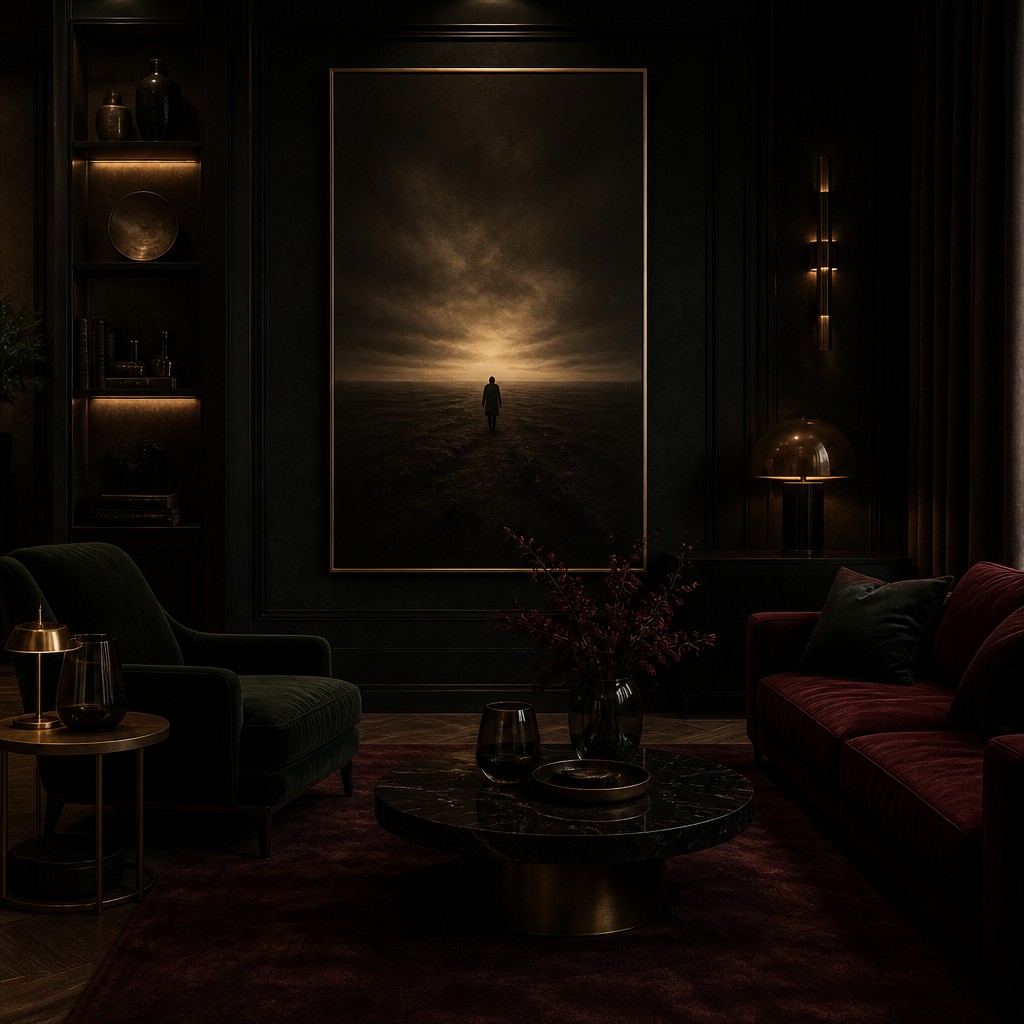
Why Dark Moody Interior Design Works for Album covers
Ink-black interiors with brass, velvet, and cinematic shadow: a cocooning design style of depth, warmth, and dramatic contrast.
- ✦Deep, muted color palette: The style relies on dark neutrals and saturated near-black hues such as charcoal, forest green, aubergine, and oxblood. These colors reduce visual glare and create a sense of depth and enclosure.
- ✦Matte and low-sheen surfaces: Walls and large architectural planes are often finished in matte paint or soft plaster so light falls gently across them. This keeps the room from feeling shiny or overly decorative.
- ✦Metallic accents with restraint: Brass, antique gold, and smoked metal are used as highlights rather than dominant finishes. Small reflective details punctuate the darkness and guide the eye through the room.
Those qualities translate directly into album covers: the style stays readable at avatar and thumbnail sizes, and every generation is unique to your prompt. Want the full picture? Explore the Dark Moody Interior Design guide →
How It Works
Describe it
Type what you want your album cover to show.
Generate
The AI renders it in Dark Moody Interior Design at 1024×1024 — regenerate and refine as much as you like.
Download & use
Save your album cover and use it anywhere.
Frequently Asked Questions
How do I make a Dark Moody Interior Design album cover?
Type what you want into the generator (or upload a photo), and it renders your album cover in Dark Moody Interior Design at 1024×1024 — sized and framed for album covers. You can iterate as many times as you like until it's right.
Is the Dark Moody Interior Design album cover maker free?
You can try it free — every new account gets credits to generate. No design skills or software needed.
Can I use my own photo?
Yes — switch to Image to Image mode, upload a photo, and it will be transformed into Dark Moody Interior Design while keeping your subject and composition.
What size is the album cover?
Album covers generate at 1024×1024 pixels (1:1), and you can upscale or re-generate at other sizes in the generator.