Pixelated Block Art
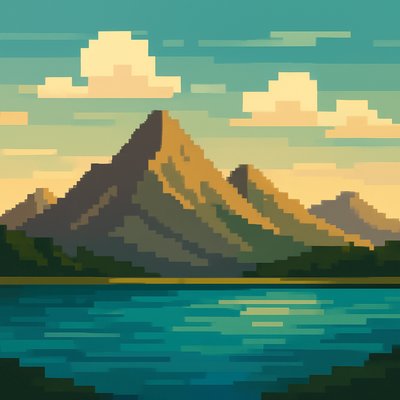
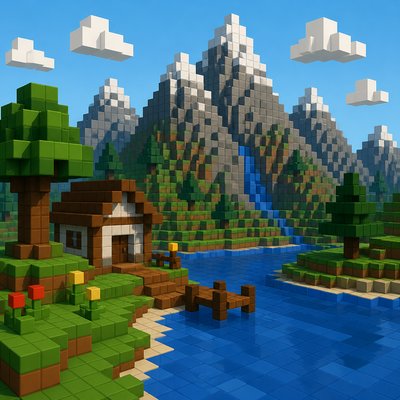
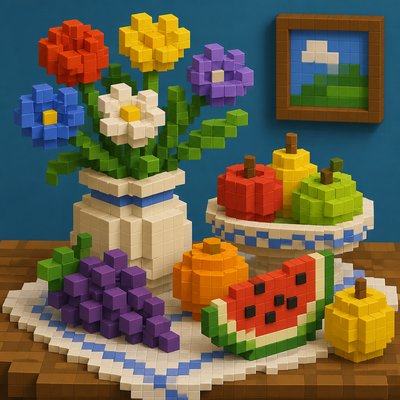
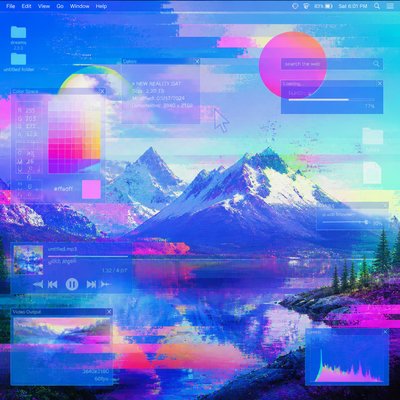
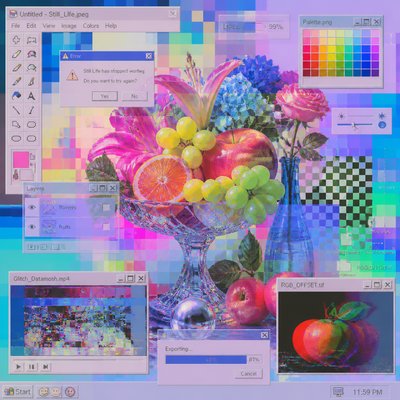
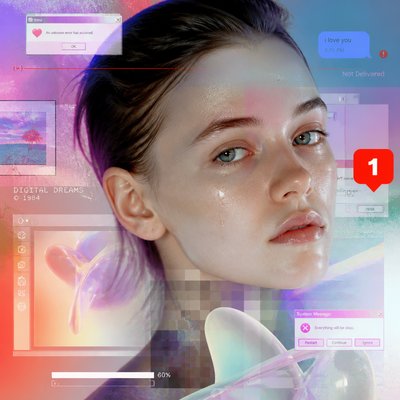
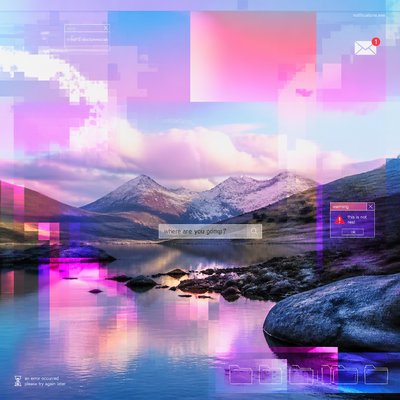
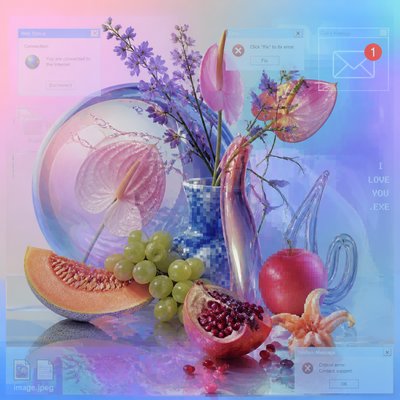
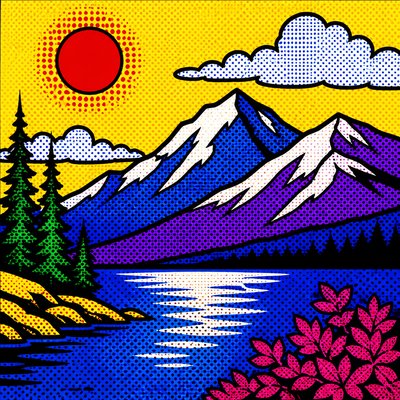
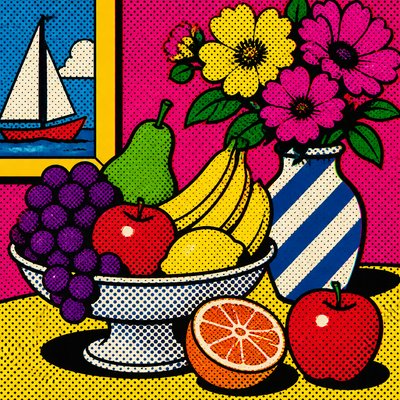
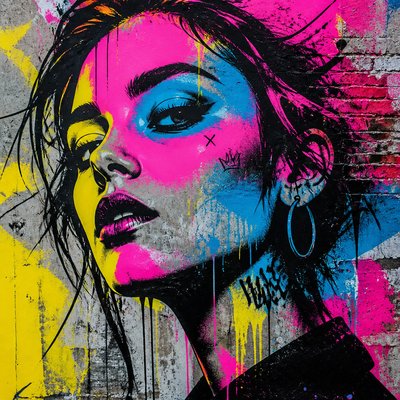
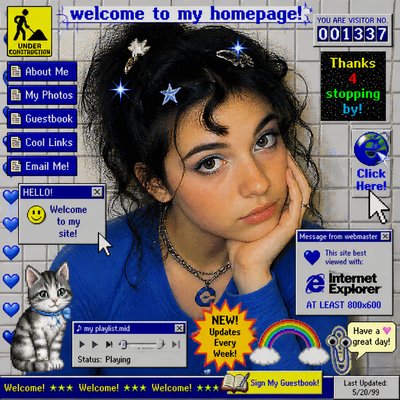
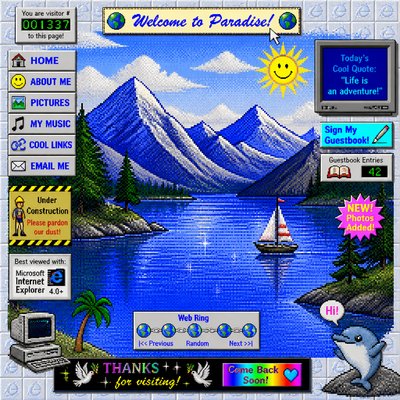
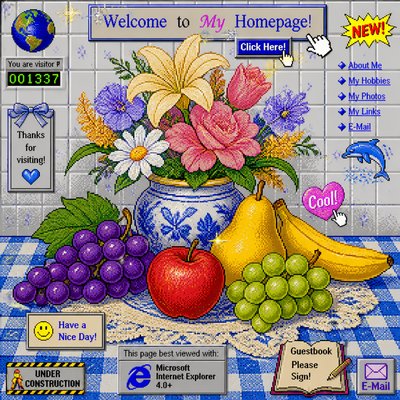
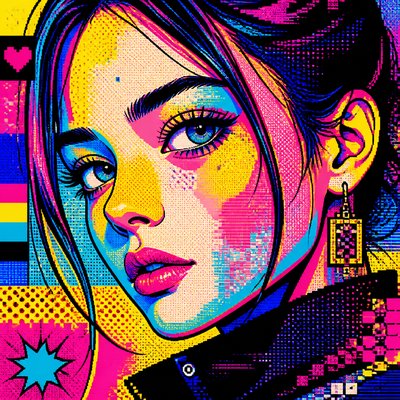
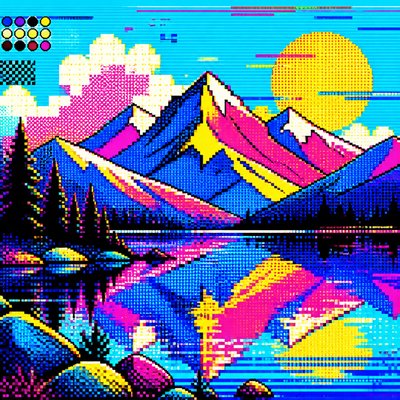
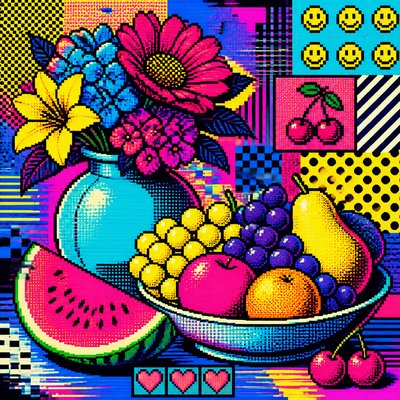
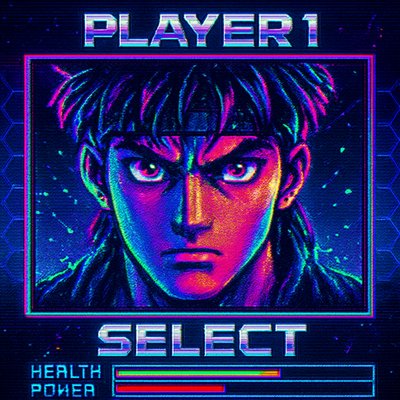
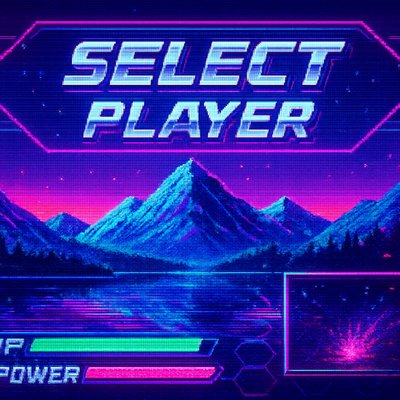
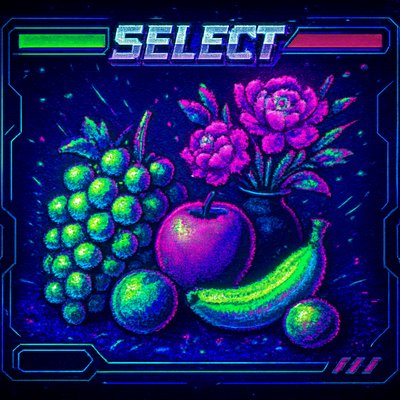
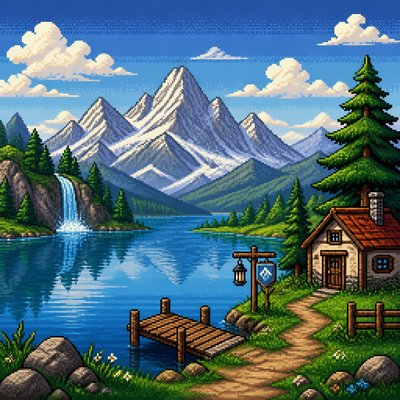
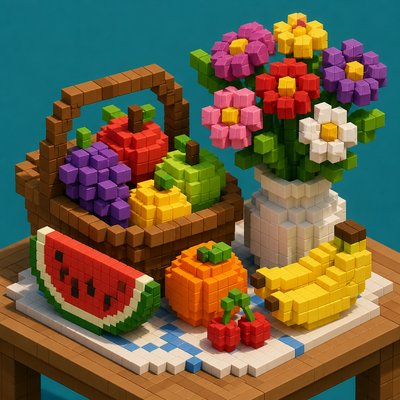
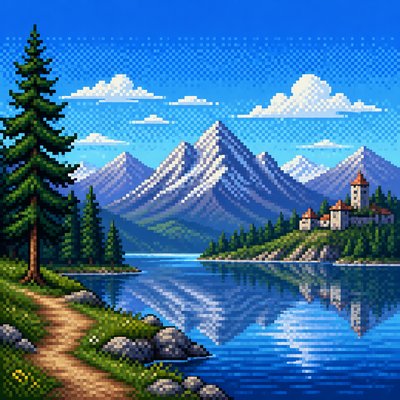
Pixelated Block Art uses visible square units, flat color, and hard edges to create a retro low-resolution look.
Instantly rendered in Pixelated Block — or transform a photo

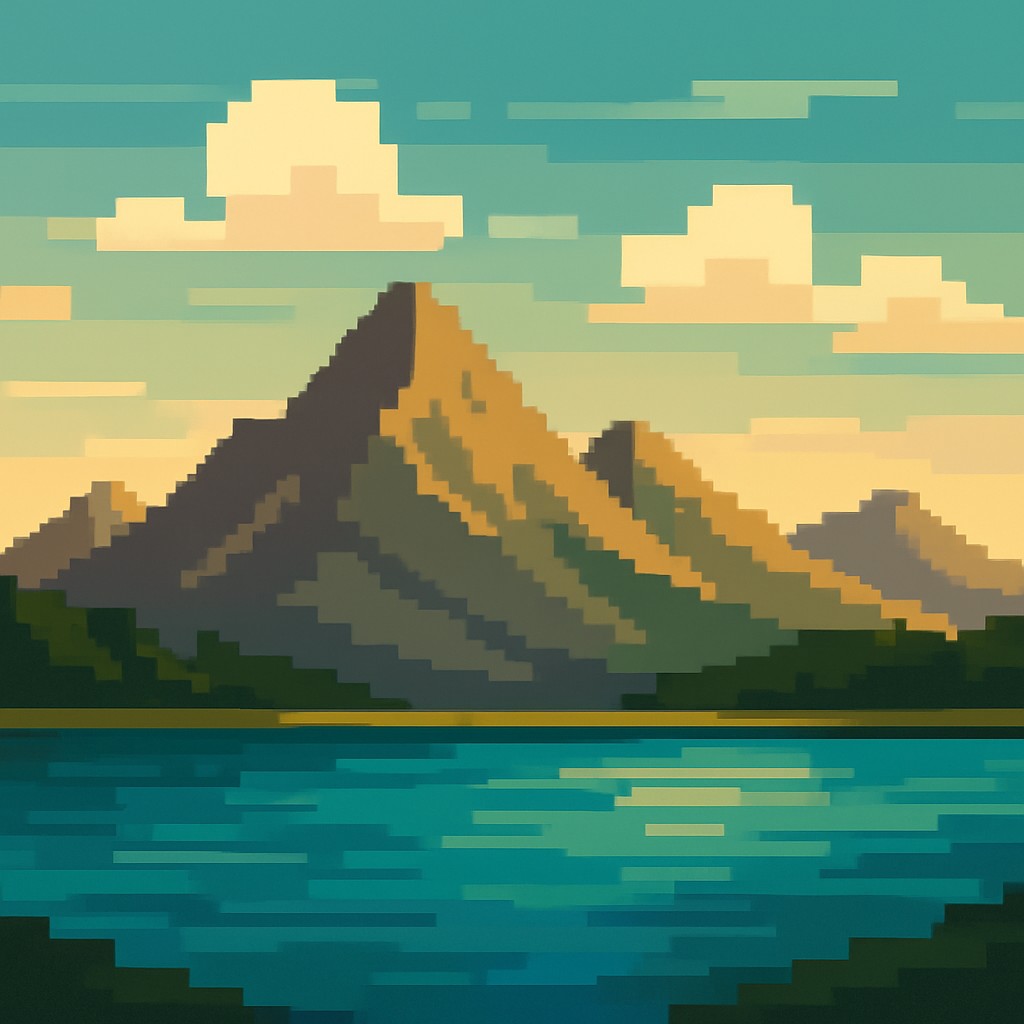
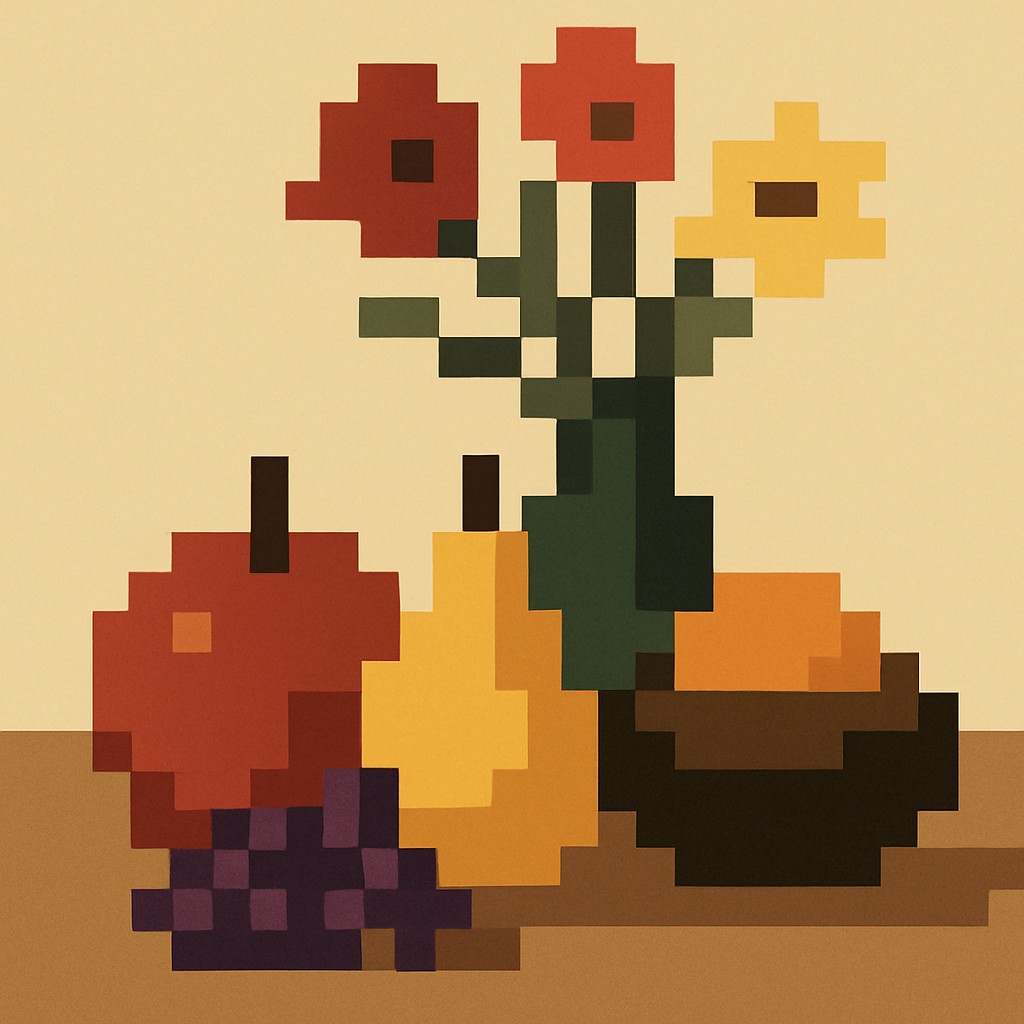
What is Pixelated Block Art?
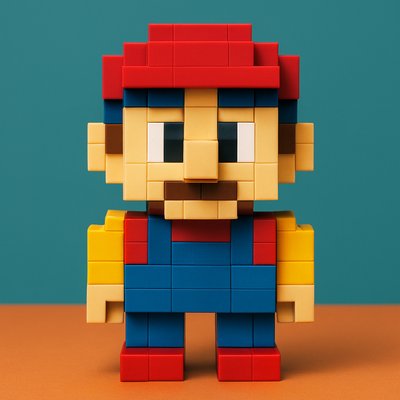
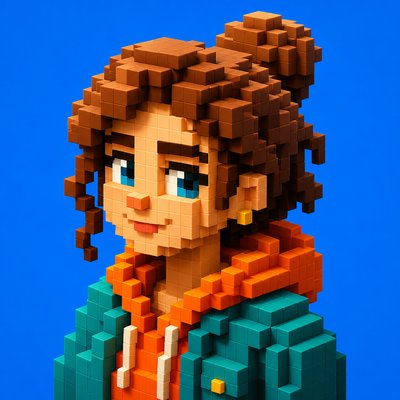
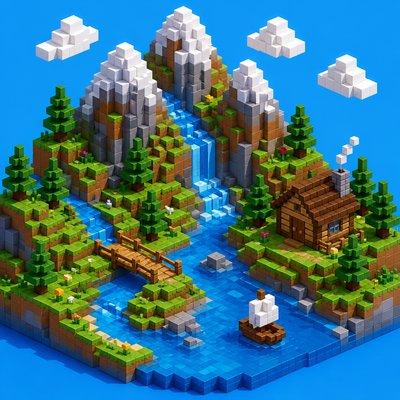
Pixelated Block Art is a visual style built from clearly visible square units, with forms simplified into blocky shapes and details reduced to a low-resolution grid. It typically uses a limited palette, flat areas of color, and sharp boundaries rather than blended transitions, giving images a deliberately digital, constructed appearance.
The style reads as retro because it echoes early computer graphics, video game sprites, and pixel-based interface art, where technical limits made coarse resolution part of the look. Even when created today with modern tools, it retains that same visual logic: imagery becomes legible through abstraction, contrast, and shape economy rather than fine rendering.
What Defines Pixelated Block Art
The signature details, up close
Visible square units
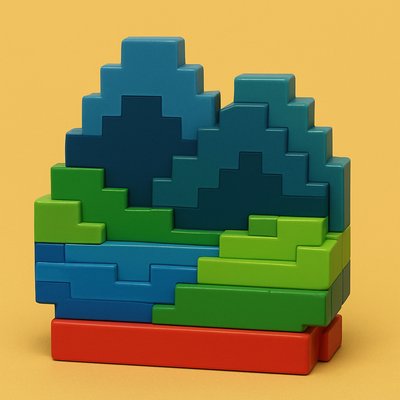
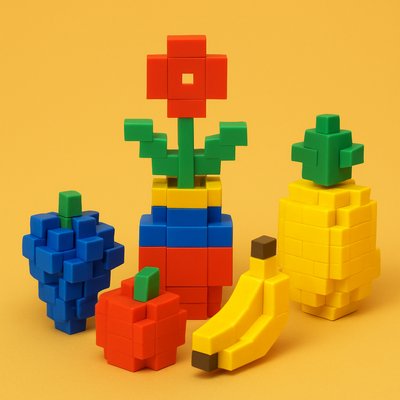
Forms are assembled from discrete pixel-like blocks rather than continuous lines or brushstrokes. The grid is part of the image’s identity, not something to disguise.
Limited color palette
The style often relies on a restrained set of colors, sometimes only a few hues. This creates strong readability and reinforces the retro digital character.
Flat color fields
Shading is minimal or simplified into stepped tonal changes. Large areas tend to remain flat, with little blending or painterly texture.
Hard edges and contrast
Shapes are defined by abrupt transitions rather than soft gradients. Dark outlines or value breaks often separate major forms clearly.
Simplified detail
Small details are reduced to essential cues such as silhouette, pattern, or icon-like markings. The image remains readable even at a coarse scale.
Retro digital feel
The overall effect suggests early screens, games, or bitmap graphics. Even contemporary subjects feel translated through an older technological lens.
Pixelated Block Prompt Ideas
Start from an idea — each one opens the generator with the style ready to go. See all 40 Pixelated Block prompts →
How to Create Pixelated Block Art
Master the craft step by step — or skip straight to creating. Read the full guide →
- 1
Design with a grid first
Build the composition as if each area must be read at low resolution. Keep major shapes bold and recognizable before adding any detail.
- 2
Limit your palette
Choose a small set of colors with strong value contrast. Fewer colors usually strengthen the blocky, digital look and prevent the image from becoming too smooth.
- 3
Use hard-edged forms
Whether drawing by hand or digitally, avoid soft blending and feathered edges. Create edges with crisp boundaries so the image feels assembled from units.
- 4
Simplify shading into steps
If you add depth, use only a few tonal levels or shadow blocks. Think in terms of large planes and pixel clusters rather than gradual gradients.
- 5
Match subject to resolution
Subjects with iconic silhouettes, clear costumes, or simple environments translate especially well. For prompt-based generation, specify blocky pixels, limited colors, flat shading, and hard edges.
The Story
History & Origins of Pixelated Block
Pixelated Block Art is not a single historical movement but an aesthetic lineage rooted in early digital imaging. Its look emerges from the constraints of low-resolution displays, bitmap graphics, and early video game art of the late 1970s through the 1990s, when artists and designers worked within strict limits on color depth, memory, and screen size.
Its visual vocabulary also draws from modern reinterpretations of pixel art, indie game design, and graphic design that intentionally preserves blockiness rather than smoothing it away. In contemporary use, the style functions both as nostalgia for early digital media and as a deliberate formal choice, emphasizing structure, simplification, and the beauty of visible units.
Influences: Pixelated Block Art is closely related to pixel art, early arcade and console graphics, bitmap illustration, and low-resolution interface design. It also overlaps with contemporary retro-game aesthetics and minimal digital illustration, where simplification and grid logic are used intentionally rather than as technical limitations. In broader visual terms, it shares an emphasis on abstraction and shape economy with movements that value reduced forms, though its specific identity is tied to digital media and the look of constrained screen technology.
Frequently Asked Questions
What defines Pixelated Block Art?
Its defining features are visible square units, flat colors, and hard edges. The image should look intentionally low-resolution, with details simplified into blocky shapes rather than smoothly rendered forms.
Is this the same as pixel art?
It is closely related to pixel art, but the term here emphasizes the broader blocky, pixelated aesthetic rather than strict game-sprite technique. Pixel art often involves careful hand-placement of pixels, while Pixelated Block Art can also be a more general stylized look applied to many subjects.
Why does it look retro?
The style resembles early digital media because it echoes the visual limits of older screens and games. Low resolution, few colors, and hard-edged shapes naturally produce a nostalgic, vintage-computing feel.
What kinds of images work best in this style?
Clear, iconic subjects work especially well: characters, landscapes, vehicles, and simple objects. Scenes with strong silhouettes and limited surface detail are easier to translate into blocky forms without losing readability.
How can I make art in this style by hand?
Start by sketching a subject with a simple silhouette, then reduce it into a grid or square-based structure. Use a small palette, avoid smooth blending, and keep shadows and highlights to compact blocks.
Where is this style commonly used?
It appears in video game art, indie game visuals, posters, album artwork, motion graphics, and digital illustrations that want a nostalgic or simplified look. It is also popular in character icons, UI graphics, and retro-themed branding.
Create your first Pixelated Block artwork
Describe anything — or upload a photo — and see it in Pixelated Block Art in seconds.
Make Something with Pixelated Block
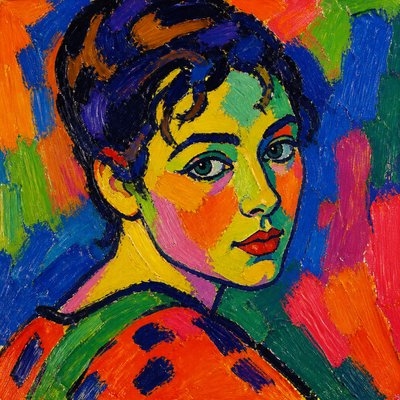
Compare Pixelated Block
Related Styles
Discover similar art styles