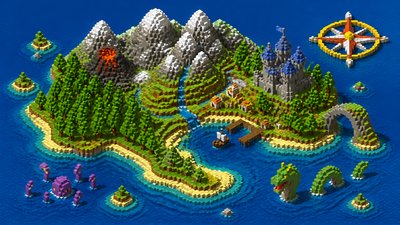
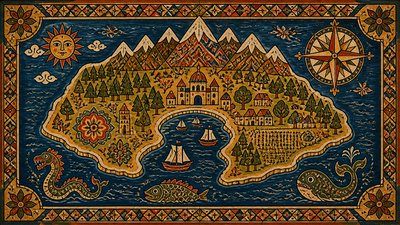
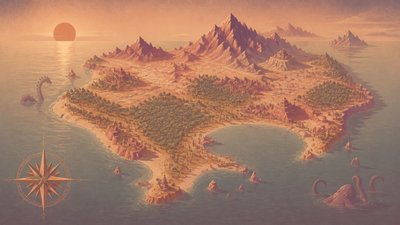
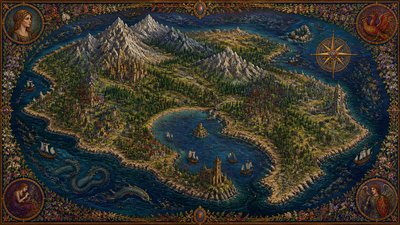
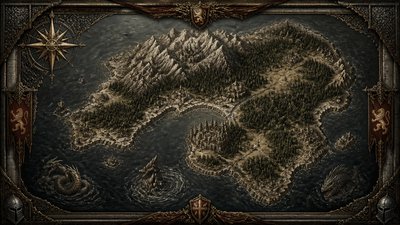
Pixelated Block Art Fantasy Map
Create Pixelated Block Art fantasy maps with AI — describe anything and get a widescreen fantasy map in seconds.
Rendered in Pixelated Block at 1536×864 — learn about this style
Why Pixelated Block Art Works for Fantasy maps
Pixelated Block Art uses visible square units, flat color, and hard edges to create a retro low-resolution look.
- ✦Visible square units: Forms are assembled from discrete pixel-like blocks rather than continuous lines or brushstrokes. The grid is part of the image’s identity, not something to disguise.
- ✦Limited color palette: The style often relies on a restrained set of colors, sometimes only a few hues. This creates strong readability and reinforces the retro digital character.
- ✦Flat color fields: Shading is minimal or simplified into stepped tonal changes. Large areas tend to remain flat, with little blending or painterly texture.
Those qualities translate directly into fantasy maps: the style stays readable at wide banner formats, and every generation is unique to your prompt. Want the full picture? Explore the Pixelated Block Art guide →
How It Works
Describe it
Type what you want your fantasy map to show.
Generate
The AI renders it in Pixelated Block Art at 1536×864 — regenerate and refine as much as you like.
Download & use
Save your fantasy map and use it anywhere.
Frequently Asked Questions
How do I make a Pixelated Block Art fantasy map?
Type what you want into the generator (or upload a photo), and it renders your fantasy map in Pixelated Block Art at 1536×864 — sized and framed for fantasy maps. You can iterate as many times as you like until it's right.
Is the Pixelated Block Art fantasy map maker free?
You can try it free — every new account gets credits to generate. No design skills or software needed.
Can I use my own photo?
Yes — switch to Image to Image mode, upload a photo, and it will be transformed into Pixelated Block Art while keeping your subject and composition.
What size is the fantasy map?
Fantasy maps generate at 1536×864 pixels (16:9 widescreen), and you can upscale or re-generate at other sizes in the generator.